Abacus.AI vs RLAMA
A detailed comparison to help you choose the right AI tool for your workflow.
Abacus.AI
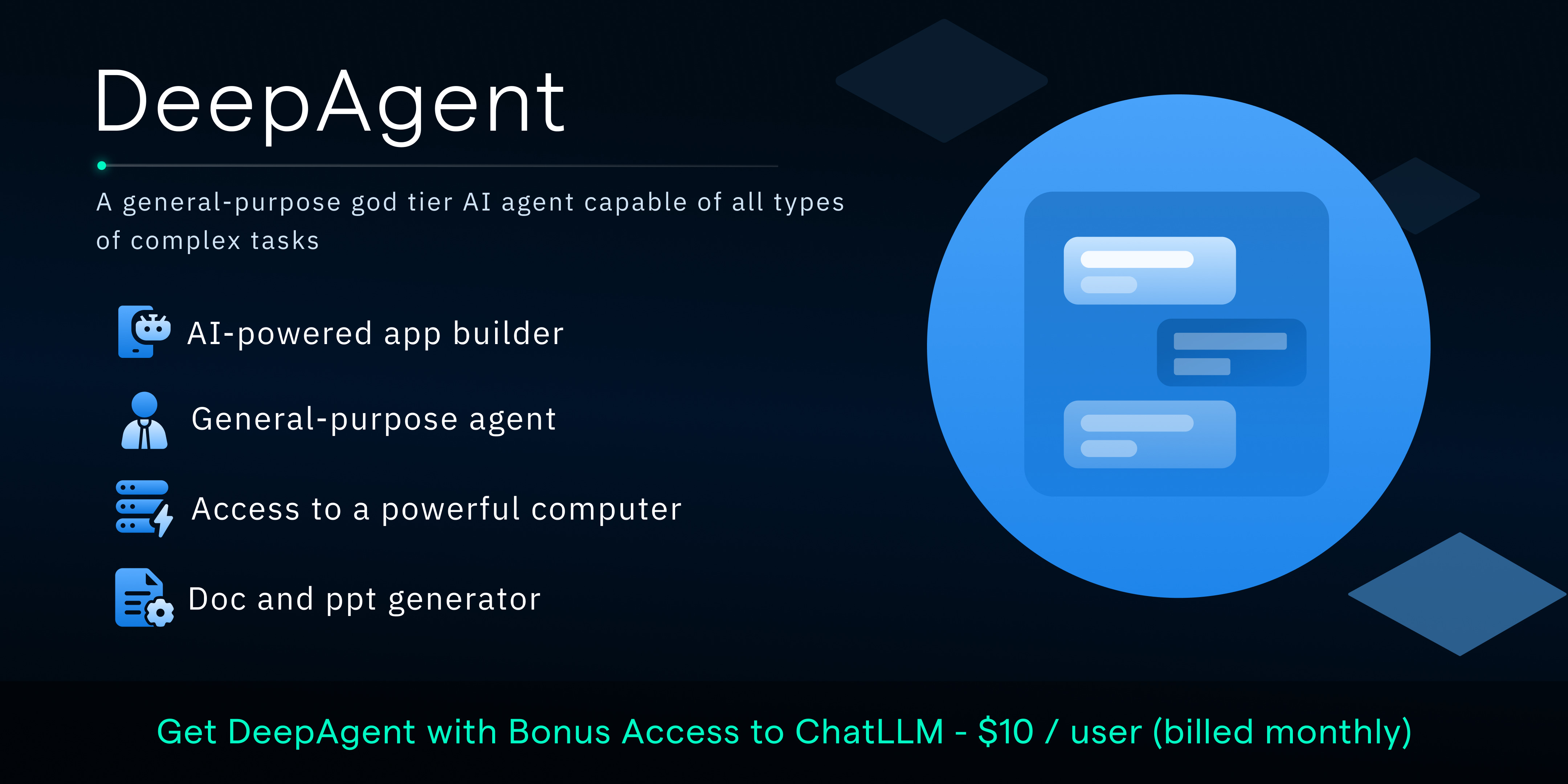
Abacus AI Agent is an advanced, general-purpose AI system capable of handling complex, end-to-end tasks. It allows users to generate a wide variety of professional assets, including full-stack mobile apps, multi-page websites, complex research reports, and marketing videos, all built on its cloud computer. It is designed for developers, marketers, and businesses needing to automate workflows and create solutions without manual coding. Its agentic nature allows it to perform deep tasks, such as parallelized financial research, running bug-free code review, or generating professional LinkedIn outreach campaigns. What sets Abacus AI apart is its versatility. It functions as a powerful hub, integrating over 100 AI models, connecting to systems like Stripe, and offering specialized capabilities ranging from invoice processing to advanced revenue analytics, making it a single point for diverse business needs.
View Abacus.AI →
RLAMA
RLAMA is a complete AI platform designed for building powerful, automated workflows by combining advanced Retrieval-Augmented Generation (RAG) systems with intelligent agents. It enables users to build, deploy, and manage AI-powered solutions for tasks ranging from simple document Q&A to complex, multi-agent collaborative projects. The platform is built for developers and users who require secure, private, and customizable AI solutions. It allows the creation of specialized AI agents and 'crews' that can work together in sequential or parallel steps to solve complex problems, supporting roles like researchers, writers, and analysts. What distinguishes RLAMA is its commitment to 100% local processing, ensuring no data is sent externally, maximizing privacy. It offers a visual RAG Builder that eliminates the need for coding, making advanced document analysis accessible to everyone.
View RLAMA →Feature Comparison
Abacus.AI
- •AI-powered app and website builder (no code)
- •Full-stack development and mobile app generation
- •Self-improving agent that autonomously fixes bugs
- •Integration with 100+ AI models and external APIs
- •Generates comprehensive reports, presentations, and videos
- •Specialized tasks like equity research and data analysis
RLAMA
- •100% local processing for maximum privacy
- •Multi-Agent orchestration and collaborative crews
- •Visual RAG Builder with no code required
- •Supports diverse file formats (.pdf, .md, .txt, etc.)
- •Flexible integration via HTTP API and cross-platform support
At a glance
| Abacus.AI | RLAMA | |
|---|---|---|
| Category | Productivity | Productivity |
| Pricing | Paid | Freemium |
| Community Rating | No reviews | No reviews |
| Upvotes on Stremit | 48 | 88 |
| Website | deepagent.abacus.ai ↗ | rlama.dev ↗ |
Abacus.AI vs RLAMA: Which is Better?
Choosing between Abacus.AI and RLAMA depends on your specific needs. Both tools belong to the Productivity category, making them direct competitors. Compare their pricing, features, and user reviews above to make the best choice for your workflow.
Visit the individual tool pages for more detailed information, community reviews, and feature breakdowns.
Frequently asked questions
What is the difference between Abacus.AI and RLAMA?
Abacus.AI: Abacus AI Agent is an advanced, general-purpose AI system capable of handling complex, end-to-end tasks. It allows users to generate a wide variety of professional assets, including full-stack mobile apps, multi-page… RLAMA: RLAMA is a complete AI platform designed for building powerful, automated workflows by combining advanced Retrieval-Augmented Generation (RAG) systems with intelligent agents. It enables users to build, deploy, and…
Is Abacus.AI free?
Abacus.AI is listed as Paid on Stremit. Check the tool's site for current plans.
Is RLAMA free?
RLAMA is listed as Freemium on Stremit. Check the tool's site for current plans.
Are Abacus.AI and RLAMA competitors?
Yes — both are Productivity tools on Stremit, so people often compare them before choosing.