Adobe Firefly vs VisualGPT: Free AI Image & Video Generator, Editor and Design Online
A detailed comparison to help you choose the right AI tool for your workflow.

Adobe Firefly
Adobe Firefly is a creative AI solution that generates images, video, audio, and more. It offers 30+ AI models and is described as an 'all-in-one AI creative studio' that provides speed, control, and creative freedom. It is suitable for users who need to generate creative content quickly and efficiently. It stands out from other tools by offering a comprehensive set of AI models in one place.
View Adobe Firefly →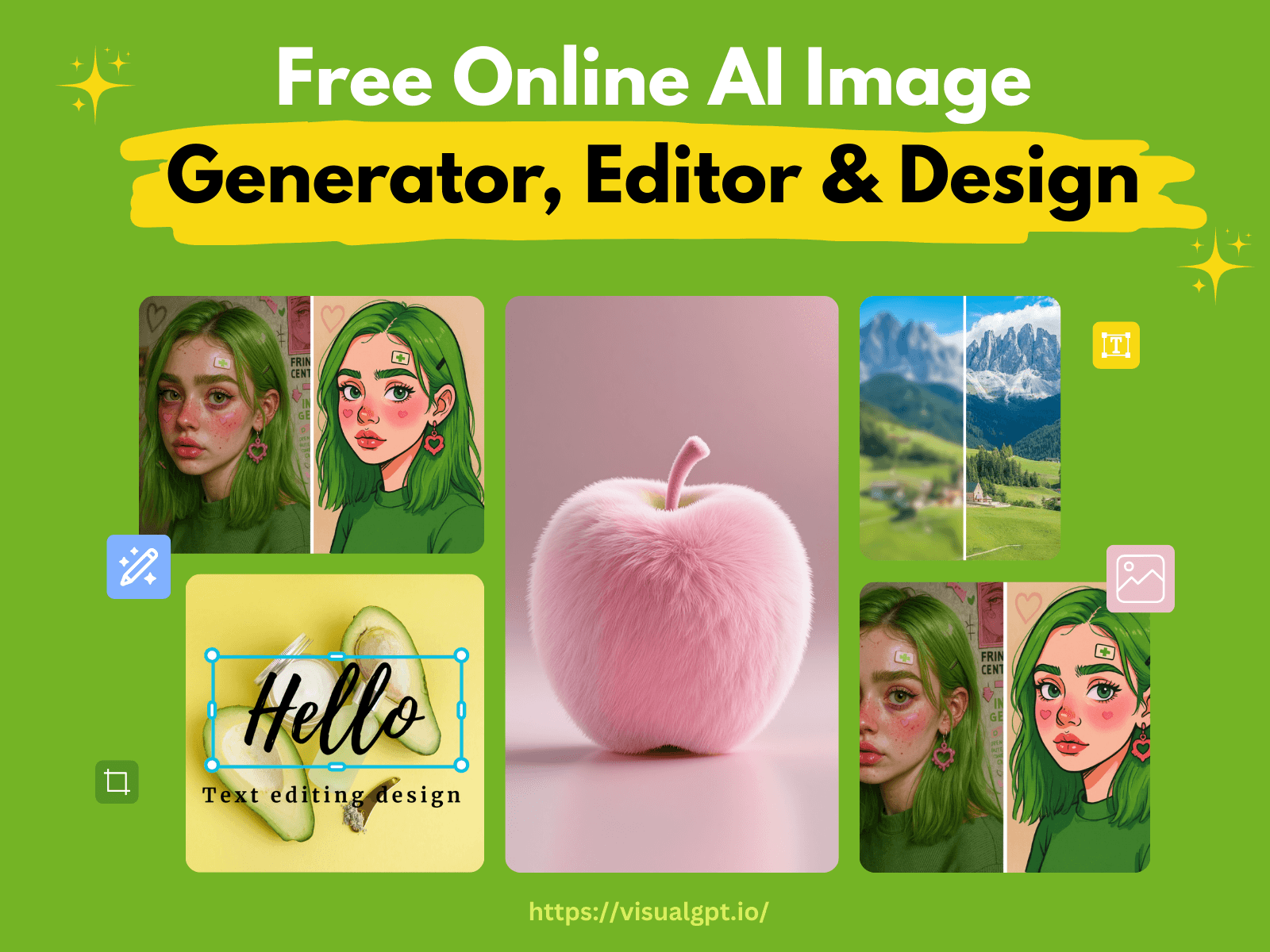
VisualGPT: Free AI Image & Video Generator, Editor and Design Online
VisualGPT is an AI creative suite for generating, editing, and enhancing images and videos. It turns ideas into product photos, AI portraits, and brand videos, with tools such as an AI image editor, AI headshot generator, virtual try-on, and Viral Studio for trending-style videos. It is built for e-commerce sellers, content creators, marketers, and design teams. Sellers can create white background shots, lifestyle scenes, and complete listing visuals for Amazon, Shopify, Etsy, and TikTok Shop. The platform gives access to 20+ AI models, including GPT Image 2, Nano Banana Pro, Seedance, Seedream, and Kling, in one place. Downloads are watermark-free, and commercial use is available with eligible paid plans or Lifetime Credits, subject to the Terms and model restrictions.
View VisualGPT: Free AI Image & Video Generator, Editor and Design Online →Feature Comparison
Adobe Firefly
- •Generate images
- •Generate video
- •Generate audio
- •30+ AI models
VisualGPT: Free AI Image & Video Generator, Editor and Design Online
- •Product photos and AI model try-ons
- •AI image editor and AI headshot generator
- •Static images turned into videos with lip-sync product demos
- •Access to 20+ AI models in one platform
- •Watermark-free downloads
- •Commercial use with eligible paid plans
At a glance
| Adobe Firefly | VisualGPT: Free AI Image & Video Generator, Editor and Design Online | |
|---|---|---|
| Category | Image Generation | Image Generation |
| Pricing | Freemium | Freemium |
| Community Rating | No reviews | No reviews |
| Upvotes on Stremit | 62 | 77 |
| Website | firefly.adobe.com ↗ | visualgpt.io ↗ |
Adobe Firefly vs VisualGPT: Free AI Image & Video Generator, Editor and Design Online: Which is Better?
Choosing between Adobe Firefly and VisualGPT: Free AI Image & Video Generator, Editor and Design Online depends on your specific needs. Both tools belong to the Image Generation category, making them direct competitors. Compare their pricing, features, and user reviews above to make the best choice for your workflow.
Visit the individual tool pages for more detailed information, community reviews, and feature breakdowns.
Frequently asked questions
What is the difference between Adobe Firefly and VisualGPT: Free AI Image & Video Generator, Editor and Design Online?
Adobe Firefly: Adobe Firefly is a creative AI solution that generates images, video, audio, and more. It offers 30+ AI models and is described as an 'all-in-one AI creative studio' that provides speed, control, and creative freedom.… VisualGPT: Free AI Image & Video Generator, Editor and Design Online: VisualGPT is an AI creative suite for generating, editing, and enhancing images and videos. It turns ideas into product photos, AI portraits, and brand videos, with tools such as an AI image editor, AI headshot…
Is Adobe Firefly free?
Adobe Firefly is listed as Freemium on Stremit. Check the tool's site for current plans.
Is VisualGPT: Free AI Image & Video Generator, Editor and Design Online free?
VisualGPT: Free AI Image & Video Generator, Editor and Design Online is listed as Freemium on Stremit. Check the tool's site for current plans.
Are Adobe Firefly and VisualGPT: Free AI Image & Video Generator, Editor and Design Online competitors?
Yes — both are Image Generation tools on Stremit, so people often compare them before choosing.