AVCLabs AI: Enhance Your Video and Photo Quality with AI vs SpriteFlow
A detailed comparison to help you choose the right AI tool for your workflow.
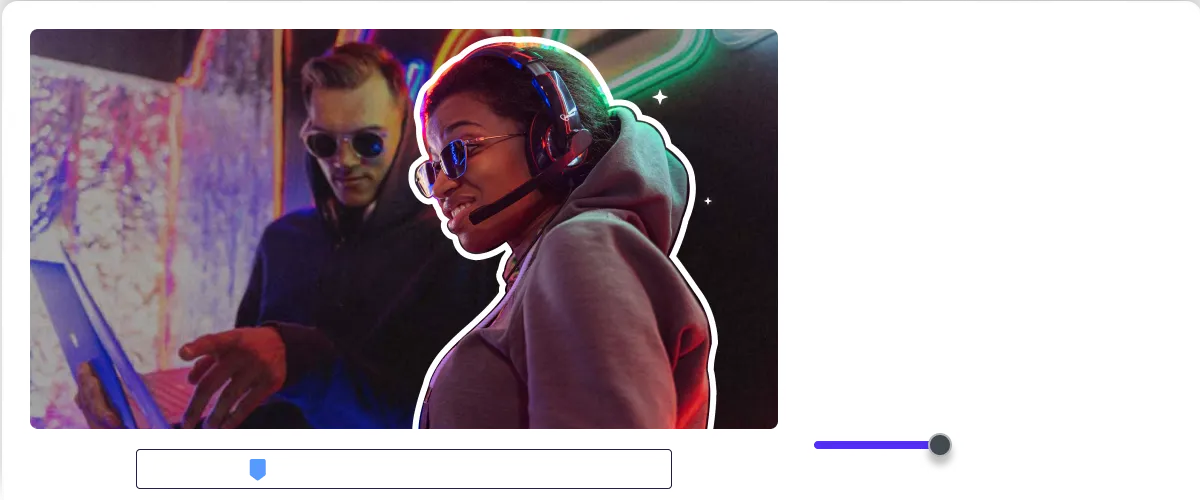
AVCLabs AI: Enhance Your Video and Photo Quality with AI
AVCLabs AI is a set of AI tools for enhancing, editing, and creating video and photo content. Its video tools upscale low-resolution footage to high definition, reduce blur, restore facial details, stabilize footage, and remove watermarks. Its photo tools improve image quality, restore old photos, colorize images, and reduce noise. The products can be used on desktop or online. The tools suit users who need to improve media quality or hide details such as faces, license plates, and objects without manual editing. Video Blur AI detects and blurs these elements automatically, and the company says it can reduce manual editing work by up to 99%. The lineup covers both video and photo editing under one brand. Users can choose between desktop software and online tools, depending on how they want to work.
View AVCLabs AI: Enhance Your Video and Photo Quality with AI →
SpriteFlow
SpriteFlow is an AI sprite generator that creates production-ready game assets, including character animations, sprite sheets, and JSON atlases. It generates full animation cycles—such as walking, idle, and attack—by simply describing the character or uploading an image. The tool also supports creating unique assets like NPC variations, props, and 8-directional sprites for isometric views. It is designed for game developers, particularly solo indie developers, who need to create assets quickly without manual pixel-by-pixel drawing skills. Unlike traditional methods that require dozens of hours for consistency, SpriteFlow generates complete character sheets in minutes. Its core advantage is guaranteeing perfect style consistency across every single frame, maintaining identical colors and proportions. The system allows users to upload a character or describe them, select an animation type, and generate the necessary frames. Assets can then be exported with one click to major game engines like Unity, Godot, or Unreal, complete with metadata and animation controller presets.
View SpriteFlow →Feature Comparison
AVCLabs AI: Enhance Your Video and Photo Quality with AI
- •Upscales low-resolution videos to HD, 4K, and 8K
- •Automatically blurs faces, objects, and license plates in video
- •Removes watermarks, logos, text, and subtitles
- •Restores old photos and adds colorization
- •Reduces noise and sharpens images
- •Available as desktop software or online tools
SpriteFlow
- •Guaranteed style consistency across all frames
- •Automatic sprite sheet grid packing and JSON metadata
- •Supports 8-directional sprites (isometric/top-down)
- •Generates complete animation sets (walk, idle, attack, etc.)
- •One-click export to Unity, Godot, and Unreal
At a glance
| AVCLabs AI: Enhance Your Video and Photo Quality with AI | SpriteFlow | |
|---|---|---|
| Category | Design & UI | Design & UI |
| Pricing | Freemium | Freemium |
| Community Rating | No reviews | No reviews |
| Upvotes on Stremit | 83 | 71 |
| Website | avclabs.com ↗ | spriteflow.io ↗ |
AVCLabs AI: Enhance Your Video and Photo Quality with AI vs SpriteFlow: Which is Better?
Choosing between AVCLabs AI: Enhance Your Video and Photo Quality with AI and SpriteFlow depends on your specific needs. Both tools belong to the Design & UI category, making them direct competitors. Compare their pricing, features, and user reviews above to make the best choice for your workflow.
Visit the individual tool pages for more detailed information, community reviews, and feature breakdowns.
Frequently asked questions
What is the difference between AVCLabs AI: Enhance Your Video and Photo Quality with AI and SpriteFlow?
AVCLabs AI: Enhance Your Video and Photo Quality with AI: AVCLabs AI is a set of AI tools for enhancing, editing, and creating video and photo content. Its video tools upscale low-resolution footage to high definition, reduce blur, restore facial details, stabilize footage,… SpriteFlow: SpriteFlow is an AI sprite generator that creates production-ready game assets, including character animations, sprite sheets, and JSON atlases. It generates full animation cycles—such as walking, idle, and attack—by…
Is AVCLabs AI: Enhance Your Video and Photo Quality with AI free?
AVCLabs AI: Enhance Your Video and Photo Quality with AI is listed as Freemium on Stremit. Check the tool's site for current plans.
Is SpriteFlow free?
SpriteFlow is listed as Freemium on Stremit. Check the tool's site for current plans.
Are AVCLabs AI: Enhance Your Video and Photo Quality with AI and SpriteFlow competitors?
Yes — both are Design & UI tools on Stremit, so people often compare them before choosing.