ChatGPT Writer: Use AI on Any Site. Powered by GPT vs 1ClickClaw
A detailed comparison to help you choose the right AI tool for your workflow.
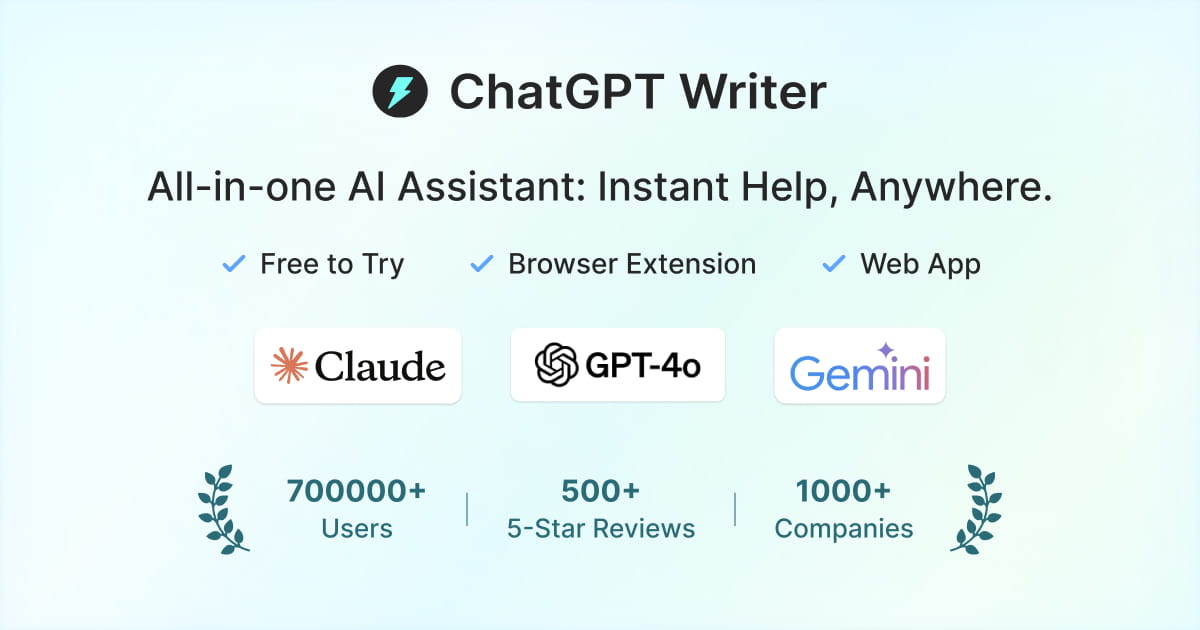
ChatGPT Writer: Use AI on Any Site. Powered by GPT
JetWriter AI is a free AI browser extension that assists with writing emails, correcting grammar, translating, researching, and more on any site. It uses AI models like GPT-6, Claude, and Gemini. The tool provides personalized responses, auto-drafts replies, and integrates with popular sites like Gmail. It also supports multiple languages and has a user-friendly interface. It is free to try and available on Chrome, Desktop, and Mobile. JetWriter AI is different from other tools because it offers a personalized AI writing assistant that learns from past conversations to deliver more personalized responses. It also has a feature to switch between different AI models during a chat to get responses that better meet your needs. This tool is suitable for individuals and businesses who want to improve their writing skills and productivity. It is highly rated by users and companies, and is committed to quality and functionality.
View ChatGPT Writer: Use AI on Any Site. Powered by GPT →
1ClickClaw
1ClickClaw allows users to deploy a personal AI assistant, OpenClaw, to messaging platforms like Telegram, Discord, or WhatsApp with just one click. The service handles all the complex backend setup, launching OpenClaw on a dedicated cloud server running 24/7. It is designed for non-technical users who do not require DevOps knowledge, servers, or SSH access. Users can bypass lengthy, complex setup processes that can take over 45 minutes, making deployment fast and simple. Key benefits include connecting multiple channels, zero configuration hassle, and the ability to deploy your AI assistant in under a minute, all without needing to manually manage models or infrastructure.
View 1ClickClaw →Feature Comparison
ChatGPT Writer: Use AI on Any Site. Powered by GPT
No features listed yet.
1ClickClaw
- •Connects to Telegram, Discord, or WhatsApp
- •One-click deployment to cloud servers
- •No servers, SSH, or DevOps required
- •Deployment in under a minute
- •Smart model routing to reduce token spend
At a glance
| ChatGPT Writer: Use AI on Any Site. Powered by GPT | 1ClickClaw | |
|---|---|---|
| Category | Chatbot & Assistant | Chatbot & Assistant |
| Pricing | Free Trial | Paid |
| Community Rating | No reviews | No reviews |
| Upvotes on Stremit | 85 | 88 |
| Website | chatgptwriter.ai ↗ | 1clickclaw.app ↗ |
ChatGPT Writer: Use AI on Any Site. Powered by GPT vs 1ClickClaw: Which is Better?
Choosing between ChatGPT Writer: Use AI on Any Site. Powered by GPT and 1ClickClaw depends on your specific needs. Both tools belong to the Chatbot & Assistant category, making them direct competitors. Compare their pricing, features, and user reviews above to make the best choice for your workflow.
Visit the individual tool pages for more detailed information, community reviews, and feature breakdowns.
Frequently asked questions
What is the difference between ChatGPT Writer: Use AI on Any Site. Powered by GPT and 1ClickClaw?
ChatGPT Writer: Use AI on Any Site. Powered by GPT: JetWriter AI is a free AI browser extension that assists with writing emails, correcting grammar, translating, researching, and more on any site. It uses AI models like GPT-6, Claude, and Gemini. The tool provides… 1ClickClaw: 1ClickClaw allows users to deploy a personal AI assistant, OpenClaw, to messaging platforms like Telegram, Discord, or WhatsApp with just one click. The service handles all the complex backend setup, launching OpenClaw…
Is ChatGPT Writer: Use AI on Any Site. Powered by GPT free?
ChatGPT Writer: Use AI on Any Site. Powered by GPT is listed as Free Trial on Stremit. Check the tool's site for current plans.
Is 1ClickClaw free?
1ClickClaw is listed as Paid on Stremit. Check the tool's site for current plans.
Are ChatGPT Writer: Use AI on Any Site. Powered by GPT and 1ClickClaw competitors?
Yes — both are Chatbot & Assistant tools on Stremit, so people often compare them before choosing.