Claude Cowork vs AI Agent Marketplace
A detailed comparison to help you choose the right AI tool for your workflow.

Claude Cowork
Claude Cowork is an autonomous AI agent designed to complete complex knowledge work tasks across various tools and files. Users can assign a goal, and the agent works directly with organizational data to generate polished deliverables like spreadsheets, decks, and documents for review. It is ideal for knowledge workers who handle recurring, intricate processes, such as reconciling regional budget exports, synthesizing data from multiple web sources, or performing first-pass contract reviews. It streamlines repetitive tasks, allowing users to focus on review rather than assembly. Unlike standard chat interactions, Cowork runs continuously across web, desktop, and mobile devices, regardless of user location. It provides full transparency by showing every file opened and tool used, and it can schedule tasks to run unattended on a specified cadence.
View Claude Cowork →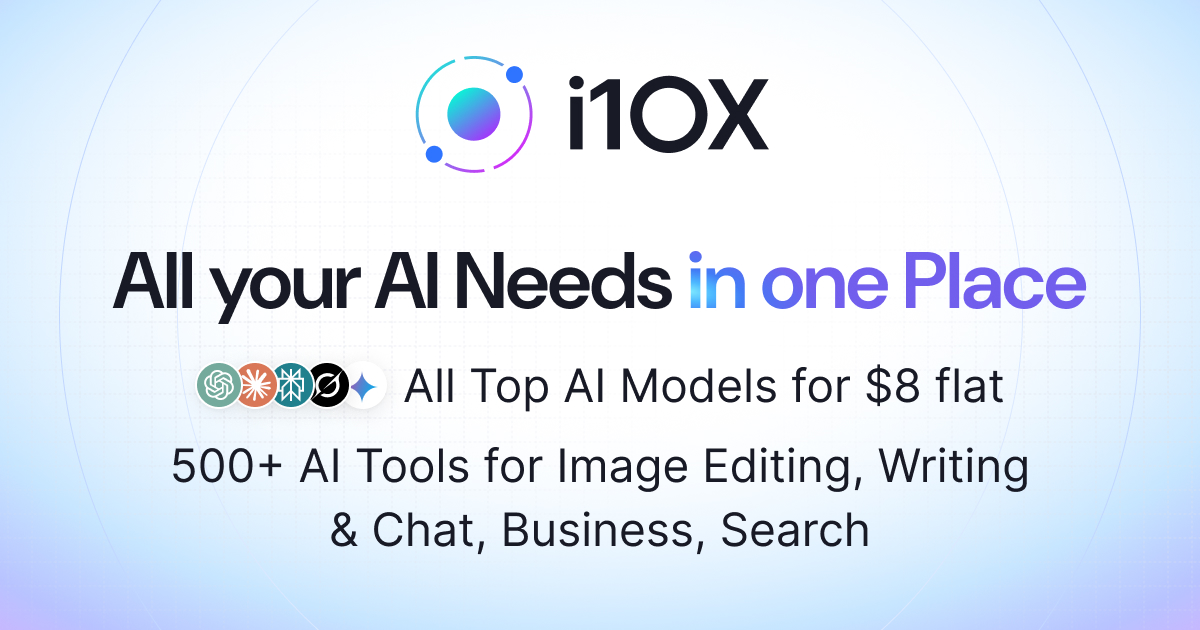
AI Agent Marketplace
i10X is an all-in-one AI Workspace designed to provide a single platform for over 500 AI tools and leading Large Language Models, including ChatGPT, Claude, Gemini, Perplexity, and Grok. Users can automate complex tasks through Workflows, build custom agents, and integrate data from sources like emails and documents. It is for both individual users and enterprise teams requiring operational efficiency. The platform supports features like content creation, image generation, and video ads, while also providing enterprise-grade security and compliance features, such as GDPR adherence. What differentiates i10X is its ability to centralize the AI stack, replacing the need to manage multiple logins and vendors. It allows users to build and scale advanced automations and workflows within one cohesive environment.
View AI Agent Marketplace →Feature Comparison
Claude Cowork
- •Autonomous task execution across files and tools
- •Cross-device workflow (web, desktop, mobile)
- •Scheduled and unattended task running
- •Built-in browser for web tasks
- •Seamless integration with 365 and SaaS tools
- •Detailed step-by-step process visualization
AI Agent Marketplace
- •Access to 500+ AI tools and models
- •Custom Agent Builder for automation
- •AI powered workflow integrations
- •Image and video generation
- •Data syncing across apps and documents
At a glance
| Claude Cowork | AI Agent Marketplace | |
|---|---|---|
| Category | Productivity | Productivity |
| Pricing | Paid | Paid |
| Community Rating | No reviews | No reviews |
| Upvotes on Stremit | 87 | 207 |
| Website | claude.com ↗ | i10x.ai?fpr=pif ↗ |
Claude Cowork vs AI Agent Marketplace: Which is Better?
Choosing between Claude Cowork and AI Agent Marketplace depends on your specific needs. Both tools belong to the Productivity category, making them direct competitors. Compare their pricing, features, and user reviews above to make the best choice for your workflow.
Visit the individual tool pages for more detailed information, community reviews, and feature breakdowns.
Frequently asked questions
What is the difference between Claude Cowork and AI Agent Marketplace?
Claude Cowork: Claude Cowork is an autonomous AI agent designed to complete complex knowledge work tasks across various tools and files. Users can assign a goal, and the agent works directly with organizational data to generate… AI Agent Marketplace: i10X is an all-in-one AI Workspace designed to provide a single platform for over 500 AI tools and leading Large Language Models, including ChatGPT, Claude, Gemini, Perplexity, and Grok. Users can automate complex tasks…
Is Claude Cowork free?
Claude Cowork is listed as Paid on Stremit. Check the tool's site for current plans.
Is AI Agent Marketplace free?
AI Agent Marketplace is listed as Paid on Stremit. Check the tool's site for current plans.
Are Claude Cowork and AI Agent Marketplace competitors?
Yes — both are Productivity tools on Stremit, so people often compare them before choosing.