Clippie AI vs VideoIdeas.ai
A detailed comparison to help you choose the right AI tool for your workflow.
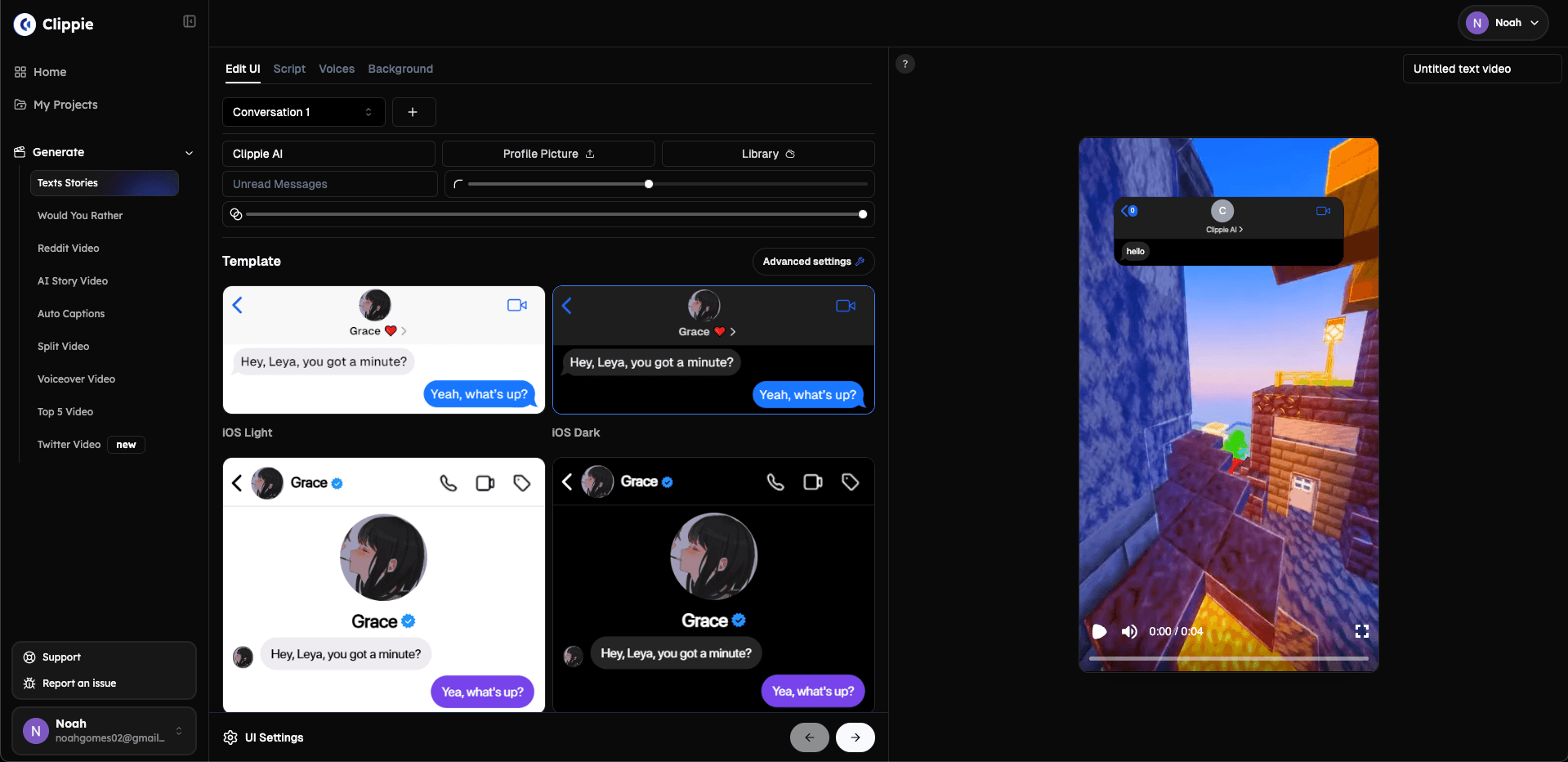
Clippie AI
Clippie is an AI video tool that turns a story idea into a finished faceless video. Its script writer develops ideas scene by scene, and the same project generates characters, scenes, narration, captions, and animation. Styles include stickman stories, talking fruit videos, cartoons, and 16:9 templates for long-form YouTube content. It is built for creators who make short-form story or explainer videos and want to avoid moving files between separate tools. The website says it is trusted by 1,000,000+ creators. Videos can be created through the dashboard, an API, or MCP. What sets Clippie apart is that scripts, characters, voices, captions, and scenes all live in one workflow and one editor. Users can fine-tune scenes, voices, and pacing before exporting the finished story.
View Clippie AI →
VideoIdeas.ai
VideoIdeas Studio is a YouTube video script generating assistant that helps users turn their ideas into films. Planning is free, and users can refine the story and preview frames before committing to a render. The tool generates videos from 15 seconds to five minutes long and costs credits, with pricing starting at $9/month for the Basic plan. The credit cost is shown before a user approves the render. The tool is designed to be a creative partner, helping users bring their thoughts and ideas to life. It analyzes the user's channel to provide tailored suggestions and can clone their speaking style for consistent content. The video generation process runs in three stages: finding the feeling worth sharing behind an idea, building a story, and turning the words into movement and light. The tool is useful for creators who want to speed up their content planning process and produce high-quality videos quickly and easily. It offers a range of features, including full script generation, channel analysis, style cloning, and YouTube SEO optimization.
View VideoIdeas.ai →Feature Comparison
Clippie AI
- •Script writer for scene-by-scene story development
- •Character and scene generation in the same project
- •Narration generation with captions and timing
- •Animation of chosen moments
- •Stickman, talking fruit, and cartoon styles
- •Dashboard, API, and MCP access
VideoIdeas.ai
- •Full script generation
- •Channel analysis
- •Style cloning
- •YouTube SEO optimization
- •Video generation from 15 seconds to 5 minutes
- •Refine story and preview frames before render
At a glance
| Clippie AI | VideoIdeas.ai | |
|---|---|---|
| Category | Video Generation | Video Generation |
| Pricing | Premium | Paid |
| Community Rating | No reviews | No reviews |
| Upvotes on Stremit | 25 | 85 |
| Website | clippie.ai ↗ | videoideas.ai ↗ |
Clippie AI vs VideoIdeas.ai: Which is Better?
Choosing between Clippie AI and VideoIdeas.ai depends on your specific needs. Both tools belong to the Video Generation category, making them direct competitors. Compare their pricing, features, and user reviews above to make the best choice for your workflow.
Visit the individual tool pages for more detailed information, community reviews, and feature breakdowns.
Frequently asked questions
What is the difference between Clippie AI and VideoIdeas.ai?
Clippie AI: Clippie is an AI video tool that turns a story idea into a finished faceless video. Its script writer develops ideas scene by scene, and the same project generates characters, scenes, narration, captions, and animation.… VideoIdeas.ai: VideoIdeas Studio is a YouTube video script generating assistant that helps users turn their ideas into films. Planning is free, and users can refine the story and preview frames before committing to a render. The tool…
Is Clippie AI free?
Clippie AI is listed as Premium on Stremit. Check the tool's site for current plans.
Is VideoIdeas.ai free?
VideoIdeas.ai is listed as Paid on Stremit. Check the tool's site for current plans.
Are Clippie AI and VideoIdeas.ai competitors?
Yes — both are Video Generation tools on Stremit, so people often compare them before choosing.