CogVideo vs CapCut (cup-cut.pro)
A detailed comparison to help you choose the right AI tool for your workflow.
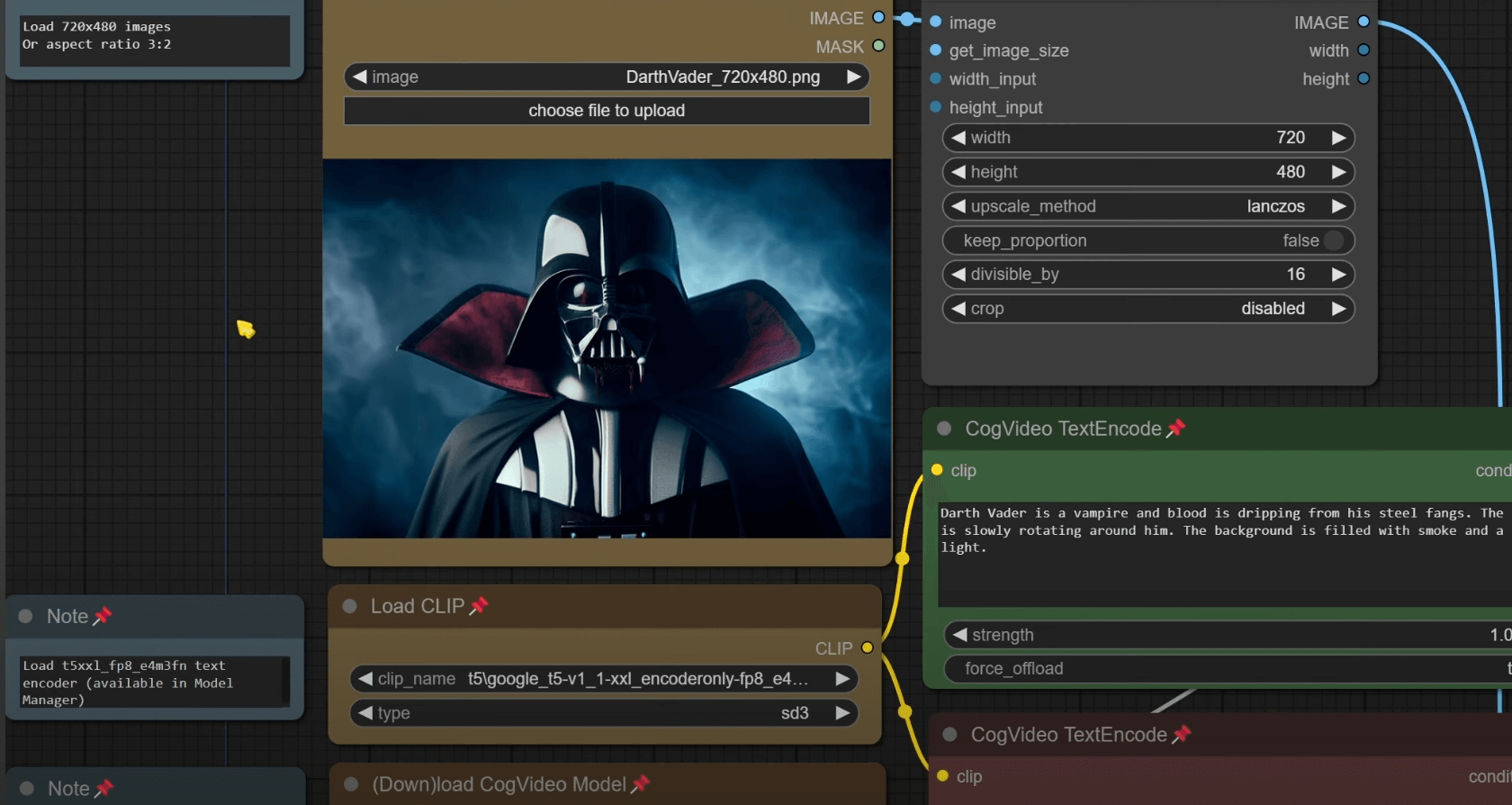
CogVideo
CogVideo is an AI video generator that enables users to create video content through three methods: Text-to-Video, Image-to-Video, and Video-to-Video generation. Users can turn a simple written prompt, an existing still photo, or a pre-recorded clip into a moving video directly in their web browser. It is ideal for social media creators needing continuous content, marketers creating rapid ad variations, and e-commerce sellers who want to add motion to static product photos. The platform bypasses the need for complex editing software, keyframes, or local GPU resources. The tool operates in three simple steps: describing the scene, generating the clip on the server, and downloading the finished video file. This allows users to go from an idea to a post-ready clip without leaving the browser tab.
View CogVideo →
CapCut (cup-cut.pro)
CapCut.pro is an online AI video generator that allows users to create video content from written text prompts or still reference images. The platform provides a comprehensive workspace to animate photos, generate entirely new scenes, and control key settings such as motion, duration, resolution, and aspect ratio (including formats for TikTok, YouTube Shorts, and general web use). It is designed for content creators, marketers, and e-commerce sellers who need high-quality, short-form visual stories. Users can create everything from product showcase ads and promotional concepts to cinematic B-roll and social media clips without needing a dedicated shoot. The tool's strength lies in unifying text-to-video and image-to-video generation in a single workspace. New users can start immediately with free daily credits, offering full functionality without the requirement of a credit card.
View CapCut (cup-cut.pro) →Feature Comparison
CogVideo
- •Text-to-Video generation from prompts
- •Image-to-Video animation of stills
- •Video-to-Video restyling of footage
- •Runs entirely in the browser (no install)
- •Built-in prompt help suggestions
- •No need for GPU or timeline editing
CapCut (cup-cut.pro)
- •Text-to-Video generation from prompts
- •Image-to-Video animation
- •AI Product Showcase Videos
- •Custom aspect ratio and model control
- •AI Image Editor and Upscaler
At a glance
| CogVideo | CapCut (cup-cut.pro) | |
|---|---|---|
| Category | Video Generation | Video Generation |
| Pricing | Freemium | Freemium |
| Community Rating | No reviews | No reviews |
| Upvotes on Stremit | 88 | 0 |
| Website | cogvideo.net ↗ | cup-cut.pro ↗ |
CogVideo vs CapCut (cup-cut.pro): Which is Better?
Choosing between CogVideo and CapCut (cup-cut.pro) depends on your specific needs. Both tools belong to the Video Generation category, making them direct competitors. Compare their pricing, features, and user reviews above to make the best choice for your workflow.
Visit the individual tool pages for more detailed information, community reviews, and feature breakdowns.
Frequently asked questions
What is the difference between CogVideo and CapCut (cup-cut.pro)?
CogVideo: CogVideo is an AI video generator that enables users to create video content through three methods: Text-to-Video, Image-to-Video, and Video-to-Video generation. Users can turn a simple written prompt, an existing still… CapCut (cup-cut.pro): CapCut.pro is an online AI video generator that allows users to create video content from written text prompts or still reference images. The platform provides a comprehensive workspace to animate photos, generate…
Is CogVideo free?
CogVideo is listed as Freemium on Stremit. Check the tool's site for current plans.
Is CapCut (cup-cut.pro) free?
CapCut (cup-cut.pro) is listed as Freemium on Stremit. Check the tool's site for current plans.
Are CogVideo and CapCut (cup-cut.pro) competitors?
Yes — both are Video Generation tools on Stremit, so people often compare them before choosing.