CogVideo vs Invideo AI
A detailed comparison to help you choose the right AI tool for your workflow.
CogVideo
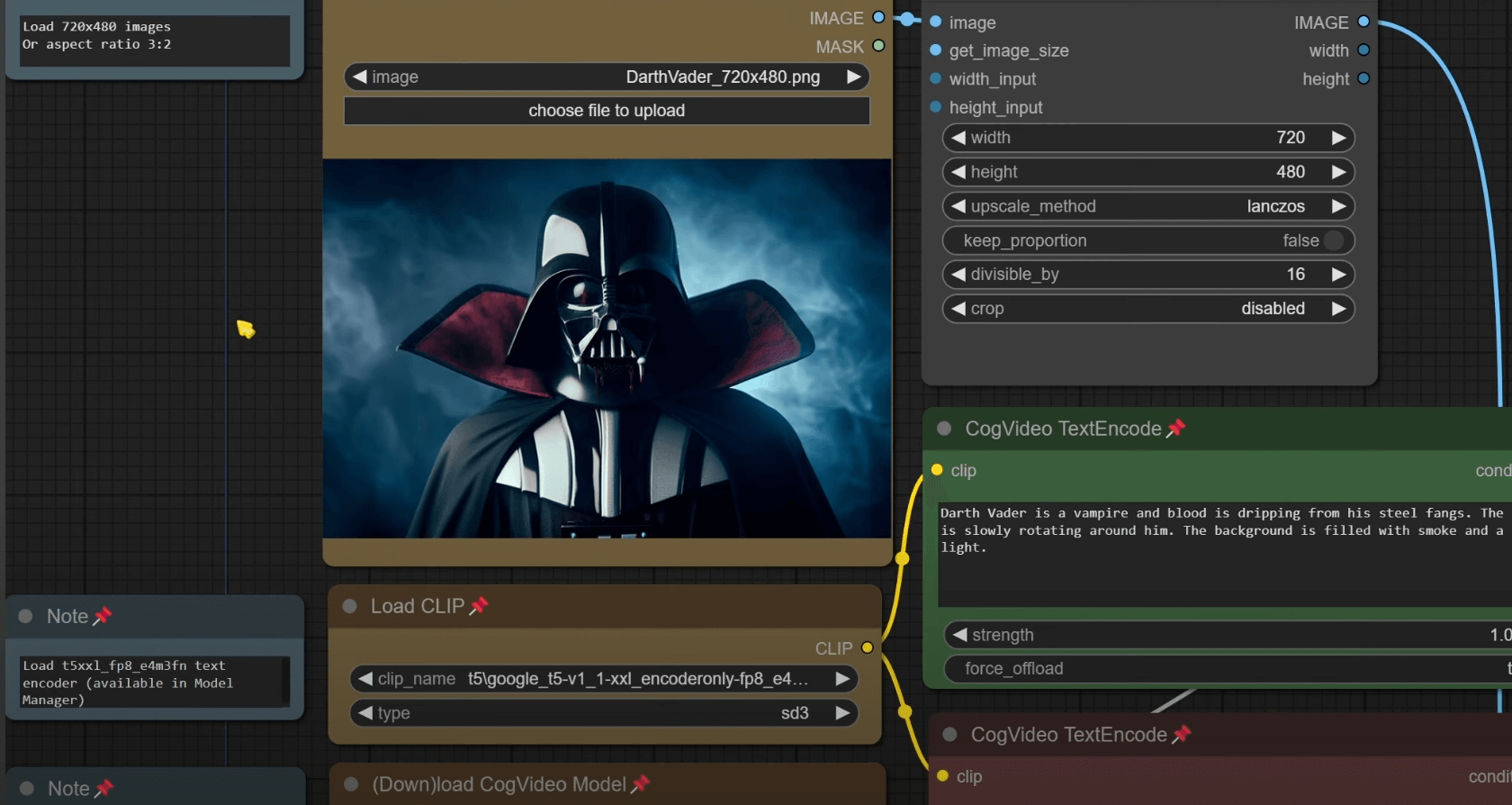
CogVideo is an AI video generator that enables users to create video content through three methods: Text-to-Video, Image-to-Video, and Video-to-Video generation. Users can turn a simple written prompt, an existing still photo, or a pre-recorded clip into a moving video directly in their web browser. It is ideal for social media creators needing continuous content, marketers creating rapid ad variations, and e-commerce sellers who want to add motion to static product photos. The platform bypasses the need for complex editing software, keyframes, or local GPU resources. The tool operates in three simple steps: describing the scene, generating the clip on the server, and downloading the finished video file. This allows users to go from an idea to a post-ready clip without leaving the browser tab.
View CogVideo →
Invideo AI
Invideo allows users to create and edit videos using an agentic editor, letting AI agents handle detailed tasks like trimming, grading, and mixing. The platform supports describing edits in plain words, which the agent applies across multiple shots on a multitrack timeline. Advanced features include storyboarding tools, AI co-writing, and the ability to collaborate in real-time multiplayer mode. It is designed for serious creatives and editors who do not want to be prompt engineers. Users can create custom agents—such as a cinematographer or sound designer—or connect existing external agents (like Claude, ChatGPT, or Gemini) to perform specific actions directly on the timeline. What distinguishes Invideo is its robust agent system, which allows it to integrate multiple AI services to manage a production pipeline. Annual plans offer unlimited access to advanced image models like Nano Banana 2.1 and Ideogram 4.5 for 30 days, helping users scale content across various formats.
View Invideo AI →Feature Comparison
CogVideo
- •Text-to-Video generation from prompts
- •Image-to-Video animation of stills
- •Video-to-Video restyling of footage
- •Runs entirely in the browser (no install)
- •Built-in prompt help suggestions
- •No need for GPU or timeline editing
Invideo AI
- •Agentic video editing with Agent Two
- •Real-time multiplayer collaboration
- •Custom agent creation
- •Integration with external AI agents (e.g., ChatGPT)
- •Storyboarding and AI co-writing
At a glance
| CogVideo | Invideo AI | |
|---|---|---|
| Category | Video Generation | Video Generation |
| Pricing | Freemium | Paid |
| Community Rating | No reviews | 4.0 / 5 (1 reviews) |
| Upvotes on Stremit | 88 | 214 |
| Website | cogvideo.net ↗ | invideo.io ↗ |
CogVideo vs Invideo AI: Which is Better?
Choosing between CogVideo and Invideo AI depends on your specific needs. Both tools belong to the Video Generation category, making them direct competitors. Compare their pricing, features, and user reviews above to make the best choice for your workflow.
Visit the individual tool pages for more detailed information, community reviews, and feature breakdowns.
Frequently asked questions
What is the difference between CogVideo and Invideo AI?
CogVideo: CogVideo is an AI video generator that enables users to create video content through three methods: Text-to-Video, Image-to-Video, and Video-to-Video generation. Users can turn a simple written prompt, an existing still… Invideo AI: Invideo allows users to create and edit videos using an agentic editor, letting AI agents handle detailed tasks like trimming, grading, and mixing. The platform supports describing edits in plain words, which the agent…
Is CogVideo free?
CogVideo is listed as Freemium on Stremit. Check the tool's site for current plans.
Is Invideo AI free?
Invideo AI is listed as Paid on Stremit. Check the tool's site for current plans.
Are CogVideo and Invideo AI competitors?
Yes — both are Video Generation tools on Stremit, so people often compare them before choosing.