CogVideo vs Video BG Remover
A detailed comparison to help you choose the right AI tool for your workflow.
CogVideo
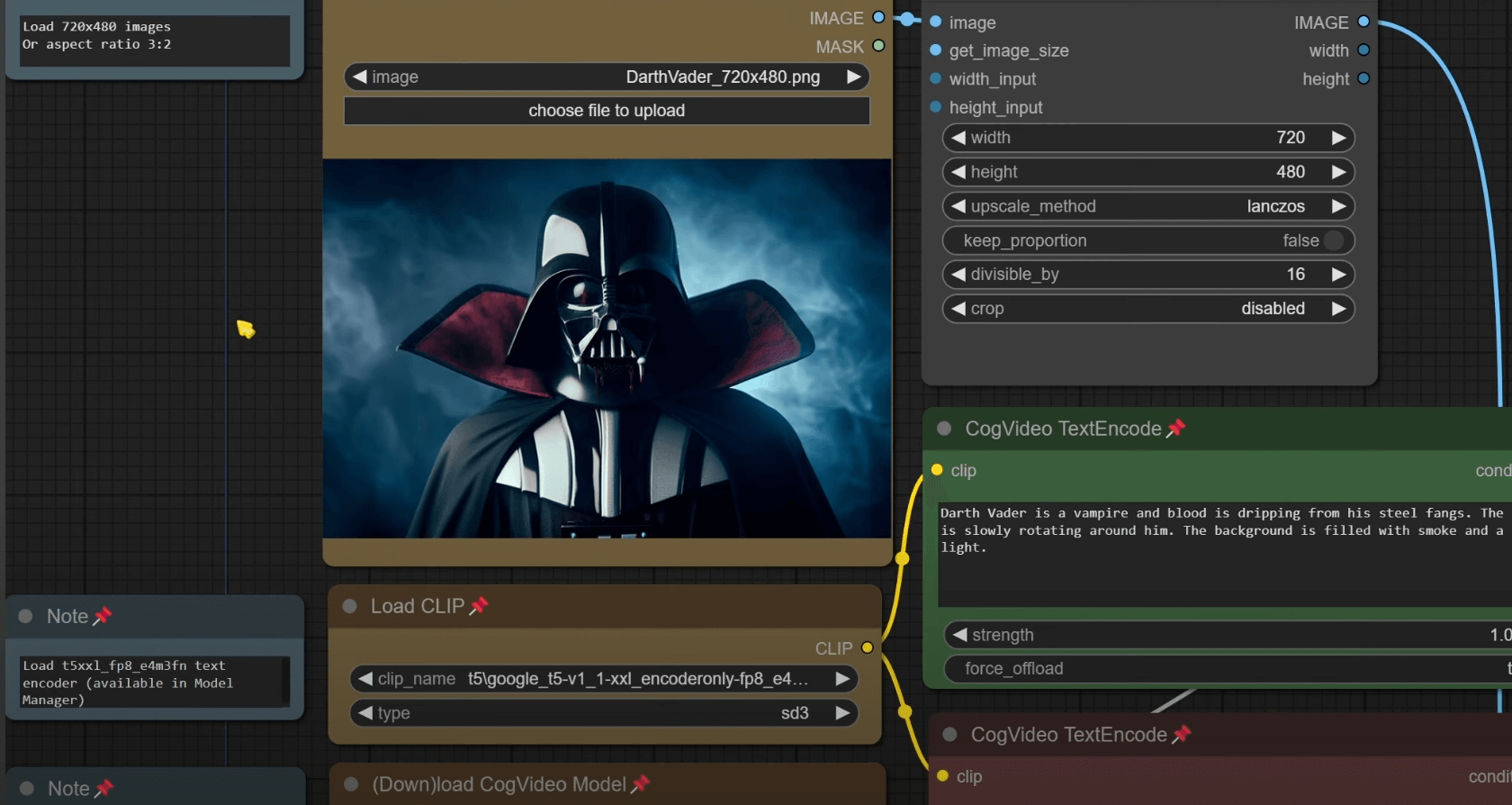
CogVideo is an AI video generator that enables users to create video content through three methods: Text-to-Video, Image-to-Video, and Video-to-Video generation. Users can turn a simple written prompt, an existing still photo, or a pre-recorded clip into a moving video directly in their web browser. It is ideal for social media creators needing continuous content, marketers creating rapid ad variations, and e-commerce sellers who want to add motion to static product photos. The platform bypasses the need for complex editing software, keyframes, or local GPU resources. The tool operates in three simple steps: describing the scene, generating the clip on the server, and downloading the finished video file. This allows users to go from an idea to a post-ready clip without leaving the browser tab.
View CogVideo →
Video BG Remover
Video Background Remover is an advanced online AI tool designed to accurately remove backgrounds from videos. It uses deep learning technology to detect and isolate subjects, allowing users to create background-free videos while preserving original video quality and detail. The tool supports multiple formats, including MP4, MOV, AVI, and MKV, and can export with a transparent alpha channel (using WebM) or a custom color/blur background. It is ideal for creators, marketers, and e-commerce businesses needing professional content without a green screen setup. Its use cases range from product demonstrations and talking-head interviews to virtual presentations, allowing users to easily replace indoor or outdoor settings. Furthermore, it can handle complex scenes, multiple objects, and cinematic hair detail with precision. For enhanced privacy and no recurring fees, the tool offers a Local AI Studio option that runs directly on your device, meaning files never leave your browser. It requires no technical skills—users simply upload the video, run the AI processing, and download the clean result.
View Video BG Remover →Feature Comparison
CogVideo
- •Text-to-Video generation from prompts
- •Image-to-Video animation of stills
- •Video-to-Video restyling of footage
- •Runs entirely in the browser (no install)
- •Built-in prompt help suggestions
- •No need for GPU or timeline editing
Video BG Remover
- •AI-powered background removal
- •Transparent background export (WebM)
- •Supports MP4, MOV, AVI, MKV formats
- •Works without a green screen setup
- •Local AI Studio option for privacy
At a glance
| CogVideo | Video BG Remover | |
|---|---|---|
| Category | Video Generation | Video Generation |
| Pricing | Freemium | Free |
| Community Rating | No reviews | No reviews |
| Upvotes on Stremit | 88 | 0 |
| Website | cogvideo.net ↗ | videobgremover.org ↗ |
CogVideo vs Video BG Remover: Which is Better?
Choosing between CogVideo and Video BG Remover depends on your specific needs. Both tools belong to the Video Generation category, making them direct competitors. Compare their pricing, features, and user reviews above to make the best choice for your workflow.
Visit the individual tool pages for more detailed information, community reviews, and feature breakdowns.
Frequently asked questions
What is the difference between CogVideo and Video BG Remover?
CogVideo: CogVideo is an AI video generator that enables users to create video content through three methods: Text-to-Video, Image-to-Video, and Video-to-Video generation. Users can turn a simple written prompt, an existing still… Video BG Remover: Video Background Remover is an advanced online AI tool designed to accurately remove backgrounds from videos. It uses deep learning technology to detect and isolate subjects, allowing users to create background-free…
Is CogVideo free?
CogVideo is listed as Freemium on Stremit. Check the tool's site for current plans.
Is Video BG Remover free?
Video BG Remover is listed as Free on Stremit. Check the tool's site for current plans.
Are CogVideo and Video BG Remover competitors?
Yes — both are Video Generation tools on Stremit, so people often compare them before choosing.