Descript: Edit Videos & Podcasts Like a Doc vs Vidfly
A detailed comparison to help you choose the right AI tool for your workflow.
Descript: Edit Videos & Podcasts Like a Doc
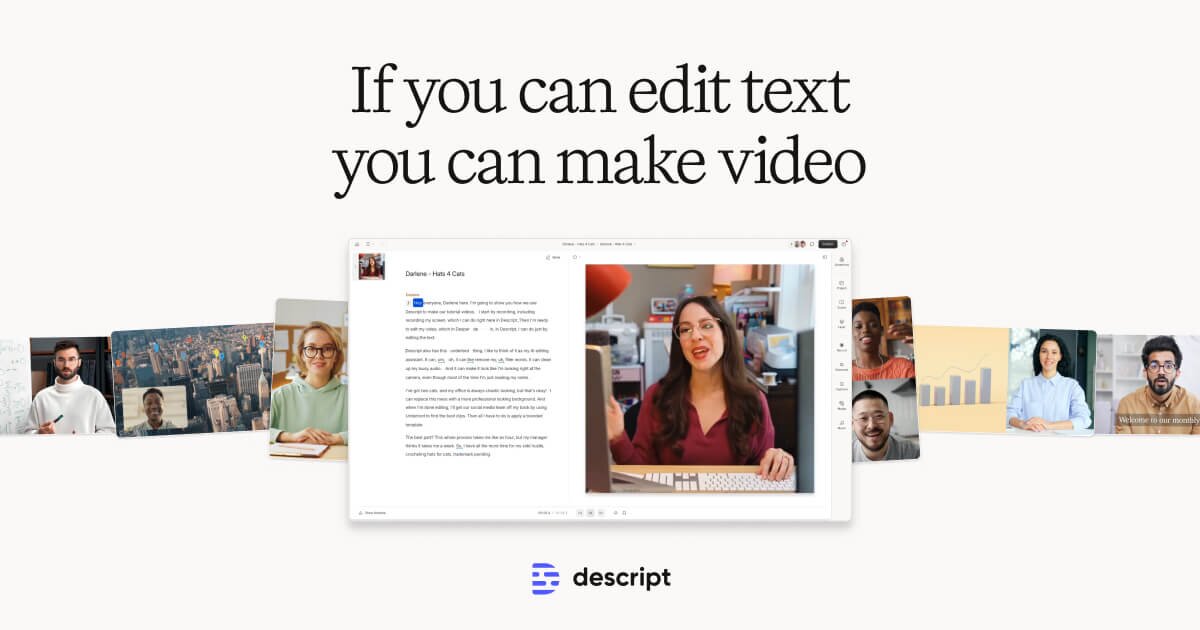
Descript is an AI-powered text-based editor designed for video and podcast creation. Users can record and transcribe footage, then edit video simply by making changes to the transcript, making the process as easy as editing text. The tool provides a full workflow from recording and transcribing to editing, cleaning up audio, and exporting. It is suitable for content creators, podcasters, and enterprise teams who need an all-in-one solution. Features include removing filler words and retakes, audio cleanup (like background noise removal), and advanced AI editing via Underlord. Key differentiators include the seamless, multi-stage workflow (Record, Edit, Refine, Share, Multiply) and the ability to reformat video for multiple platforms, including translation to dozens of languages.
View Descript: Edit Videos & Podcasts Like a Doc →
Vidfly
Vidfly is an all-in-one AI video platform that instantly generates high-quality, cinematic videos. It enables users to bring ideas to life by transforming input from text prompts, static images, or AI avatars, requiring no prior video editing, scripting, or filming experience. It is ideal for content creators, marketers, and users who need professional videos for social media, product explainers, or cinematic scenes. Paid plans are available for users requiring commercial usage rights or advanced capabilities. The platform is distinctive for integrating multiple leading AI video models (including Veo, Sora, and Luma) into one location. Users can also access over 300 trending AI video effects and generate smooth visuals by transforming any static photo into dynamic video content.
View Vidfly →Feature Comparison
Descript: Edit Videos & Podcasts Like a Doc
- •Text-based video editing
- •Transcription and removal of filler words
- •Audio cleanup (noise removal, voice enhancement)
- •AI video agent (Underlord)
- •Multi-platform exporting (TikTok, LinkedIn, YouTube)
- •Video generation and clip creation
Vidfly
- •Text to Video generation
- •Image to Video transformation
- •AI Avatar Generator with lip-sync
- •Video Effects (300+ trending styles)
- •AI Video Upscaler
At a glance
| Descript: Edit Videos & Podcasts Like a Doc | Vidfly | |
|---|---|---|
| Category | Video Generation | Video Generation |
| Pricing | Freemium | Freemium |
| Community Rating | No reviews | No reviews |
| Upvotes on Stremit | 42 | 220 |
| Website | descript.com ↗ | vidfly.ai ↗ |
Descript: Edit Videos & Podcasts Like a Doc vs Vidfly: Which is Better?
Choosing between Descript: Edit Videos & Podcasts Like a Doc and Vidfly depends on your specific needs. Both tools belong to the Video Generation category, making them direct competitors. Compare their pricing, features, and user reviews above to make the best choice for your workflow.
Visit the individual tool pages for more detailed information, community reviews, and feature breakdowns.
Frequently asked questions
What is the difference between Descript: Edit Videos & Podcasts Like a Doc and Vidfly?
Descript: Edit Videos & Podcasts Like a Doc: Descript is an AI-powered text-based editor designed for video and podcast creation. Users can record and transcribe footage, then edit video simply by making changes to the transcript, making the process as easy as… Vidfly: Vidfly is an all-in-one AI video platform that instantly generates high-quality, cinematic videos. It enables users to bring ideas to life by transforming input from text prompts, static images, or AI avatars, requiring…
Is Descript: Edit Videos & Podcasts Like a Doc free?
Descript: Edit Videos & Podcasts Like a Doc is listed as Freemium on Stremit. Check the tool's site for current plans.
Is Vidfly free?
Vidfly is listed as Freemium on Stremit. Check the tool's site for current plans.
Are Descript: Edit Videos & Podcasts Like a Doc and Vidfly competitors?
Yes — both are Video Generation tools on Stremit, so people often compare them before choosing.