Google Whisk vs Gardmi
A detailed comparison to help you choose the right AI tool for your workflow.

Google Whisk
Whisk is an experimental AI tool designed for creative visualization and image remixing. It allows users to generate images and tell stories by utilizing multiple uploaded images as primary prompts, rather than relying solely on text. Users can drag and drop separate images to define the subject, the scene, and the style for their creation. The tool blends the essence of these input images to generate a unique output, making it a powerful visual concept remixer. This system leverages advanced models, including Imagen 3 for image generation and Gemini for writing detailed captions. While the tool is continuously evolving (with capabilities moving to Google Flow), it remains a resource for creators to explore visual ideas.
View Google Whisk →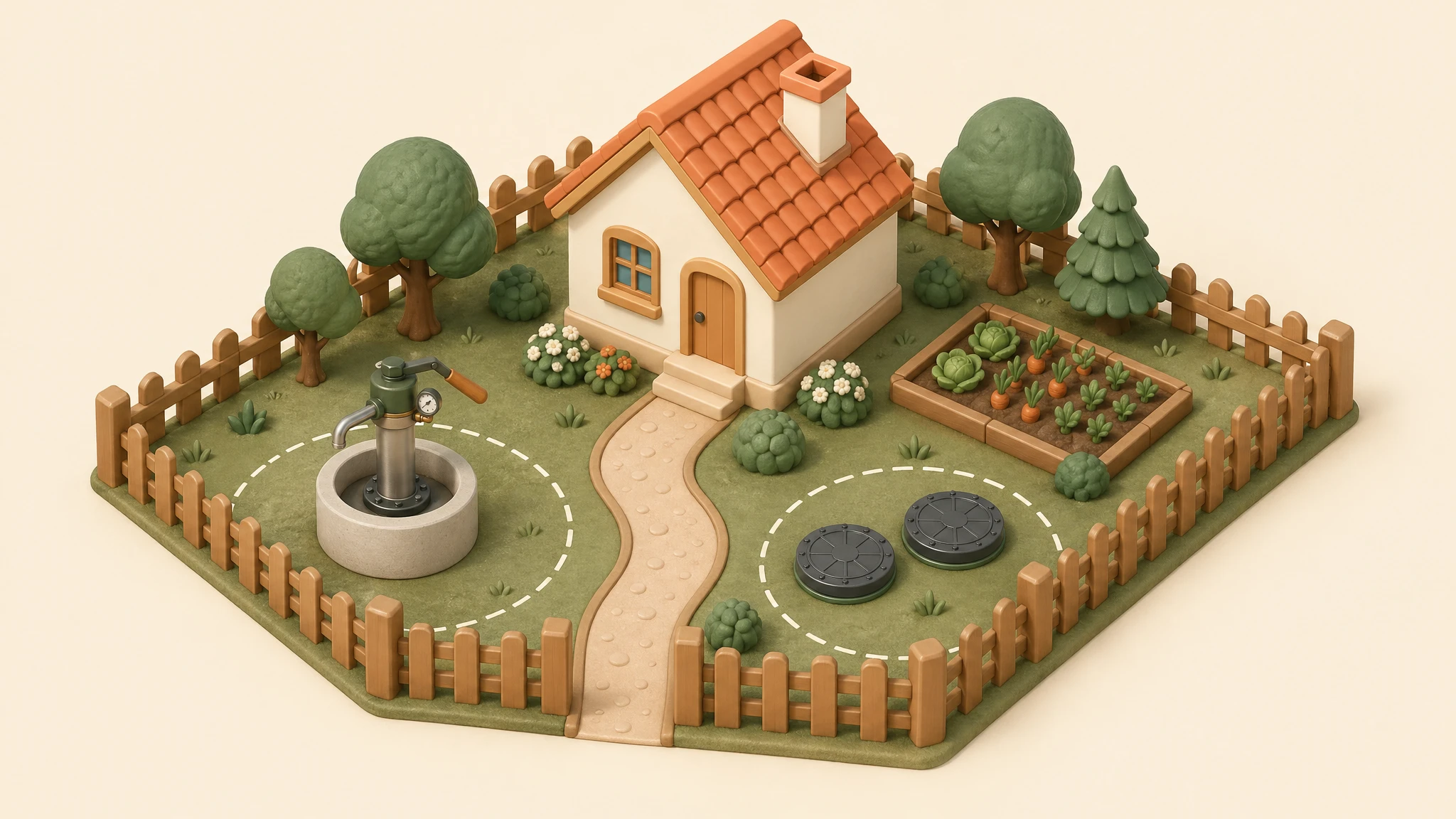
Gardmi
Gardmi is an AI-powered site and landscape planner that converts written site descriptions into editable, measurable 2D and 3D plans. Using the internal AI assistant, users can design complex layouts from scratch, including zoning, paths, drainage, and structural elements like houses and furniture. It can also generate construction roadmaps as flowcharts and helps set and verify setback zones against local requirements. It is designed for individuals and professionals needing a precise conceptual sketch for site development. Users can refine objects parametrically—moving a wall or resizing a pool—maintaining accuracy down to the meter. The tool supports loading local parcel data when available, providing an editable planning boundary for comprehensive site visualization. Crucially, Gardmi differs from image generators by creating editable, parametric objects on a CAD canvas, allowing the export of to-scale PDFs and 3D walkthroughs. The platform advises that while the AI assists greatly, all legal boundaries and measurements must always be verified by official surveys and local regulatory professionals.
View Gardmi →Feature Comparison
Google Whisk
- •Uses multiple images as prompts (subject, scene, style)
- •Generates images using Imagen 3 model
- •Uses Gemini to write detailed captions
- •Blends images by essence, not exact copies
- •Drag-and-drop interface for remixing
Gardmi
- •Site planning using AI assistant
- •Editable 2D and 3D parametric objects
- •Consultation on building rules and setbacks
- •Building construction flowchart roadmaps
- •Loading local parcel/cadastral data
- •Resizing and moving objects on a CAD canvas
At a glance
| Google Whisk | Gardmi | |
|---|---|---|
| Category | Design & UI | Design & UI |
| Pricing | Freemium | Free |
| Community Rating | No reviews | 5.0 / 5 (1 reviews) |
| Upvotes on Stremit | 89 | 2 |
| Website | labs.google ↗ | gardmi.com ↗ |
Google Whisk vs Gardmi: Which is Better?
Choosing between Google Whisk and Gardmi depends on your specific needs. Both tools belong to the Design & UI category, making them direct competitors. Compare their pricing, features, and user reviews above to make the best choice for your workflow.
Visit the individual tool pages for more detailed information, community reviews, and feature breakdowns.
Frequently asked questions
What is the difference between Google Whisk and Gardmi?
Google Whisk: Whisk is an experimental AI tool designed for creative visualization and image remixing. It allows users to generate images and tell stories by utilizing multiple uploaded images as primary prompts, rather than relying… Gardmi: Gardmi is an AI-powered site and landscape planner that converts written site descriptions into editable, measurable 2D and 3D plans. Using the internal AI assistant, users can design complex layouts from scratch,…
Is Google Whisk free?
Google Whisk is listed as Freemium on Stremit. Check the tool's site for current plans.
Is Gardmi free?
Gardmi is listed as Free on Stremit. Check the tool's site for current plans.
Are Google Whisk and Gardmi competitors?
Yes — both are Design & UI tools on Stremit, so people often compare them before choosing.