Hera.video vs Napkin
A detailed comparison to help you choose the right AI tool for your workflow.

Hera.video
Hera is an AI motion designer that generates professional, editable motion graphics entirely from a text prompt. It functions as a comprehensive tool for creating animated content, including infographics, explainers, branded video, and UI animations. Users can turn any idea into polished, editable animation, utilizing over 100 templates. It is designed for marketers, YouTubers, and teams who need high-quality motion graphics without requiring a dedicated designer, while also supporting data visualization with editable charts and map features. Hera is unique because it balances professional output with extreme accessibility. Users can guide and fine-tune every detail of the animation after generation, significantly accelerating the creative workflow and making advanced motion design achievable for everyone.
View Hera.video →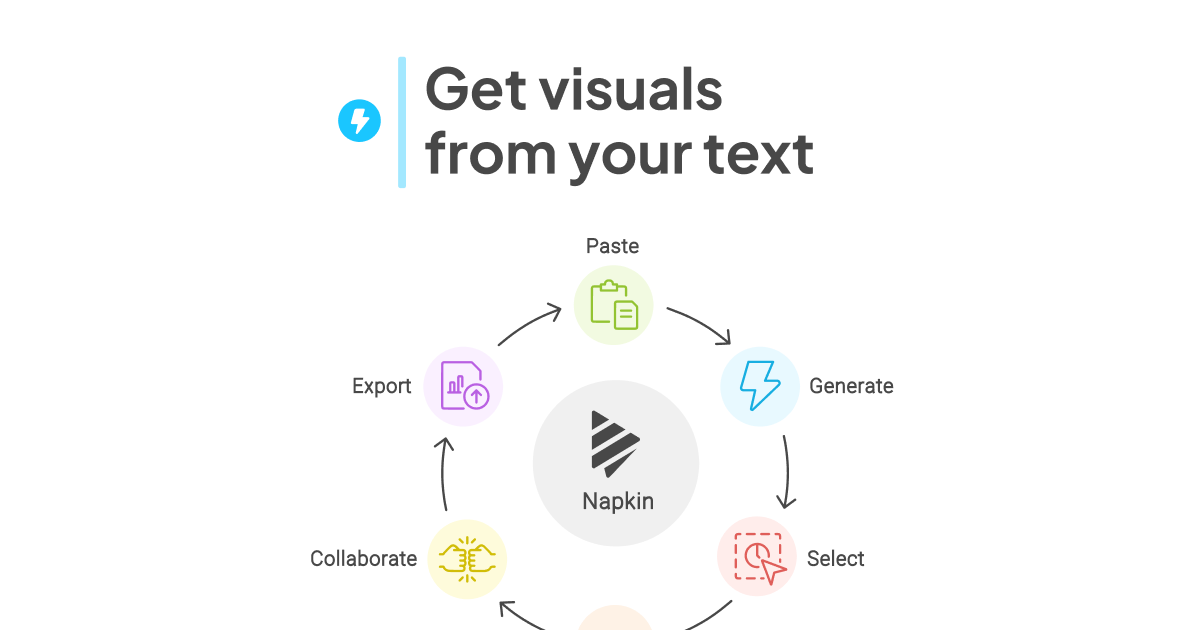
Napkin
Napkin turns text into visuals. It creates presentation-ready slide decks, mind maps, flowcharts, and editable data charts from written ideas or data. It also offers an API for generating visuals at scale inside an existing workflow. Visual generation uses AI credits, with roughly one credit charged per word selected. The tool is aimed at individuals and small teams, dedicated visual creators and planners, and large teams and organizations with heavy visual needs. The free plan includes 500 AI credits per week, unlimited visual editing, file import from PPT, DOC, PDF, HTML, and MD, and unlimited PNG and PDF export. Visuals on that plan carry Napkin branding. Paid plans add more AI credits, premium AI image models, PPT and SVG export, brand styles, and removal of Napkin branding. The site says self-serve accounts may use anonymized interaction data to improve its AI, with an opt-out available, and that enterprise customer data is not used for training. Napkin states it is SOC 2 Type II compliant and ISO 27001 certified.
View Napkin →Feature Comparison
Hera.video
- •Generates editable motion graphics from text prompts
- •Supports infographics, explainers, and UI animation
- •Access to over 100 customizable templates
- •Features editable charts and map graphics
- •Allows post-generation fine-tuning of details
Napkin
- •Text-to-slide deck creation
- •Mind maps and flowcharts from text
- •Editable data charts
- •Unlimited PNG and PDF export on free plan
- •API for automated visual generation
- •SOC 2 Type II and ISO 27001 compliance
At a glance
| Hera.video | Napkin | |
|---|---|---|
| Category | Design & UI | Design & UI |
| Pricing | Freemium | Freemium |
| Community Rating | No reviews | No reviews |
| Upvotes on Stremit | 47 | 78 |
| Website | hera.video ↗ | napkin.ai ↗ |
Hera.video vs Napkin: Which is Better?
Choosing between Hera.video and Napkin depends on your specific needs. Both tools belong to the Design & UI category, making them direct competitors. Compare their pricing, features, and user reviews above to make the best choice for your workflow.
Visit the individual tool pages for more detailed information, community reviews, and feature breakdowns.
Frequently asked questions
What is the difference between Hera.video and Napkin?
Hera.video: Hera is an AI motion designer that generates professional, editable motion graphics entirely from a text prompt. It functions as a comprehensive tool for creating animated content, including infographics, explainers,… Napkin: Napkin turns text into visuals. It creates presentation-ready slide decks, mind maps, flowcharts, and editable data charts from written ideas or data. It also offers an API for generating visuals at scale inside an…
Is Hera.video free?
Hera.video is listed as Freemium on Stremit. Check the tool's site for current plans.
Is Napkin free?
Napkin is listed as Freemium on Stremit. Check the tool's site for current plans.
Are Hera.video and Napkin competitors?
Yes — both are Design & UI tools on Stremit, so people often compare them before choosing.