Nano Banana on Picnana — Next vs Remove Bg
A detailed comparison to help you choose the right AI tool for your workflow.
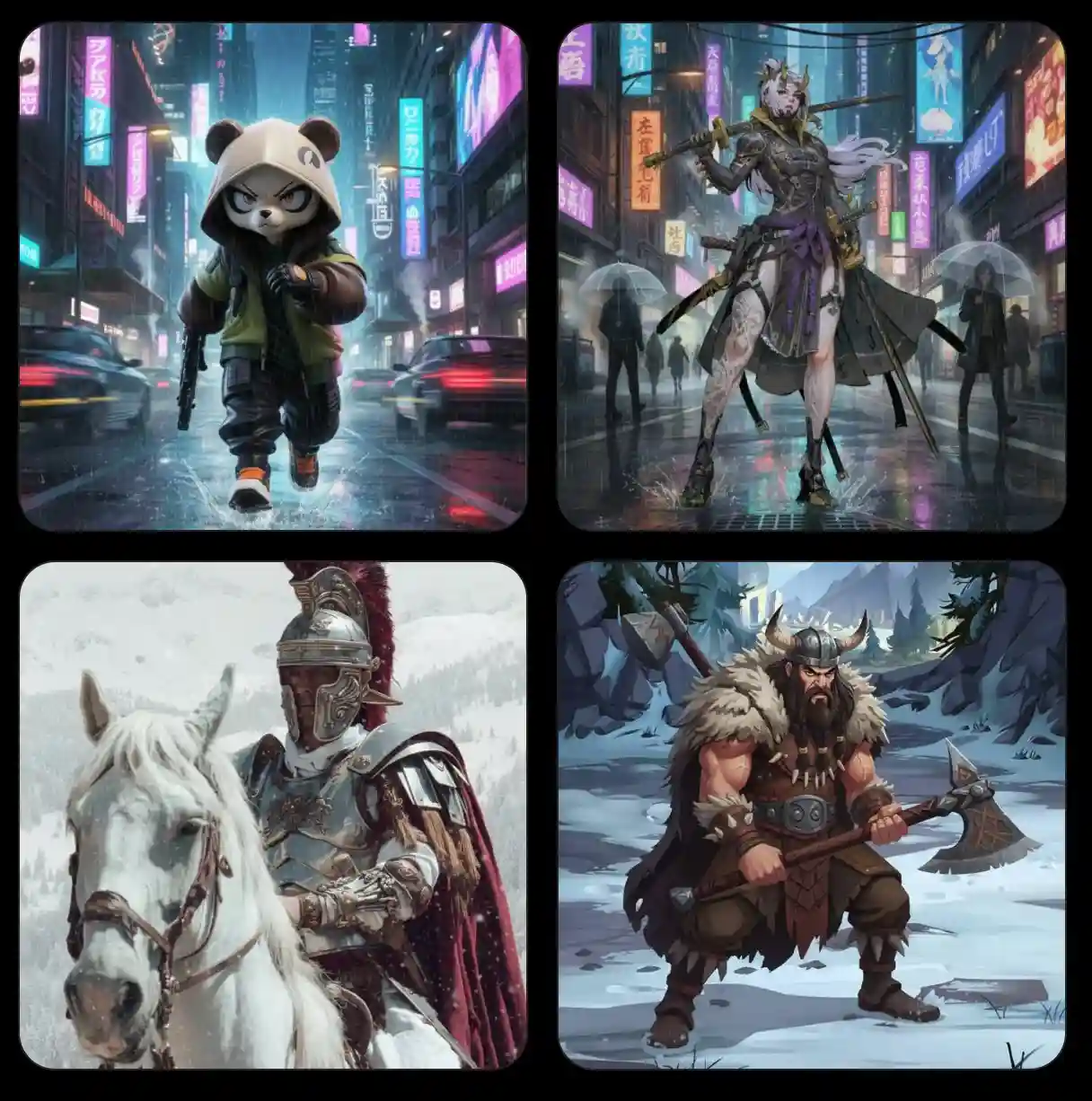
Nano Banana on Picnana — Next
Nano Banana on Picnana is a next-generation, text-driven AI image generator designed to create and edit stunning, highly realistic images. It excels at preserving subject identity, achieving unmatched character consistency, and allowing precise text-guided edits for color, material, and background adjustments. The platform combines text-to-image, image-to-image, and fine-grained editing into one frictionless, one-stop studio. Users can describe an image or upload a photo, set style controls, and export high-resolution results in a predictable workflow. It is ideal for creative professionals, photographers, and designers requiring speed and consistency for product shots, ads, and portraits. The studio makes powerful AI capabilities approachable while maintaining clear controls to preserve the user's creative intent.
View Nano Banana on Picnana — Next →
Remove Bg
Remove Bg is an AI-powered online tool designed to automatically separate subjects from their original backgrounds. Users can upload various image types, including JPG, PNG, and WEBP, to generate clean, transparent PNG cutouts ready for professional use. The tool is ideal for e-commerce sellers, content creators, and designers who need to process product photos, real estate listings, or portraits. It supports handling complex images, including fine details like hair and fur, and multi-object photos. Key features include a comparison view to review the original against the cutout, and refinement tools like Erase or Restore, ensuring high-quality, consistent results without needing manual tracing or software installation.
View Remove Bg →Feature Comparison
Nano Banana on Picnana — Next
- •Text-to-image and image-to-image editing
- •Precise text-guided edits and face restoration
- •One-stop studio environment
- •High-resolution downloads and batch exports
- •Subject identity and scene preservation
Remove Bg
- •Supports JPG, PNG, and WebP formats
- •Preserves delicate edges like hair and fur
- •Refine cutouts using Erase or Restore
- •Handles up to 5 images simultaneously
- •Outputs transparent PNG files
At a glance
| Nano Banana on Picnana — Next | Remove Bg | |
|---|---|---|
| Category | Design & UI | Design & UI |
| Pricing | Freemium | Freemium |
| Community Rating | No reviews | No reviews |
| Upvotes on Stremit | 89 | 0 |
| Website | picnana.com ↗ | remove-bg.dev ↗ |
Nano Banana on Picnana — Next vs Remove Bg: Which is Better?
Choosing between Nano Banana on Picnana — Next and Remove Bg depends on your specific needs. Both tools belong to the Design & UI category, making them direct competitors. Compare their pricing, features, and user reviews above to make the best choice for your workflow.
Visit the individual tool pages for more detailed information, community reviews, and feature breakdowns.
Frequently asked questions
What is the difference between Nano Banana on Picnana — Next and Remove Bg?
Nano Banana on Picnana — Next: Nano Banana on Picnana is a next-generation, text-driven AI image generator designed to create and edit stunning, highly realistic images. It excels at preserving subject identity, achieving unmatched character… Remove Bg: Remove Bg is an AI-powered online tool designed to automatically separate subjects from their original backgrounds. Users can upload various image types, including JPG, PNG, and WEBP, to generate clean, transparent PNG…
Is Nano Banana on Picnana — Next free?
Nano Banana on Picnana — Next is listed as Freemium on Stremit. Check the tool's site for current plans.
Is Remove Bg free?
Remove Bg is listed as Freemium on Stremit. Check the tool's site for current plans.
Are Nano Banana on Picnana — Next and Remove Bg competitors?
Yes — both are Design & UI tools on Stremit, so people often compare them before choosing.