seedvideo vs Fliki
A detailed comparison to help you choose the right AI tool for your workflow.
seedvideo
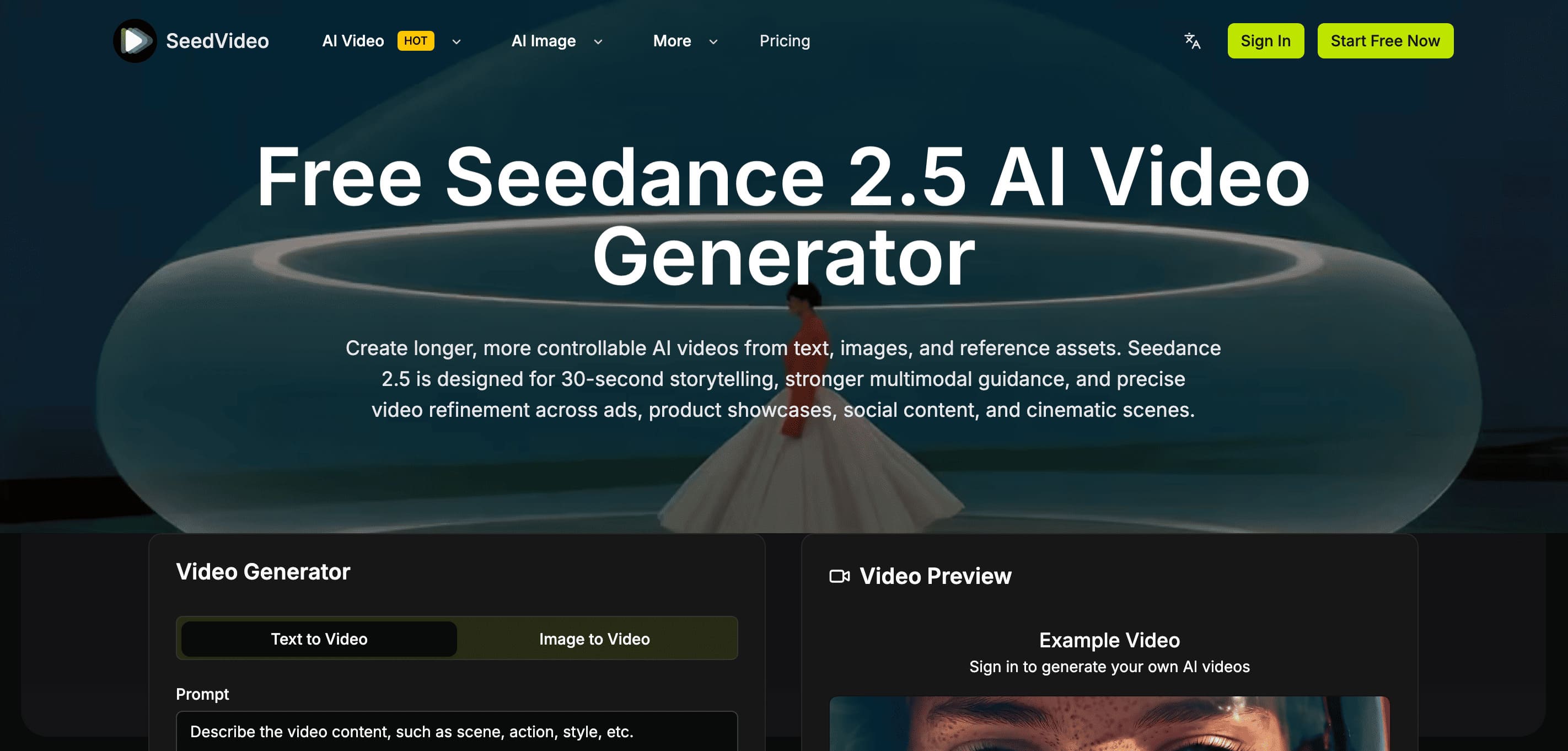
SeedVideo uses the Seedance 2.5 AI generator to create controlled, longer AI videos up to 30 seconds in length. Users can process videos from text, images, and multiple reference assets, leveraging a single workspace for text-to-video, image-to-video, text-to-image, and image-to-image workflows. It is designed for comprehensive storytelling, making it suitable for marketing professionals developing social videos and AI ads, e-commerce users creating product showcases, and filmmakers needing tools for cinematic short films or previsualization. Unlike earlier models, Seedance 2.5 focuses on deeper reference understanding and extended generation. Its ability to handle up to 50 multimodal references and provide reference-guided control allows for more consistent motion, precise framing, and structured production work.
View seedvideo →
Fliki
Fliki is an AI video generator that transforms text into videos effortlessly. It features a user-friendly text-to-video editor, realistic voiceovers, and dynamic AI clips. The tool is ideal for individuals and businesses looking to create high-quality videos without requiring camera or editing skills. With its free forever plan and various features, Fliki is suitable for tasks such as creating explainer videos, training videos, TikToks, and Reels. Fliki is designed to help users turn their ideas into videos quickly and efficiently. It offers a range of features, including script generation, AI voiceover, and motion graphics. The tool can be used to create videos for various purposes, such as marketing, education, and entertainment. Fliki's unique features include its ability to generate videos with consistent characters, its use of 2,000+ AI voices, and its support for 80+ languages. The tool is also built for scalability, making it suitable for businesses and individuals who need to create multiple videos. Overall, Fliki is a powerful AI video generator that can help users create high-quality videos quickly and efficiently. Its user-friendly interface and range of features make it an ideal tool for individuals and businesses looking to create videos without requiring camera or editing skills.
View Fliki →Feature Comparison
seedvideo
- •Up to 30-second single-generation storytelling
- •Support for up to 50 multimodal references
- •Reference-guided control for motion and framing
- •Single workspace for multiple AI workflows
- •Support for cinematic, ad, and product showcases
Fliki
No features listed yet.
At a glance
| seedvideo | Fliki | |
|---|---|---|
| Category | Video Generation | Video Generation |
| Pricing | Freemium | Free |
| Community Rating | No reviews | No reviews |
| Upvotes on Stremit | 0 | 86 |
| Website | seedvideo.app ↗ | fliki.ai ↗ |
seedvideo vs Fliki: Which is Better?
Choosing between seedvideo and Fliki depends on your specific needs. Both tools belong to the Video Generation category, making them direct competitors. Compare their pricing, features, and user reviews above to make the best choice for your workflow.
Visit the individual tool pages for more detailed information, community reviews, and feature breakdowns.
Frequently asked questions
What is the difference between seedvideo and Fliki?
seedvideo: SeedVideo uses the Seedance 2.5 AI generator to create controlled, longer AI videos up to 30 seconds in length. Users can process videos from text, images, and multiple reference assets, leveraging a single workspace… Fliki: Fliki is an AI video generator that transforms text into videos effortlessly. It features a user-friendly text-to-video editor, realistic voiceovers, and dynamic AI clips. The tool is ideal for individuals and…
Is seedvideo free?
seedvideo is listed as Freemium on Stremit. Check the tool's site for current plans.
Is Fliki free?
Fliki is listed as Free on Stremit. Check the tool's site for current plans.
Are seedvideo and Fliki competitors?
Yes — both are Video Generation tools on Stremit, so people often compare them before choosing.