Speechify: Free Text to Speech Reader vs Your Socially Fluent AI Reply Assistant
A detailed comparison to help you choose the right AI tool for your workflow.
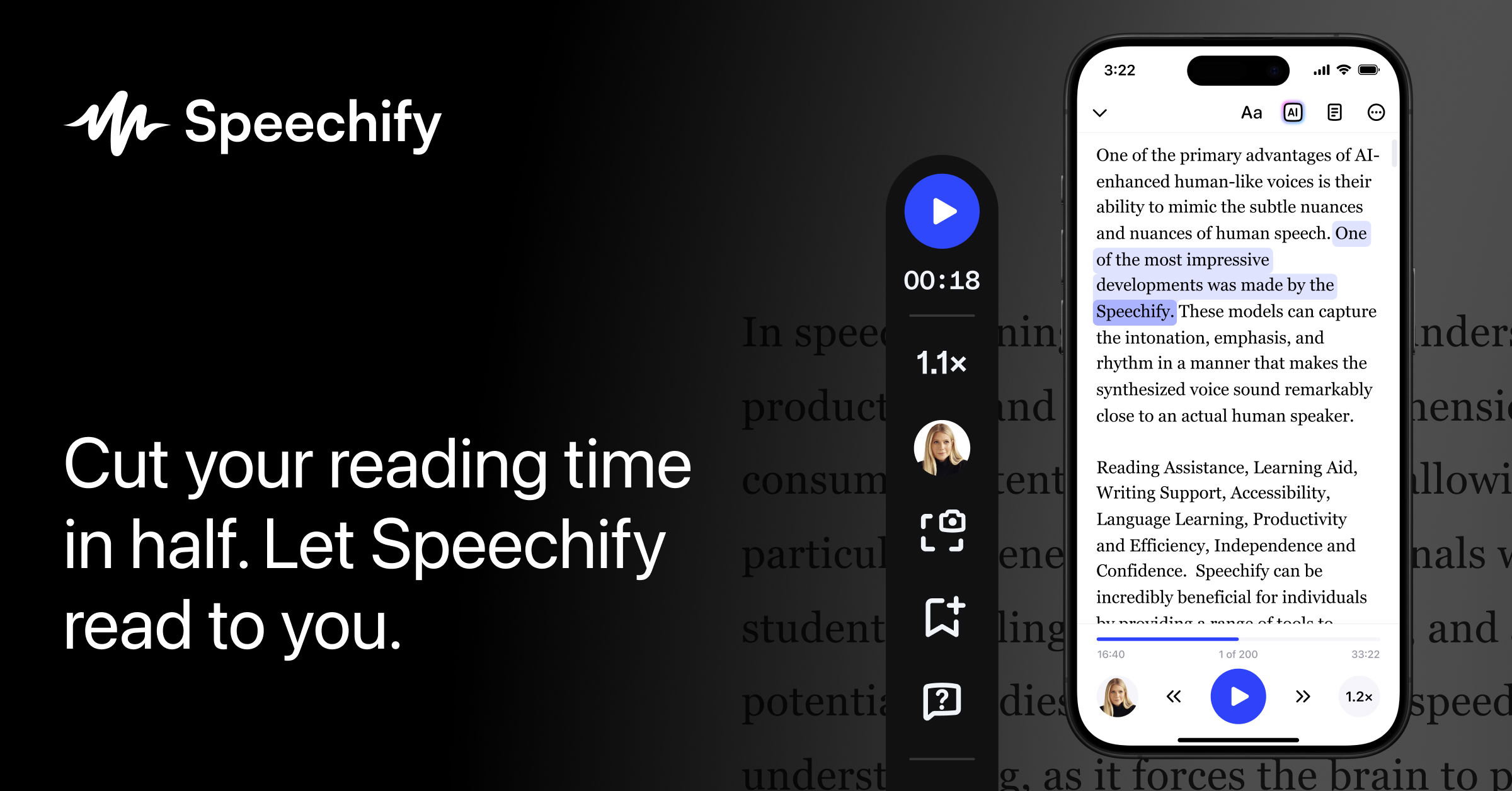
Speechify: Free Text to Speech Reader
Speechify reads anything aloud to you, including books, PDFs, and web pages, with natural voices. It's a text-to-speech and voice typing AI assistant that helps you read, write, and get answers. Speechify is for anyone who wants to access information without visually reading it, such as people with vision loss or reading difficulties. It's also useful for professionals who need to work through documents and emails by listening and dictating responses. What makes Speechify different is its ability to understand context and respond accordingly, making it feel like having a personal assistant. It also offers features like voice typing, summarization, and quiz-making, making it a versatile tool for different tasks.
View Speechify: Free Text to Speech Reader →
Your Socially Fluent AI Reply Assistant
ToneBird is an AI Reply Assistant for Mac and Windows that helps users draft thoughtful replies directly within their existing email and chat applications, including Gmail and Slack. It understands context by using past conversations and connected documents to suggest replies in your natural voice. Instead of starting from scratch, the tool remembers relationship details and relevant facts from previous interactions. It is designed for professionals who communicate across multiple platforms and do not want to be 'stuck on words.' Users can select a suggested reply and further refine it by adjusting the tone—such as making it Warmer, More Precise, or adding Humor—before reviewing and sending the final message.
View Your Socially Fluent AI Reply Assistant →Feature Comparison
Speechify: Free Text to Speech Reader
No features listed yet.
Your Socially Fluent AI Reply Assistant
- •Drafts replies in Gmail, Slack, and other chat apps
- •Uses past conversations and connected documents
- •Suggests replies based on relationship context
- •Adjustable tone controls (Warmer, More Precise, etc.)
- •Available for Mac and Windows
At a glance
| Speechify: Free Text to Speech Reader | Your Socially Fluent AI Reply Assistant | |
|---|---|---|
| Category | Writing & Content | Writing & Content |
| Pricing | Free Trial | — |
| Community Rating | No reviews | No reviews |
| Upvotes on Stremit | 51 | 0 |
| Website | speechify.com ↗ | tonebird.ai ↗ |
Speechify: Free Text to Speech Reader vs Your Socially Fluent AI Reply Assistant: Which is Better?
Choosing between Speechify: Free Text to Speech Reader and Your Socially Fluent AI Reply Assistant depends on your specific needs. Both tools belong to the Writing & Content category, making them direct competitors. Compare their pricing, features, and user reviews above to make the best choice for your workflow.
Visit the individual tool pages for more detailed information, community reviews, and feature breakdowns.
Frequently asked questions
What is the difference between Speechify: Free Text to Speech Reader and Your Socially Fluent AI Reply Assistant?
Speechify: Free Text to Speech Reader: Speechify reads anything aloud to you, including books, PDFs, and web pages, with natural voices. It's a text-to-speech and voice typing AI assistant that helps you read, write, and get answers. Speechify is for anyone… Your Socially Fluent AI Reply Assistant: ToneBird is an AI Reply Assistant for Mac and Windows that helps users draft thoughtful replies directly within their existing email and chat applications, including Gmail and Slack. It understands context by using past…
Is Speechify: Free Text to Speech Reader free?
Speechify: Free Text to Speech Reader is listed as Free Trial on Stremit. Check the tool's site for current plans.
Are Speechify: Free Text to Speech Reader and Your Socially Fluent AI Reply Assistant competitors?
Yes — both are Writing & Content tools on Stremit, so people often compare them before choosing.