$THINK — AI You Own. vs WorkBeaver: Autopilot For Your Work
A detailed comparison to help you choose the right AI tool for your workflow.
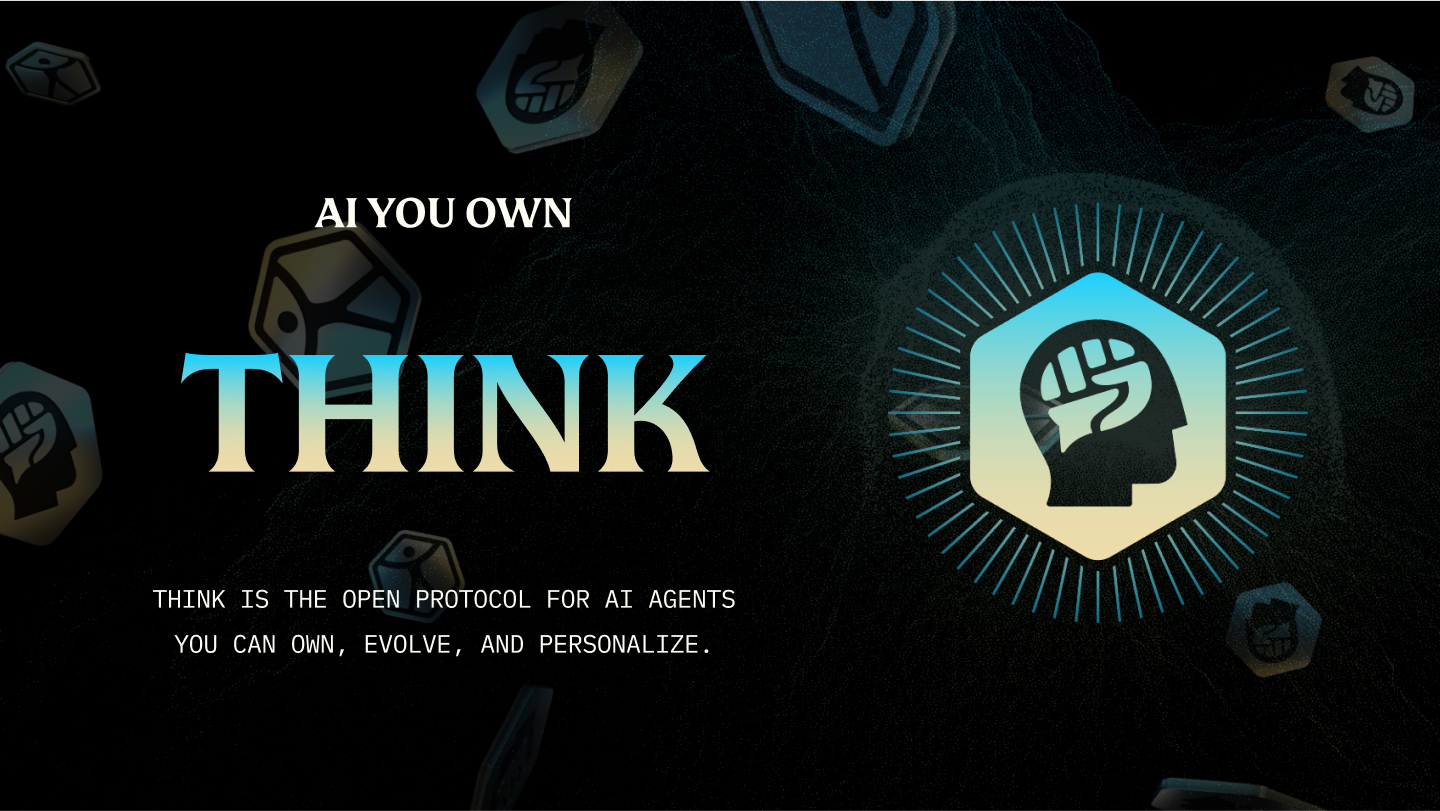
$THINK — AI You Own.
ThinkOS provides a system of personal AI teammates designed to learn and grow with your work, handling complex tasks across various professional domains. It connects to existing tools like Gmail, Calendar, Drive, Slack, and Linear, allowing agents to triage inboxes, draft follow-ups, track expenses, and keep running itineraries. The platform is built around the concept of agent ownership, giving users control over their data and intellectual process. Learned information is saved to "Work Memory" as plain files on your computer, ensuring you retain ownership and avoid vendor lock-in. This makes it ideal for professionals who rely on multiple digital tools and require a highly customizable assistant that adapts to their unique workflows, ensuring that your intelligence stays yours.
View $THINK — AI You Own. →
WorkBeaver: Autopilot For Your Work
WorkBeaver is an AI automation sidekick designed to eliminate repetitive clicks and tasks, allowing users to automate virtually any browser work. Users simply describe the desired task, review the steps, and let the platform execute the work, whether immediately or on a schedule. It is designed for non-technical teams and real people, working even if the user cannot code. Automation use cases include monitoring websites for updates, sorting emails and extracting leads, collecting product details into structured data, and keeping spreadsheets up to date. The tool focuses on ease of use and security, offering browser extension access and local AI support for privacy. Users can start with a free starter tier and choose between monthly subscriptions or a one-time purchase for lifetime access.
View WorkBeaver: Autopilot For Your Work →Feature Comparison
$THINK — AI You Own.
- •Integrates with Gmail, Calendar, Slack, and linear
- •Work Memory stores data as plain files
- •Customizable Spheres for specific tasks
- •Runs on Mac, Windows, and Linux
- •Supports dedicated agent avatars
WorkBeaver: Autopilot For Your Work
- •Browser extension access
- •Local AI support for privacy
- •Schedule recurring work
- •Handle forms and portals
- •Collect data from websites
At a glance
| $THINK — AI You Own. | WorkBeaver: Autopilot For Your Work | |
|---|---|---|
| Category | Productivity | Productivity |
| Pricing | — | Freemium |
| Community Rating | No reviews | No reviews |
| Upvotes on Stremit | 60 | 196 |
| Website | thinkagents.ai ↗ | workbeaver.com?aff=pifxio ↗ |
$THINK — AI You Own. vs WorkBeaver: Autopilot For Your Work: Which is Better?
Choosing between $THINK — AI You Own. and WorkBeaver: Autopilot For Your Work depends on your specific needs. Both tools belong to the Productivity category, making them direct competitors. Compare their pricing, features, and user reviews above to make the best choice for your workflow.
Visit the individual tool pages for more detailed information, community reviews, and feature breakdowns.
Frequently asked questions
What is the difference between $THINK — AI You Own. and WorkBeaver: Autopilot For Your Work?
$THINK — AI You Own.: ThinkOS provides a system of personal AI teammates designed to learn and grow with your work, handling complex tasks across various professional domains. It connects to existing tools like Gmail, Calendar, Drive, Slack,… WorkBeaver: Autopilot For Your Work: WorkBeaver is an AI automation sidekick designed to eliminate repetitive clicks and tasks, allowing users to automate virtually any browser work. Users simply describe the desired task, review the steps, and let the…
Is WorkBeaver: Autopilot For Your Work free?
WorkBeaver: Autopilot For Your Work is listed as Freemium on Stremit. Check the tool's site for current plans.
Are $THINK — AI You Own. and WorkBeaver: Autopilot For Your Work competitors?
Yes — both are Productivity tools on Stremit, so people often compare them before choosing.