UI Design Made Easy, Powered By AI vs Google Whisk
A detailed comparison to help you choose the right AI tool for your workflow.
UI Design Made Easy, Powered By AI
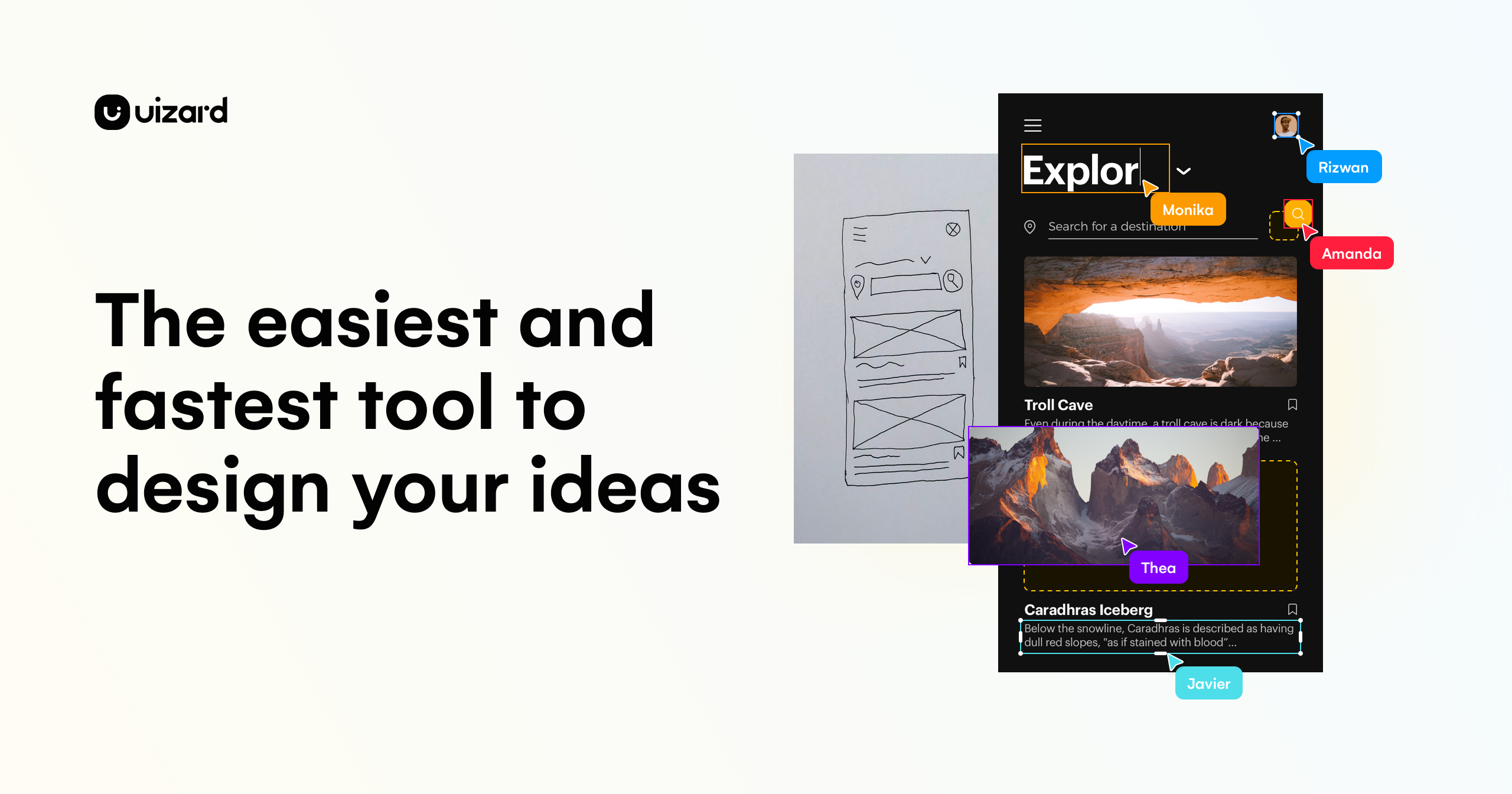
Uizard is an AI-powered UI design tool for apps, websites, and desktop software. Users can generate multi-screen, editable prototypes from a simple text prompt using Autodesigner, turn screenshots or hand-drawn wireframes into editable mockups, and create new themes to change a project's style. Teams can collaborate in real time. The tool is aimed at product managers and product teams, designers and UX professionals, marketers, startup founders, consultants and agencies, and developers. The site also offers an Enterprise option for large businesses. It states that if you can use Google Slides or PowerPoint, you can use Uizard. What sets it apart is the combination of AI generation with a standard design editor. Components can be selected, described, and changed with Autodesigner, and the generated screens and components remain editable rather than fixed images.
View UI Design Made Easy, Powered By AI →
Google Whisk
Whisk is an experimental AI tool designed for creative visualization and image remixing. It allows users to generate images and tell stories by utilizing multiple uploaded images as primary prompts, rather than relying solely on text. Users can drag and drop separate images to define the subject, the scene, and the style for their creation. The tool blends the essence of these input images to generate a unique output, making it a powerful visual concept remixer. This system leverages advanced models, including Imagen 3 for image generation and Gemini for writing detailed captions. While the tool is continuously evolving (with capabilities moving to Google Flow), it remains a resource for creators to explore visual ideas.
View Google Whisk →Feature Comparison
UI Design Made Easy, Powered By AI
- •Text-to-prototype generation of multi-screen, editable designs
- •Autodesigner for modifying individual components with text prompts
- •Screenshot Scanner that turns screenshots into editable mockups
- •Wireframe Scanner that digitizes hand-drawn wireframes
- •Theme generation to change a project's style instantly
- •Real-time collaboration with the product team
Google Whisk
- •Uses multiple images as prompts (subject, scene, style)
- •Generates images using Imagen 3 model
- •Uses Gemini to write detailed captions
- •Blends images by essence, not exact copies
- •Drag-and-drop interface for remixing
At a glance
| UI Design Made Easy, Powered By AI | Google Whisk | |
|---|---|---|
| Category | Design & UI | Design & UI |
| Pricing | — | Freemium |
| Community Rating | No reviews | No reviews |
| Upvotes on Stremit | 45 | 89 |
| Website | uizard.io ↗ | labs.google ↗ |
UI Design Made Easy, Powered By AI vs Google Whisk: Which is Better?
Choosing between UI Design Made Easy, Powered By AI and Google Whisk depends on your specific needs. Both tools belong to the Design & UI category, making them direct competitors. Compare their pricing, features, and user reviews above to make the best choice for your workflow.
Visit the individual tool pages for more detailed information, community reviews, and feature breakdowns.
Frequently asked questions
What is the difference between UI Design Made Easy, Powered By AI and Google Whisk?
UI Design Made Easy, Powered By AI: Uizard is an AI-powered UI design tool for apps, websites, and desktop software. Users can generate multi-screen, editable prototypes from a simple text prompt using Autodesigner, turn screenshots or hand-drawn… Google Whisk: Whisk is an experimental AI tool designed for creative visualization and image remixing. It allows users to generate images and tell stories by utilizing multiple uploaded images as primary prompts, rather than relying…
Is Google Whisk free?
Google Whisk is listed as Freemium on Stremit. Check the tool's site for current plans.
Are UI Design Made Easy, Powered By AI and Google Whisk competitors?
Yes — both are Design & UI tools on Stremit, so people often compare them before choosing.