UI Design Made Easy, Powered By AI vs Roblox GUI Maker
A detailed comparison to help you choose the right AI tool for your workflow.
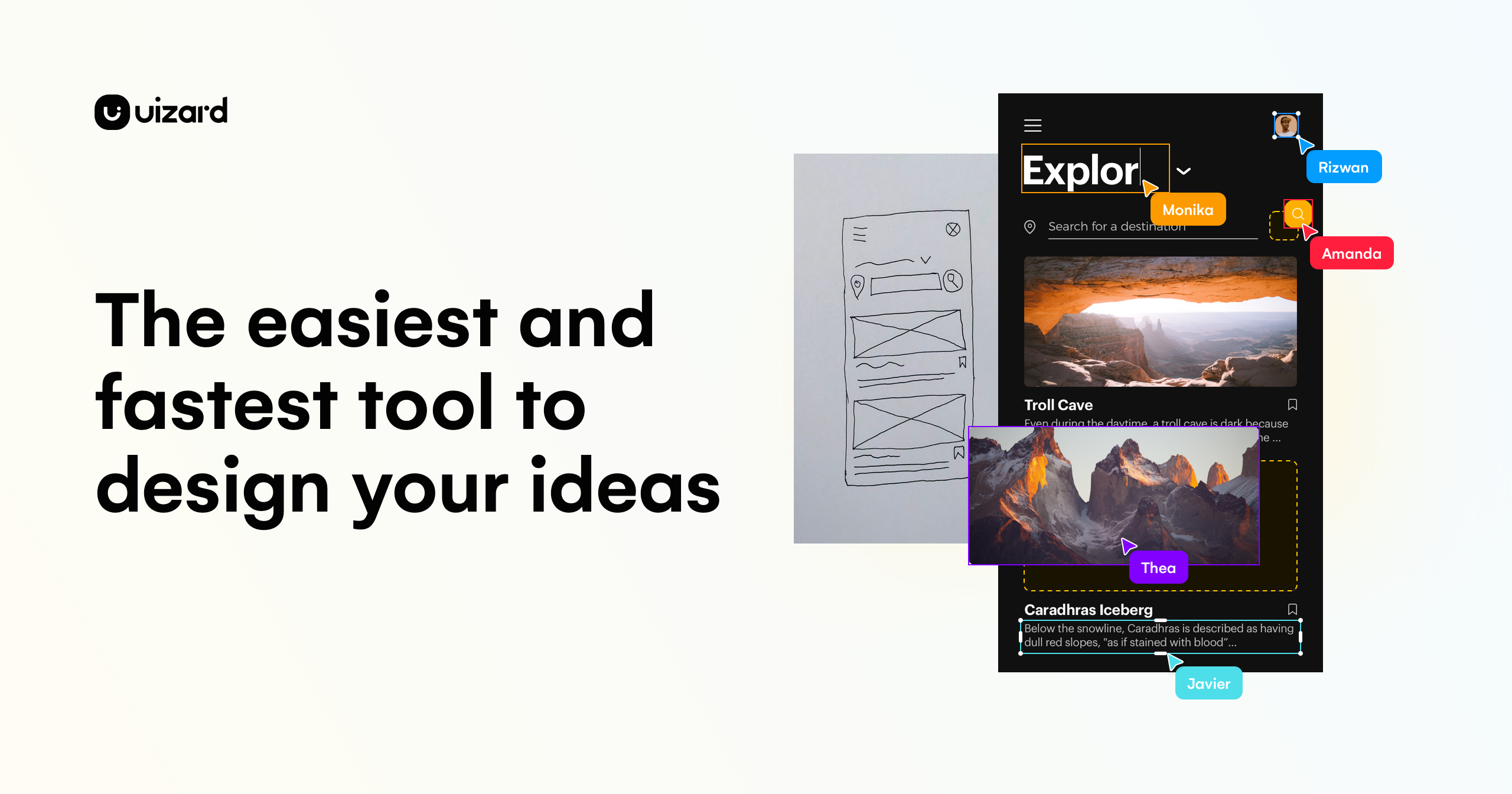
UI Design Made Easy, Powered By AI
Uizard is an AI-powered UI design tool for apps, websites, and desktop software. Users can generate multi-screen, editable prototypes from a simple text prompt using Autodesigner, turn screenshots or hand-drawn wireframes into editable mockups, and create new themes to change a project's style. Teams can collaborate in real time. The tool is aimed at product managers and product teams, designers and UX professionals, marketers, startup founders, consultants and agencies, and developers. The site also offers an Enterprise option for large businesses. It states that if you can use Google Slides or PowerPoint, you can use Uizard. What sets it apart is the combination of AI generation with a standard design editor. Components can be selected, described, and changed with Autodesigner, and the generated screens and components remain editable rather than fixed images.
View UI Design Made Easy, Powered By AI →
Roblox GUI Maker
Roblox GUI Maker turns a one-line prompt into a GUI mockup image and a structured requirement plan for Roblox Studio screens such as shops, HUDs, inventory panels, admin panels, reward popups, and obby UI. Each generated layout includes a named component hierarchy with style tokens, plus a desktop and mobile live preview rendered side by side. It is built for Roblox Studio creators who want a starting point instead of a blank ScreenGui. Users save the mockup images as visual references, then follow the plan to build the hierarchy in Studio and replace placeholders with their own game data. The tool focuses on the planning stage. Its output is a visual reference and a component tree, not finished game code. Real AI generation requires sign-in, credits, and a plan, while the public mode offers safe preview generation. A 7-day trial includes 8 credits and requires a card, and the plan renews monthly unless canceled.
View Roblox GUI Maker →Feature Comparison
UI Design Made Easy, Powered By AI
- •Text-to-prototype generation of multi-screen, editable designs
- •Autodesigner for modifying individual components with text prompts
- •Screenshot Scanner that turns screenshots into editable mockups
- •Wireframe Scanner that digitizes hand-drawn wireframes
- •Theme generation to change a project's style instantly
- •Real-time collaboration with the product team
Roblox GUI Maker
- •Generates GUI mockup images from a one-line prompt
- •Structured requirement plan with named component hierarchy
- •Desktop and mobile live preview with scale-based sizing
- •Style tokens for consistent styling
- •Downloadable mockups for use as Studio references
- •Templates for shops, HUDs, inventory, admin panels, and rewards
At a glance
| UI Design Made Easy, Powered By AI | Roblox GUI Maker | |
|---|---|---|
| Category | Design & UI | Design & UI |
| Pricing | — | Free Trial |
| Community Rating | No reviews | No reviews |
| Upvotes on Stremit | 45 | 12 |
| Website | uizard.io ↗ | robloxguimaker.dev ↗ |
UI Design Made Easy, Powered By AI vs Roblox GUI Maker: Which is Better?
Choosing between UI Design Made Easy, Powered By AI and Roblox GUI Maker depends on your specific needs. Both tools belong to the Design & UI category, making them direct competitors. Compare their pricing, features, and user reviews above to make the best choice for your workflow.
Visit the individual tool pages for more detailed information, community reviews, and feature breakdowns.
Frequently asked questions
What is the difference between UI Design Made Easy, Powered By AI and Roblox GUI Maker?
UI Design Made Easy, Powered By AI: Uizard is an AI-powered UI design tool for apps, websites, and desktop software. Users can generate multi-screen, editable prototypes from a simple text prompt using Autodesigner, turn screenshots or hand-drawn… Roblox GUI Maker: Roblox GUI Maker turns a one-line prompt into a GUI mockup image and a structured requirement plan for Roblox Studio screens such as shops, HUDs, inventory panels, admin panels, reward popups, and obby UI. Each…
Is Roblox GUI Maker free?
Roblox GUI Maker is listed as Free Trial on Stremit. Check the tool's site for current plans.
Are UI Design Made Easy, Powered By AI and Roblox GUI Maker competitors?
Yes — both are Design & UI tools on Stremit, so people often compare them before choosing.