Vectorizer vs Nano Banana AI
A detailed comparison to help you choose the right AI tool for your workflow.
Vectorizer
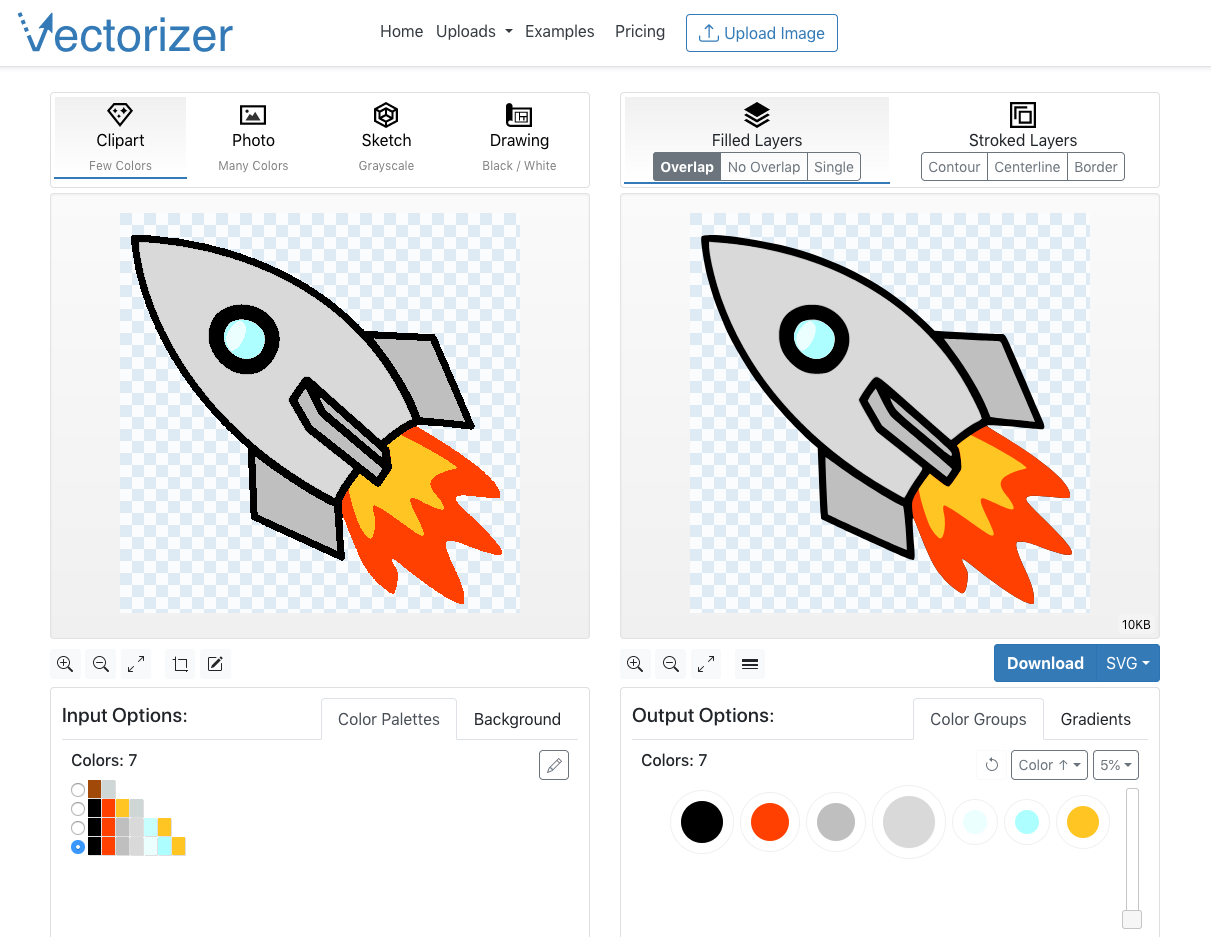
Convert raster images into scalable vector graphics (SVG, EPS, DXF) without losing quality. Upload images or drop them, and the tool will convert them into vector art. Use the online vectorizer to convert images like PNGs, BMPs, and JPEGs into vector graphics. The tool works by converting pixel color information into simple geometric objects. Vector graphics are not based on pixels but on primitives such as points, lines, curves. They are easily scalable and rotatable without losing quality. Sign up for an account to use the online vectorizer. The process involves entering an email address, receiving a sign-in code by email, and then signing in with the code. The tool offers a quick start tutorial and advanced UI tutorials for users. Features: * Convert raster images to vector graphics * Easily scalable and rotatable * No loss of quality * Upload images or drop them * Works by converting pixel color information into simple geometric objects
View Vectorizer →
Nano Banana AI
Nano Banana AI is an advanced image generation and editing model used to create high-quality, personalized visual content. Users can radically transform images by adjusting elements like lighting, camera angles, and focus, or apply specific aesthetics by transferring texture and color from a reference photo. It supports professional content creation by allowing the integration of clear, multi-lingual text for designs like logos, posters, and invites. Furthermore, the tool ensures your creations are versatile by instantly resizing them to fit any required format without cropping important details. This tool is ideal for designers, marketers, and creatives needing advanced control over their visuals. It provides sophisticated capabilities previously requiring complex software, making professional-grade imagery accessible to users through the Gemini app.
View Nano Banana AI →Feature Comparison
Vectorizer
- •Convert raster images to vector graphics
- •Easily scalable and rotatable
- •No loss of quality
- •Upload images or drop them
- •Works by converting pixel color information into simple geometric objects
Nano Banana AI
- •Apply styles from reference photos
- •Resize output without cropping
- •Integrate clear, multi-lingual text
- •Transform lighting and camera angles
- •Generate professional-grade images
At a glance
| Vectorizer | Nano Banana AI | |
|---|---|---|
| Category | Image Generation | Image Generation |
| Pricing | Paid | Freemium |
| Community Rating | No reviews | No reviews |
| Upvotes on Stremit | 45 | 89 |
| Website | vectorizer.io ↗ | nanobananafree.com ↗ |
Vectorizer vs Nano Banana AI: Which is Better?
Choosing between Vectorizer and Nano Banana AI depends on your specific needs. Both tools belong to the Image Generation category, making them direct competitors. Compare their pricing, features, and user reviews above to make the best choice for your workflow.
Visit the individual tool pages for more detailed information, community reviews, and feature breakdowns.
Frequently asked questions
What is the difference between Vectorizer and Nano Banana AI?
Vectorizer: Convert raster images into scalable vector graphics (SVG, EPS, DXF) without losing quality. Upload images or drop them, and the tool will convert them into vector art. Use the online vectorizer to convert images like… Nano Banana AI: Nano Banana AI is an advanced image generation and editing model used to create high-quality, personalized visual content. Users can radically transform images by adjusting elements like lighting, camera angles, and…
Is Vectorizer free?
Vectorizer is listed as Paid on Stremit. Check the tool's site for current plans.
Is Nano Banana AI free?
Nano Banana AI is listed as Freemium on Stremit. Check the tool's site for current plans.
Are Vectorizer and Nano Banana AI competitors?
Yes — both are Image Generation tools on Stremit, so people often compare them before choosing.