Webnode Website Builder vs Trace
A detailed comparison to help you choose the right AI tool for your workflow.

Webnode Website Builder
Webnode is a comprehensive website builder that allows non-technical users to create professional websites for small businesses, personal sites, or online stores using a simple drag-and-drop editor. Users can build and edit content on any device, requiring no coding knowledge to start an online presence. It is designed for a wide audience, including small business owners, contractors, and freelancers. The platform facilitates building full-service e-commerce sites, which include payment processing and shipping support. The builder features integrated AI tools, including the AI Website Builder, which automatically generates a complete site from a text description, and an AI Assistant used to write, improve, or generate images directly within the editor.
View Webnode Website Builder →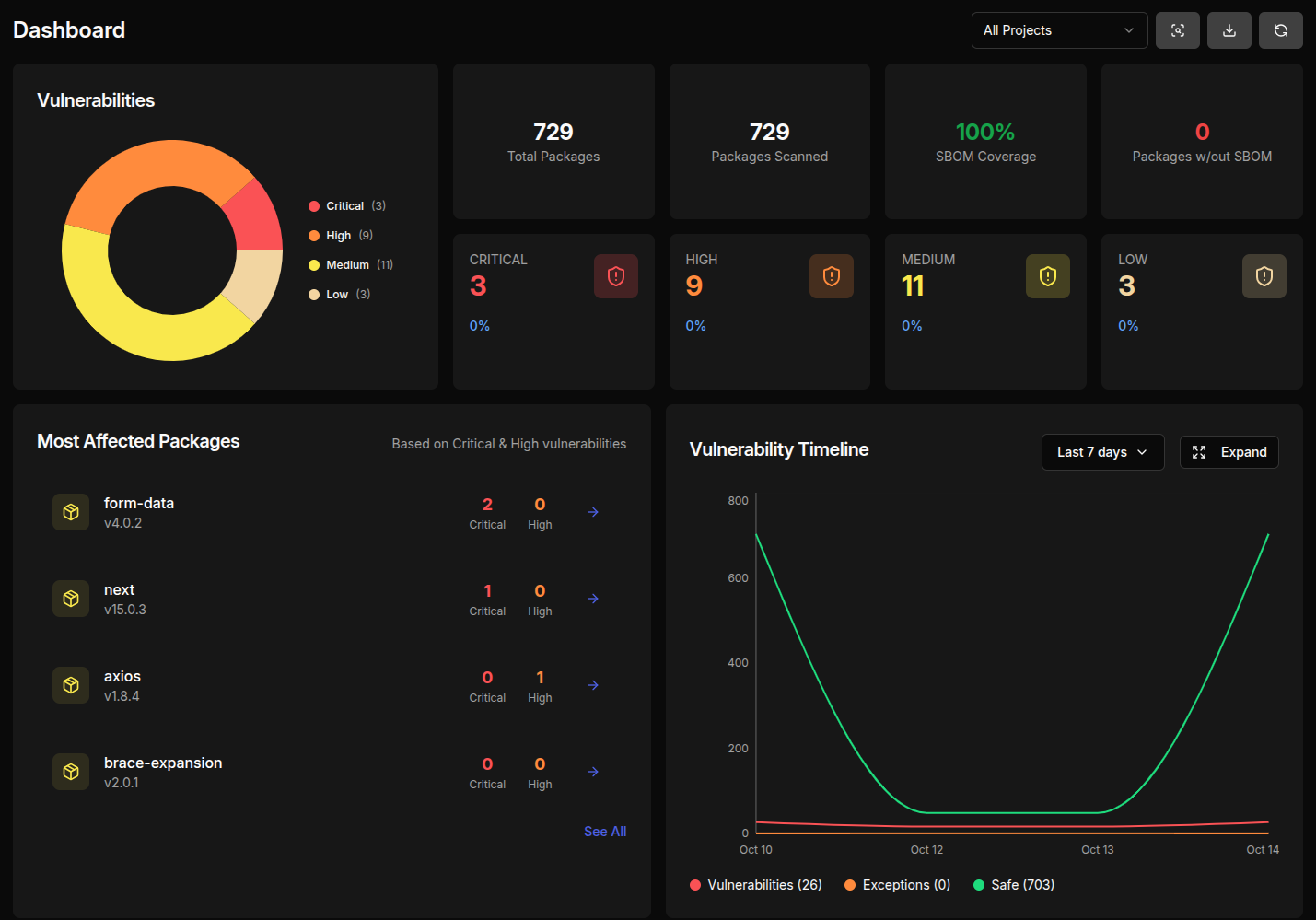
Trace
Trace-AI provides end-to-end supply-chain security by automatically generating Software Bill of Materials (SBOMs) using CycloneDX and SPDX. By connecting to GitHub or GitLab, the tool analyzes direct and transitive dependencies to provide a full inventory of all components in your software. The platform offers exploit-aware risk scoring, moving beyond traditional CVE lists to prioritize vulnerabilities with known, actionable exploits. It also tracks license compliance to identify potential issues with copyleft licenses (like GPL/LGPL) and provides critical vendor visibility, monitoring APIs and breach history. Built for enterprise transparency, Trace-AI ensures its core logic is open-source and auditable. It consolidates dependency analysis, risk scoring, and compliance checks into a single dashboard, allowing teams to easily generate audit-ready evidence for standards like ISO 27001 and SOC 2.
View Trace →Feature Comparison
Webnode Website Builder
- •AI Website Builder
- •AI Assistant for content generation
- •Drag-and-drop editing
- •Online store capability
- •AI content migration
Trace
- •Real-time SBOM generation (CycloneDX/SPDX)
- •Exploit-aware vulnerability scoring
- •License compliance tracking
- •Vendor monitoring and visibility
- •Direct and transitive dependency analysis
At a glance
| Webnode Website Builder | Trace | |
|---|---|---|
| Category | Business | Business |
| Pricing | Freemium | Freemium |
| Community Rating | No reviews | No reviews |
| Upvotes on Stremit | 187 | 89 |
| Website | webnode.com ↗ | trace-ai.dev ↗ |
Webnode Website Builder vs Trace: Which is Better?
Choosing between Webnode Website Builder and Trace depends on your specific needs. Both tools belong to the Business category, making them direct competitors. Compare their pricing, features, and user reviews above to make the best choice for your workflow.
Visit the individual tool pages for more detailed information, community reviews, and feature breakdowns.
Frequently asked questions
What is the difference between Webnode Website Builder and Trace?
Webnode Website Builder: Webnode is a comprehensive website builder that allows non-technical users to create professional websites for small businesses, personal sites, or online stores using a simple drag-and-drop editor. Users can build and… Trace: Trace-AI provides end-to-end supply-chain security by automatically generating Software Bill of Materials (SBOMs) using CycloneDX and SPDX. By connecting to GitHub or GitLab, the tool analyzes direct and transitive…
Is Webnode Website Builder free?
Webnode Website Builder is listed as Freemium on Stremit. Check the tool's site for current plans.
Is Trace free?
Trace is listed as Freemium on Stremit. Check the tool's site for current plans.
Are Webnode Website Builder and Trace competitors?
Yes — both are Business tools on Stremit, so people often compare them before choosing.