AgentScreenshots — Visual checks for AI coding agents vs Explainpaper
A detailed comparison to help you choose the right AI tool for your workflow.
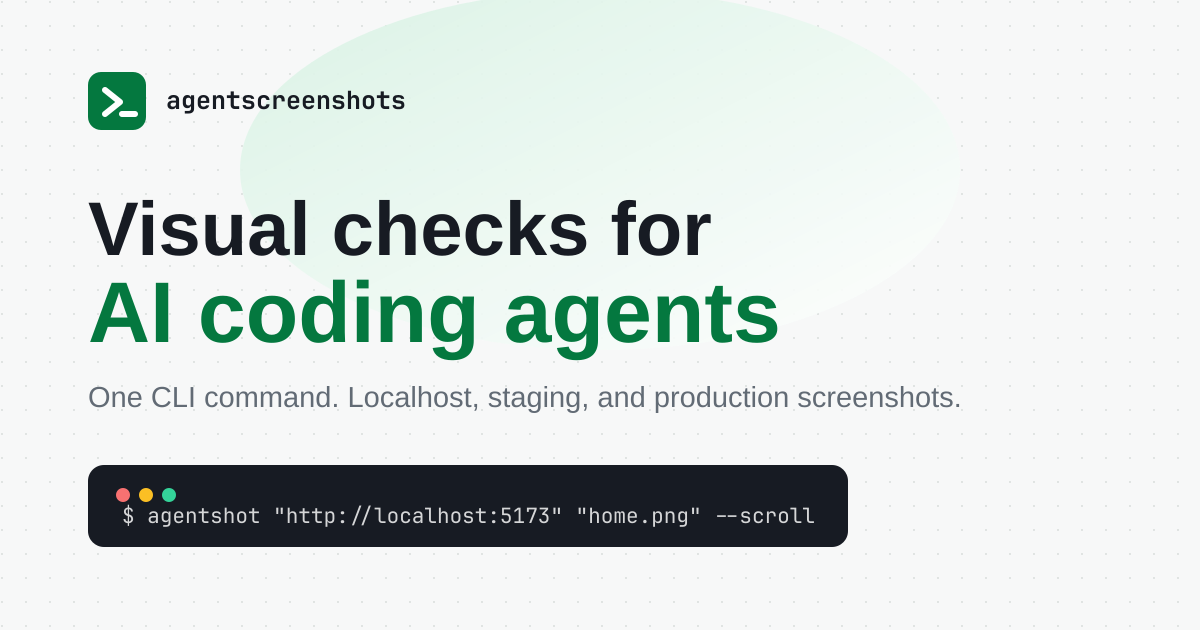
AgentScreenshots — Visual checks for AI coding agents
AgentScreenshots is a CLI tool that captures screenshots of the UI built by AI coding agents like Claude Code, Codex, and Cursor. It gives the agent precise section screenshots without opening the browser, allowing for fast and accurate feedback loops. The tool is local-first, works with localhosted websites, and uses a one CLI command. It's designed to improve the workflow of developers working with AI coding agents. AgentScreenshots is different from Browser MCPs, which require opening a browser and capturing screenshots manually. The tool provides a clean capture of exactly the component the agent is editing, in less than two seconds, without context bloat or browser windows.
View AgentScreenshots — Visual checks for AI coding agents →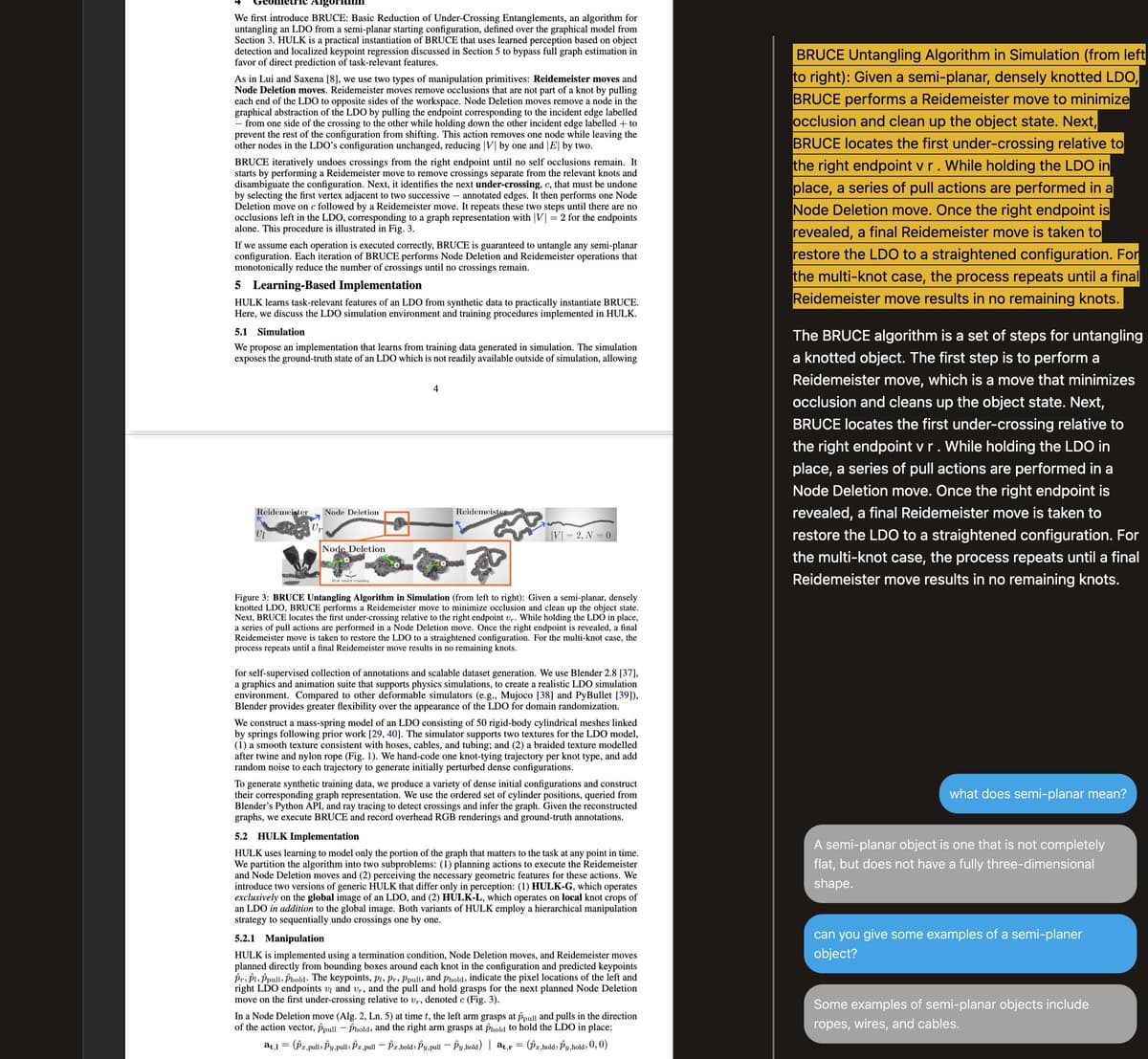
Explainpaper
Explainpaper is a tool that uses AI to explain dense sections of research papers, simplifying complex concepts for faster and more efficient reading. It is designed for researchers and individuals looking to improve their understanding of academic papers. The tool offers in-context explanations, adjustable complexity, and support for multiple languages. It is suitable for anyone who struggles with understanding complex concepts in research papers, including those new to the field or looking to deepen their knowledge. What makes Explainpaper different is its use of Large Language Models to provide accurate and context-aware explanations. Features include in-context explanations, adjustable complexity, chat with the paper, and auto-generated insights. The tool offers a free tier with unlimited highlights and follow-up questions, as well as a 7-day Pro trial for professional researchers.
View Explainpaper →At a glance
| AgentScreenshots — Visual checks for AI coding agents | Explainpaper | |
|---|---|---|
| Category | Image Generation | Image Generation |
| Pricing | Paid | Free |
| Community Rating | No reviews | No reviews |
| Upvotes on Stremit | 0 | 83 |
| Website | agentscreenshots.com ↗ | explainpaper.com ↗ |
AgentScreenshots — Visual checks for AI coding agents vs Explainpaper: Which is Better?
Choosing between AgentScreenshots — Visual checks for AI coding agents and Explainpaper depends on your specific needs. Both tools belong to the Image Generation category, making them direct competitors. Compare their pricing, features, and user reviews above to make the best choice for your workflow.
Visit the individual tool pages for more detailed information, community reviews, and feature breakdowns.
Frequently asked questions
What is the difference between AgentScreenshots — Visual checks for AI coding agents and Explainpaper?
AgentScreenshots — Visual checks for AI coding agents: AgentScreenshots is a CLI tool that captures screenshots of the UI built by AI coding agents like Claude Code, Codex, and Cursor. It gives the agent precise section screenshots without opening the browser, allowing for… Explainpaper: Explainpaper is a tool that uses AI to explain dense sections of research papers, simplifying complex concepts for faster and more efficient reading. It is designed for researchers and individuals looking to improve…
Is AgentScreenshots — Visual checks for AI coding agents free?
AgentScreenshots — Visual checks for AI coding agents is listed as Paid on Stremit. Check the tool's site for current plans.
Is Explainpaper free?
Explainpaper is listed as Free on Stremit. Check the tool's site for current plans.
Are AgentScreenshots — Visual checks for AI coding agents and Explainpaper competitors?
Yes — both are Image Generation tools on Stremit, so people often compare them before choosing.