AI Color Analysis vs Knit Chart Maker
A detailed comparison to help you choose the right AI tool for your workflow.

AI Color Analysis
AI Color Analysis takes a photo you upload and identifies your personal color palette. The system evaluates skin tone, hair color, and facial contrast to determine your undertone and color season, then returns suited colors, colors to avoid, and a short report explaining why your features respond to certain shades. The tool is aimed at people who want to choose makeup, hair color, and outfits without guesswork. It includes virtual try-ons that show lipstick, blush, eyeshadow, hair shades, and clothing colors on your own photo. The site says results take under five minutes. The site contrasts its approach with in-person color consultations, which it says cost $300 to $600 and take two to three hours. It describes its analysis as objective AI color science rather than human opinion, and says the service is available 24/7.
View AI Color Analysis →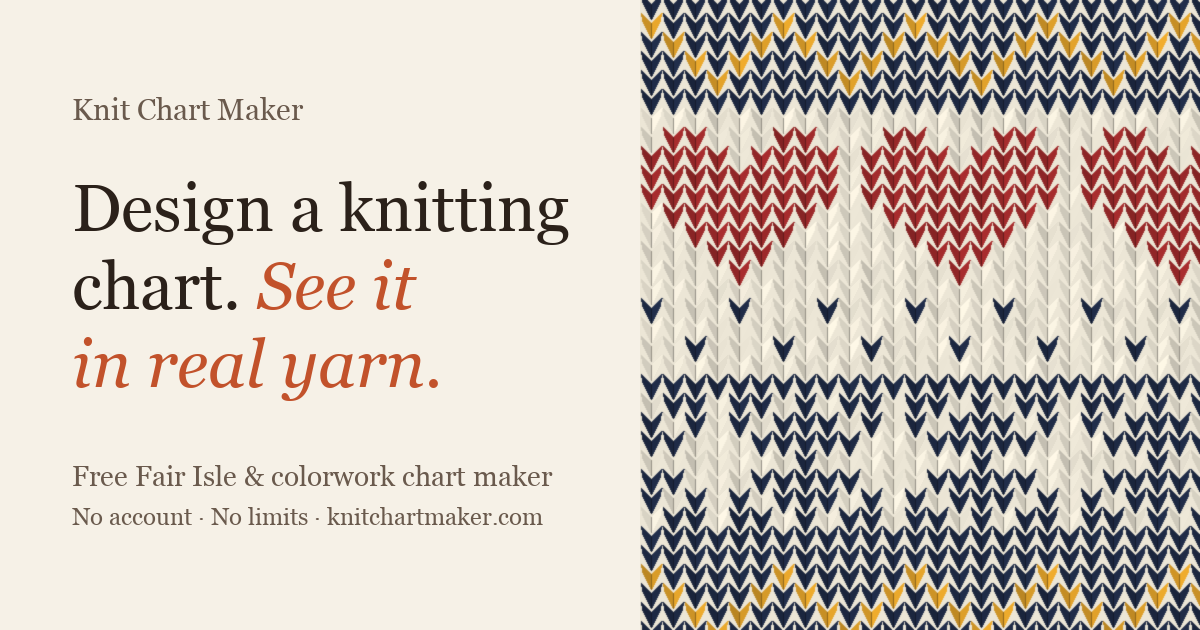
Knit Chart Maker
Free browser tool for colorwork, Fair Isle, yoke, lace, cable, and texture charts. Turn a photo into a knitting chart with 2 to 12 colors, preview the knit at gauge, and check floats and contrast. No account. Designs stay in the browser, and it also works offline.
View Knit Chart Maker →Feature Comparison
AI Color Analysis
- •Undertone and color season detection from a uploaded photo
- •Personalized palette of suited colors and colors to avoid
- •Written report explaining how colors relate to your features
- •Virtual makeup try-on for lips, cheeks, and eyeshadow
- •Hair color preview on your own photo
- •Outfit color styling on clothing silhouettes
Knit Chart Maker
No features listed yet.
At a glance
| AI Color Analysis | Knit Chart Maker | |
|---|---|---|
| Category | Design & UI | Design & UI |
| Pricing | Free | Free |
| Community Rating | No reviews | No reviews |
| Upvotes on Stremit | 87 | 0 |
| Website | aicoloranalysis.ai ↗ | knitchartmaker.com ↗ |
AI Color Analysis vs Knit Chart Maker: Which is Better?
Choosing between AI Color Analysis and Knit Chart Maker depends on your specific needs. Both tools belong to the Design & UI category, making them direct competitors. Compare their pricing, features, and user reviews above to make the best choice for your workflow.
Visit the individual tool pages for more detailed information, community reviews, and feature breakdowns.
Frequently asked questions
What is the difference between AI Color Analysis and Knit Chart Maker?
AI Color Analysis: AI Color Analysis takes a photo you upload and identifies your personal color palette. The system evaluates skin tone, hair color, and facial contrast to determine your undertone and color season, then returns suited… Knit Chart Maker: Free browser tool for colorwork, Fair Isle, yoke, lace, cable, and texture charts. Turn a photo into a knitting chart with 2 to 12 colors, preview the knit at gauge, and check floats and contrast. No account. Designs…
Is AI Color Analysis free?
AI Color Analysis is listed as Free on Stremit. Check the tool's site for current plans.
Is Knit Chart Maker free?
Knit Chart Maker is listed as Free on Stremit. Check the tool's site for current plans.
Are AI Color Analysis and Knit Chart Maker competitors?
Yes — both are Design & UI tools on Stremit, so people often compare them before choosing.