AI Convert Hub vs AI Speaker Separation
A detailed comparison to help you choose the right AI tool for your workflow.

AI Convert Hub
AI Convert Hub is an online file converter that runs in the browser. It converts and compresses video, audio, and image files, including batch uploads, with codec-aware presets and AI-optimized compression. It supports 200+ formats, including MP4, MOV, MP3, WAV, JPG, PNG, WEBP, HEIC, WEBM, and RAW. No software needs to be installed. The tool is aimed at creators who need to convert media quickly and at developers who need precise control over encoding. Users can adjust CRF, bitrate, frame rate, resolution, and audio channels. Basic tasks do not require registration. Its main difference is an FFmpeg-based pipeline combined with AI tuning, which aims to reduce file size while keeping quality. Transfers use 256-bit SSL, and files are cleaned up after processing. A free tier with daily credits is available, and heavy batch jobs require the Pro upgrade.
View AI Convert Hub →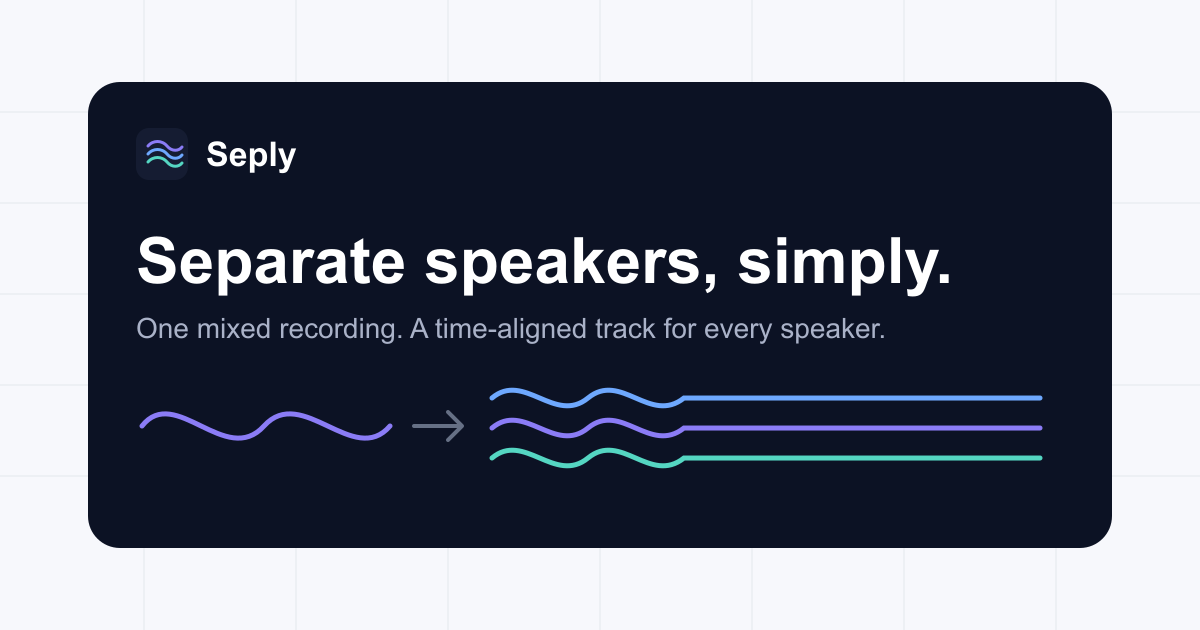
AI Speaker Separation
AI Speaker Separation uses artificial intelligence to split mixed audio recordings—such as podcasts, interviews, and meetings—into individual, editable tracks for each detected speaker. Users can upload audio (WAV, MP3, M4A, AAC, FLAC) or video (MP4, MOV) up to 1 GB to begin separation. The tool generates separate, time-aligned WAV files, allowing you to work with each voice independently. This process moves beyond simple diarization labels by creating actual, editable tracks, giving users more control over challenging content like overlapping speech. It is designed for content creators and editors who need to refine multi-speaker recordings, enabling them to preview, download, and maintain sync across isolated voice tracks without manual cutting.
View AI Speaker Separation →Feature Comparison
AI Convert Hub
- •Batch conversion and compression for video, audio, and images
- •200+ supported formats, including HEIC, WEBM, and RAW
- •Codec-aware controls for CRF, bitrate, frame rate, and audio channels
- •AI-optimized compression tuned to keep quality while reducing size
- •256-bit SSL transfers with files cleaned up after processing
- •No software to install and no registration for basic tasks
AI Speaker Separation
- •Separates mixed audio by individual speaker
- •Generates time-aligned WAV tracks
- •Supports automatic or manual speaker detection
- •Handles overlapping voices for complex audio
- •Accepts WAV, MP3, M4A, AAC, FLAC audio uploads
At a glance
| AI Convert Hub | AI Speaker Separation | |
|---|---|---|
| Category | Productivity | Productivity |
| Pricing | Freemium | Freemium |
| Community Rating | No reviews | No reviews |
| Upvotes on Stremit | 42 | 0 |
| Website | aiconverthub.com ↗ | seply.org ↗ |
AI Convert Hub vs AI Speaker Separation: Which is Better?
Choosing between AI Convert Hub and AI Speaker Separation depends on your specific needs. Both tools belong to the Productivity category, making them direct competitors. Compare their pricing, features, and user reviews above to make the best choice for your workflow.
Visit the individual tool pages for more detailed information, community reviews, and feature breakdowns.
Frequently asked questions
What is the difference between AI Convert Hub and AI Speaker Separation?
AI Convert Hub: AI Convert Hub is an online file converter that runs in the browser. It converts and compresses video, audio, and image files, including batch uploads, with codec-aware presets and AI-optimized compression. It supports… AI Speaker Separation: AI Speaker Separation uses artificial intelligence to split mixed audio recordings—such as podcasts, interviews, and meetings—into individual, editable tracks for each detected speaker. Users can upload audio (WAV, MP3,…
Is AI Convert Hub free?
AI Convert Hub is listed as Freemium on Stremit. Check the tool's site for current plans.
Is AI Speaker Separation free?
AI Speaker Separation is listed as Freemium on Stremit. Check the tool's site for current plans.
Are AI Convert Hub and AI Speaker Separation competitors?
Yes — both are Productivity tools on Stremit, so people often compare them before choosing.