AI img2img Tool vs AIGIFGO
A detailed comparison to help you choose the right AI tool for your workflow.

AI img2img Tool
The img2img AI Tool is an image-to-image editor that brings several leading models into one browser workspace. Users upload up to four images in JPEG, PNG, or WEBP format, up to 15MB each, then describe the change they want. Supported edits include style transfer, identity consistency, text edits, background removal, and upscaling. The tool is aimed at business teams and creators who handle frequent image edits. Built-in presets and templates cover portrait retouching, commercial design such as flyers and product visuals, art illustration, and human-to-anime conversion. Its main difference is that users can switch and compare models within one project, instead of moving files between separate tools. Edits can also be written in plain language, such as asking to make the background white or change a headline, and the tool applies them to the image in place.
View AI img2img Tool →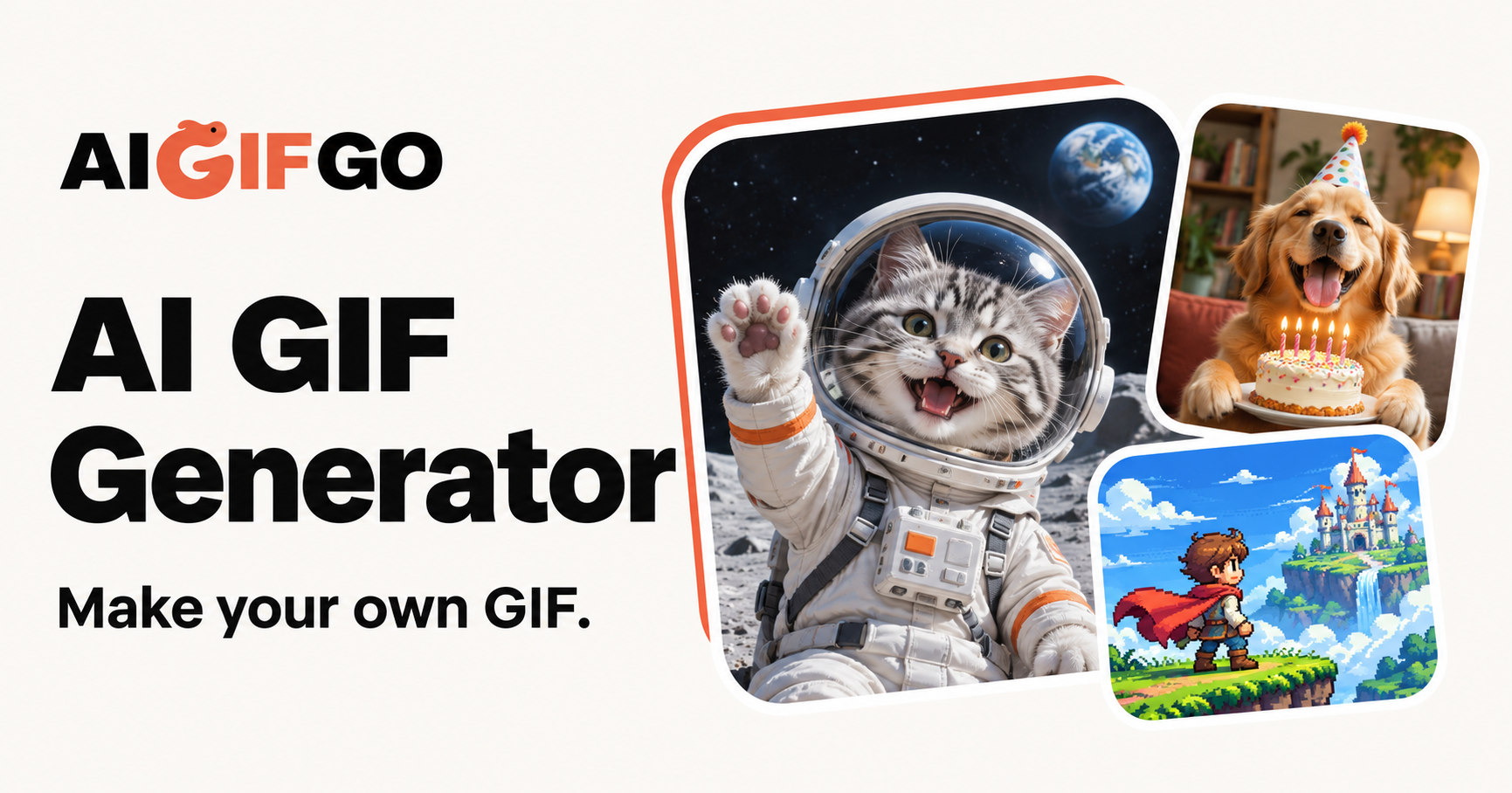
AIGIFGO
AIGIFGO is an AI GIF generator that creates animated GIFs from a text description or from an uploaded picture. Users either describe a character, a setting and an action, or upload an image and describe the movement they want. The generated GIF can be previewed and then downloaded. The site is aimed at people who want to make memes, reactions, birthday greetings, and animations of pets or original characters. Its examples include a birthday GIF with a cat offering a gift, a pixel art character waving, and a cat doing a silly dance. Users can start from an example by selecting Recreate to reuse its prompt. Generation uses credits, and the credit cost is shown on the Generate GIF button. If a generation is confirmed as failed, its reserved credits are released. Paid plans include watermark-free downloads and commercial use rights.
View AIGIFGO →Feature Comparison
AI img2img Tool
- •Upload up to 4 images (JPEG, PNG, WEBP, max 15MB each)
- •Style transfer and identity consistency
- •Plain-language text edits applied in place
- •Background removal and upscaling
- •Switch and compare multiple models in one project
- •Prompt library and industry templates
AIGIFGO
No features listed yet.
At a glance
| AI img2img Tool | AIGIFGO | |
|---|---|---|
| Category | Image Generation | Image Generation |
| Pricing | Freemium | Freemium |
| Community Rating | No reviews | No reviews |
| Upvotes on Stremit | 85 | 0 |
| Website | img-2-img.com ↗ | aigifgo.com ↗ |
AI img2img Tool vs AIGIFGO: Which is Better?
Choosing between AI img2img Tool and AIGIFGO depends on your specific needs. Both tools belong to the Image Generation category, making them direct competitors. Compare their pricing, features, and user reviews above to make the best choice for your workflow.
Visit the individual tool pages for more detailed information, community reviews, and feature breakdowns.
Frequently asked questions
What is the difference between AI img2img Tool and AIGIFGO?
AI img2img Tool: The img2img AI Tool is an image-to-image editor that brings several leading models into one browser workspace. Users upload up to four images in JPEG, PNG, or WEBP format, up to 15MB each, then describe the change they… AIGIFGO: AIGIFGO is an AI GIF generator that creates animated GIFs from a text description or from an uploaded picture. Users either describe a character, a setting and an action, or upload an image and describe the movement…
Is AI img2img Tool free?
AI img2img Tool is listed as Freemium on Stremit. Check the tool's site for current plans.
Is AIGIFGO free?
AIGIFGO is listed as Freemium on Stremit. Check the tool's site for current plans.
Are AI img2img Tool and AIGIFGO competitors?
Yes — both are Image Generation tools on Stremit, so people often compare them before choosing.