AI img2img Tool vs PicNext
A detailed comparison to help you choose the right AI tool for your workflow.

AI img2img Tool
The img2img AI Tool is an image-to-image editor that brings several leading models into one browser workspace. Users upload up to four images in JPEG, PNG, or WEBP format, up to 15MB each, then describe the change they want. Supported edits include style transfer, identity consistency, text edits, background removal, and upscaling. The tool is aimed at business teams and creators who handle frequent image edits. Built-in presets and templates cover portrait retouching, commercial design such as flyers and product visuals, art illustration, and human-to-anime conversion. Its main difference is that users can switch and compare models within one project, instead of moving files between separate tools. Edits can also be written in plain language, such as asking to make the background white or change a headline, and the tool applies them to the image in place.
View AI img2img Tool →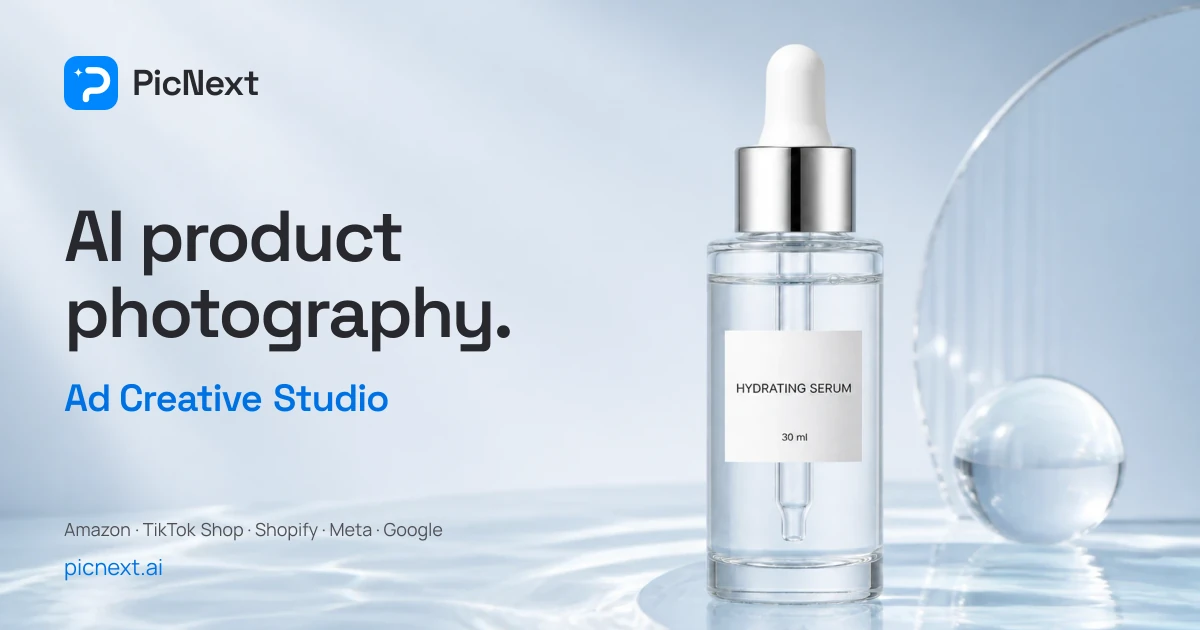
PicNext
PicNext is a product photography and ad creative studio. You paste a product link, such as an Amazon product page, and it reads the product and generates a Creative Pack of listing images, storefront visuals and campaign ads or video. Outputs are sized for each destination, including Amazon, TikTok Shop, Shopify, Meta, Google and others. It is built for sellers who list products on several marketplaces or run their own storefront and need matching creative without rebuilding each asset by hand. You choose the media type (image or video), the scene, the destinations and the market and language, then download the finished pack. According to the site, the source product drives the output. PicNext preserves what must stay true about the product rather than relying on a prompt alone. Outputs can be generated in 4K, and the free tier includes 30 credits daily with no card required.
View PicNext →Feature Comparison
AI img2img Tool
- •Upload up to 4 images (JPEG, PNG, WEBP, max 15MB each)
- •Style transfer and identity consistency
- •Plain-language text edits applied in place
- •Background removal and upscaling
- •Switch and compare multiple models in one project
- •Prompt library and industry templates
PicNext
No features listed yet.
At a glance
| AI img2img Tool | PicNext | |
|---|---|---|
| Category | Image Generation | Image Generation |
| Pricing | Freemium | Freemium |
| Community Rating | No reviews | No reviews |
| Upvotes on Stremit | 85 | 0 |
| Website | img-2-img.com ↗ | picnext.ai ↗ |
AI img2img Tool vs PicNext: Which is Better?
Choosing between AI img2img Tool and PicNext depends on your specific needs. Both tools belong to the Image Generation category, making them direct competitors. Compare their pricing, features, and user reviews above to make the best choice for your workflow.
Visit the individual tool pages for more detailed information, community reviews, and feature breakdowns.
Frequently asked questions
What is the difference between AI img2img Tool and PicNext?
AI img2img Tool: The img2img AI Tool is an image-to-image editor that brings several leading models into one browser workspace. Users upload up to four images in JPEG, PNG, or WEBP format, up to 15MB each, then describe the change they… PicNext: PicNext is a product photography and ad creative studio. You paste a product link, such as an Amazon product page, and it reads the product and generates a Creative Pack of listing images, storefront visuals and…
Is AI img2img Tool free?
AI img2img Tool is listed as Freemium on Stremit. Check the tool's site for current plans.
Is PicNext free?
PicNext is listed as Freemium on Stremit. Check the tool's site for current plans.
Are AI img2img Tool and PicNext competitors?
Yes — both are Image Generation tools on Stremit, so people often compare them before choosing.