AI Interior Visualization & Design — Redesign Any Room vs AI Image Editor — Free AI Image Editor Online
A detailed comparison to help you choose the right AI tool for your workflow.
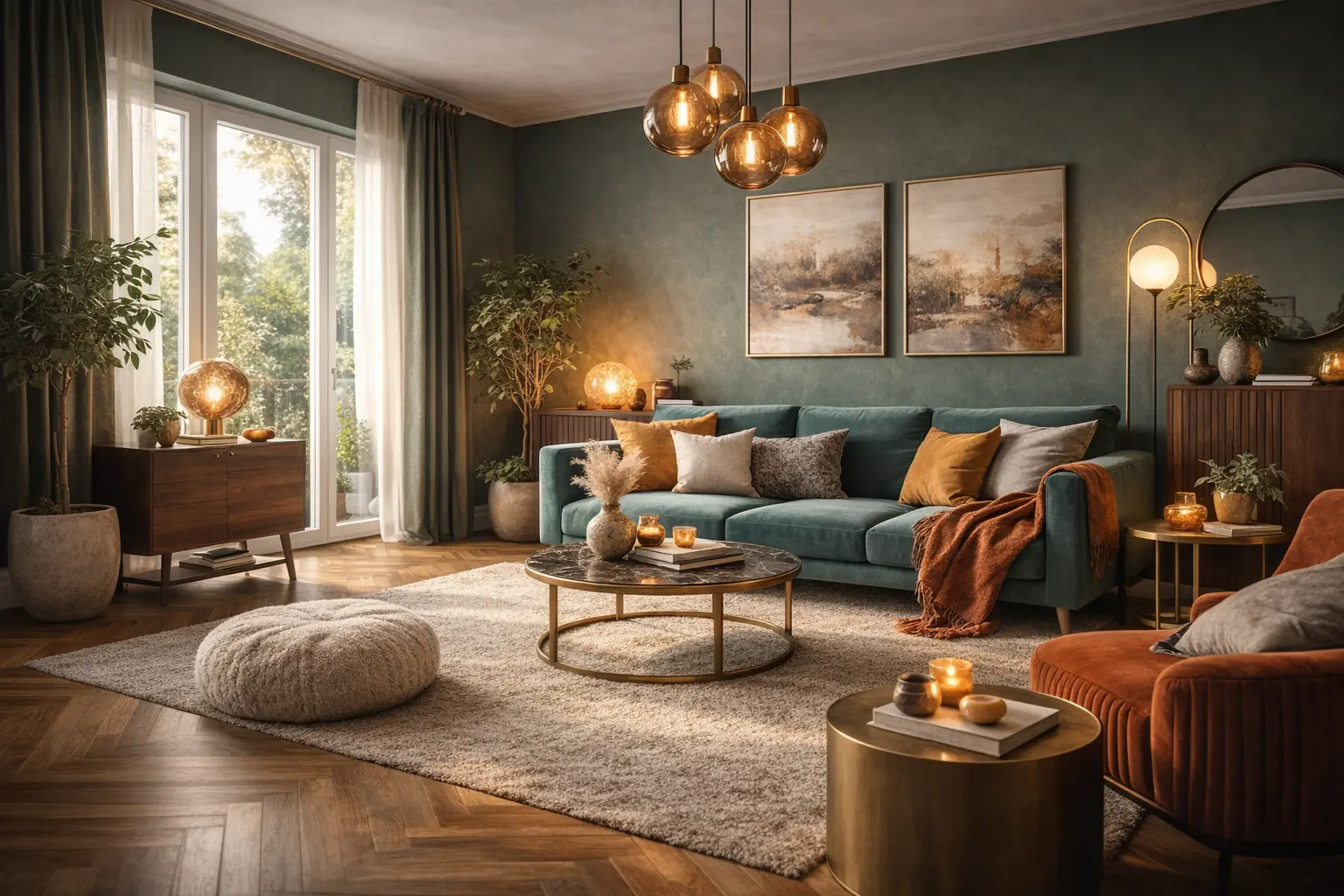
AI Interior Visualization & Design — Redesign Any Room
AI interior visualization & design in seconds — upload a room photo and redesign it across 20+ styles. A free interior design visualizer, no designer needed.
View AI Interior Visualization & Design — Redesign Any Room →
AI Image Editor — Free AI Image Editor Online
AI Image Editor is a free online photo editor that lets you change backgrounds, add or edit text, and restyle photos using text prompts. You upload a JPEG, PNG, GIF, or WEBP file up to 20MB and 4096 x 4096 pixels, describe the change, and generate multiple variations to choose from. It is built for people who want quick edits without design software or an account. The site says no sign-up is required and no design skills are needed. It names marketing, branding, and social media content as common uses. The editor can target specific regions, such as eyes, sky, or a logo, and leave the rest of the image untouched. Its character consistency and style transfer tools aim to keep a subject's face and proportions consistent while applying new poses, outfits, backgrounds, or a reference style.
View AI Image Editor — Free AI Image Editor Online →Feature Comparison
AI Interior Visualization & Design — Redesign Any Room
No features listed yet.
AI Image Editor — Free AI Image Editor Online
- •Change backgrounds using text prompts
- •Insert and edit text in images
- •Style transfer from a reference image
- •Character consistency across edits
- •Region-targeted edits, such as eyes, sky, or logos
- •Multiple output variations to choose from
At a glance
| AI Interior Visualization & Design — Redesign Any Room | AI Image Editor — Free AI Image Editor Online | |
|---|---|---|
| Category | Image Generation | Image Generation |
| Pricing | — | Free |
| Community Rating | No reviews | No reviews |
| Upvotes on Stremit | 65 | 87 |
| Website | izbaviz.com ↗ | aiimageedit.ai ↗ |
AI Interior Visualization & Design — Redesign Any Room vs AI Image Editor — Free AI Image Editor Online: Which is Better?
Choosing between AI Interior Visualization & Design — Redesign Any Room and AI Image Editor — Free AI Image Editor Online depends on your specific needs. Both tools belong to the Image Generation category, making them direct competitors. Compare their pricing, features, and user reviews above to make the best choice for your workflow.
Visit the individual tool pages for more detailed information, community reviews, and feature breakdowns.
Frequently asked questions
What is the difference between AI Interior Visualization & Design — Redesign Any Room and AI Image Editor — Free AI Image Editor Online?
AI Interior Visualization & Design — Redesign Any Room: AI interior visualization & design in seconds — upload a room photo and redesign it across 20+ styles. A free interior design visualizer, no designer needed. AI Image Editor — Free AI Image Editor Online: AI Image Editor is a free online photo editor that lets you change backgrounds, add or edit text, and restyle photos using text prompts. You upload a JPEG, PNG, GIF, or WEBP file up to 20MB and 4096 x 4096 pixels,…
Is AI Image Editor — Free AI Image Editor Online free?
AI Image Editor — Free AI Image Editor Online is listed as Free on Stremit. Check the tool's site for current plans.
Are AI Interior Visualization & Design — Redesign Any Room and AI Image Editor — Free AI Image Editor Online competitors?
Yes — both are Image Generation tools on Stremit, so people often compare them before choosing.