AI Web Scraping Extension vs Excel AI for Data Analysis, Charts, Reports & Dashboards
A detailed comparison to help you choose the right AI tool for your workflow.

AI Web Scraping Extension
Chat4Data is an AI web scraper plugin for Chrome that extracts data from any webpage using natural language. It allows users to scrape web data with minimal setup and no coding skills required. The tool can handle complex web scraping tasks and adapts to website changes. It offers a credit system with affordable pricing and a referral program for unlimited free credits. Chat4Data is suitable for users who need to extract data from various websites, including e-commerce platforms, news sites, and educational portals. It can handle pagination, clicks, and hidden elements, making it a reliable choice for data collection. What sets Chat4Data apart is its human-in-the-loop design, which ensures that users don't have to waste runs or deal with bad data. The tool also offers a range of features, including data analysis, image and link extraction, and phone number extraction. Chat4Data is designed for everyone, from beginners to experts, and offers a free trial with 100 starting credits. The tool is also available for subscription, with affordable monthly credits and credit top-ups. In summary, Chat4Data is a powerful AI web scraper plugin that offers a simple and efficient way to extract data from any webpage. Its natural language interface, adaptability, and affordability make it an attractive choice for users who need to collect data from various websites.
View AI Web Scraping Extension →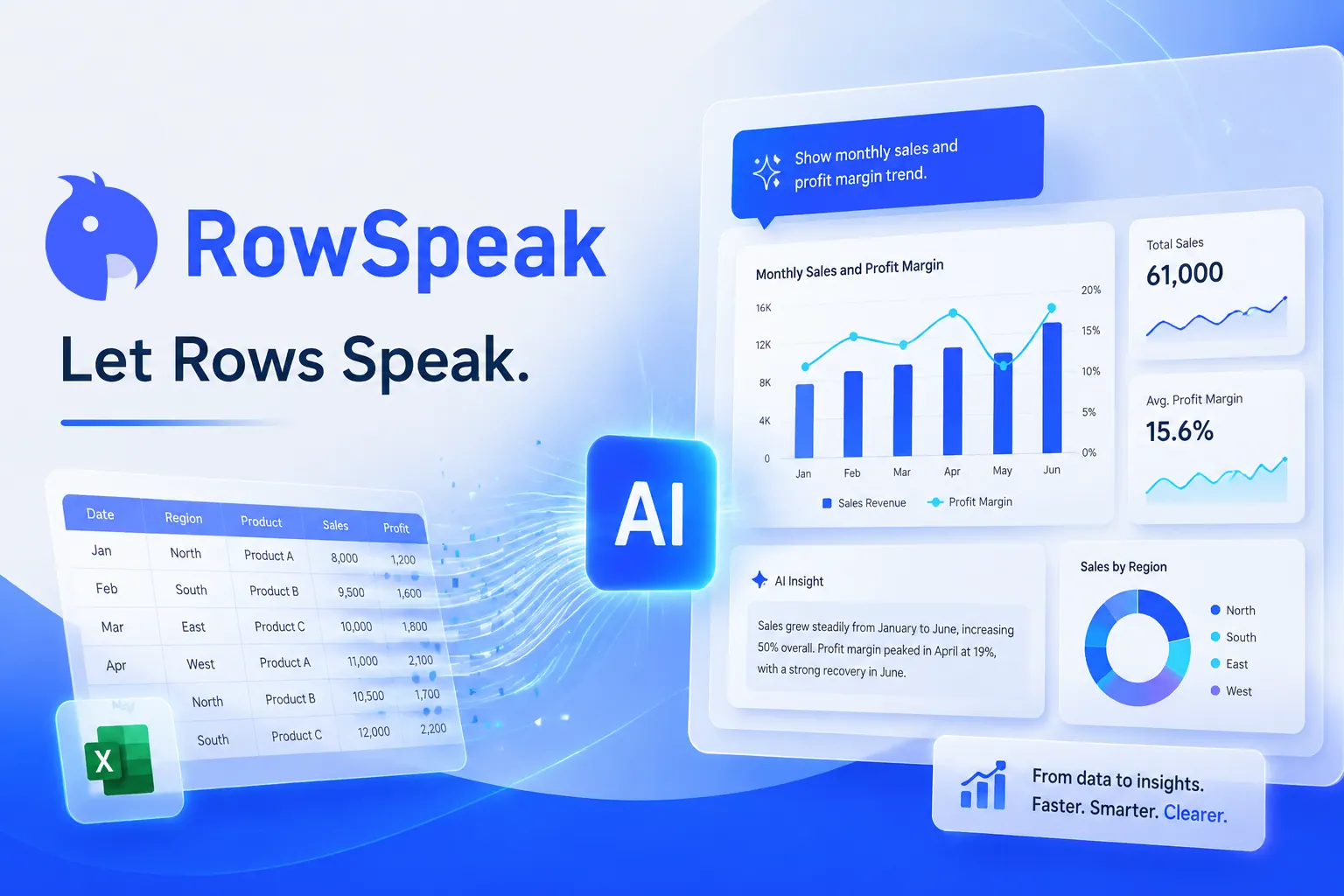
Excel AI for Data Analysis, Charts, Reports & Dashboards
Analyze messy Excel, CSV, PDF, and image tables with AI. Find trends, explain changes, create charts, dashboards, and reports you can review.
View Excel AI for Data Analysis, Charts, Reports & Dashboards →Feature Comparison
AI Web Scraping Extension
- •Natural language interface
- •Adaptability to website changes
- •Handling of complex web scraping tasks
- •Data analysis
- •Image and link extraction
- •Phone number extraction
Excel AI for Data Analysis, Charts, Reports & Dashboards
No features listed yet.
At a glance
| AI Web Scraping Extension | Excel AI for Data Analysis, Charts, Reports & Dashboards | |
|---|---|---|
| Category | Data & Analytics | Data & Analytics |
| Pricing | Freemium | — |
| Community Rating | No reviews | No reviews |
| Upvotes on Stremit | 28 | 79 |
| Website | chat4data.ai ↗ | rowspeak.ai ↗ |
AI Web Scraping Extension vs Excel AI for Data Analysis, Charts, Reports & Dashboards: Which is Better?
Choosing between AI Web Scraping Extension and Excel AI for Data Analysis, Charts, Reports & Dashboards depends on your specific needs. Both tools belong to the Data & Analytics category, making them direct competitors. Compare their pricing, features, and user reviews above to make the best choice for your workflow.
Visit the individual tool pages for more detailed information, community reviews, and feature breakdowns.
Frequently asked questions
What is the difference between AI Web Scraping Extension and Excel AI for Data Analysis, Charts, Reports & Dashboards?
AI Web Scraping Extension: Chat4Data is an AI web scraper plugin for Chrome that extracts data from any webpage using natural language. It allows users to scrape web data with minimal setup and no coding skills required. The tool can handle… Excel AI for Data Analysis, Charts, Reports & Dashboards: Analyze messy Excel, CSV, PDF, and image tables with AI. Find trends, explain changes, create charts, dashboards, and reports you can review.
Is AI Web Scraping Extension free?
AI Web Scraping Extension is listed as Freemium on Stremit. Check the tool's site for current plans.
Are AI Web Scraping Extension and Excel AI for Data Analysis, Charts, Reports & Dashboards competitors?
Yes — both are Data & Analytics tools on Stremit, so people often compare them before choosing.