AVCLabs AI: Enhance Your Video and Photo Quality with AI vs RemoveMate
A detailed comparison to help you choose the right AI tool for your workflow.
AVCLabs AI: Enhance Your Video and Photo Quality with AI
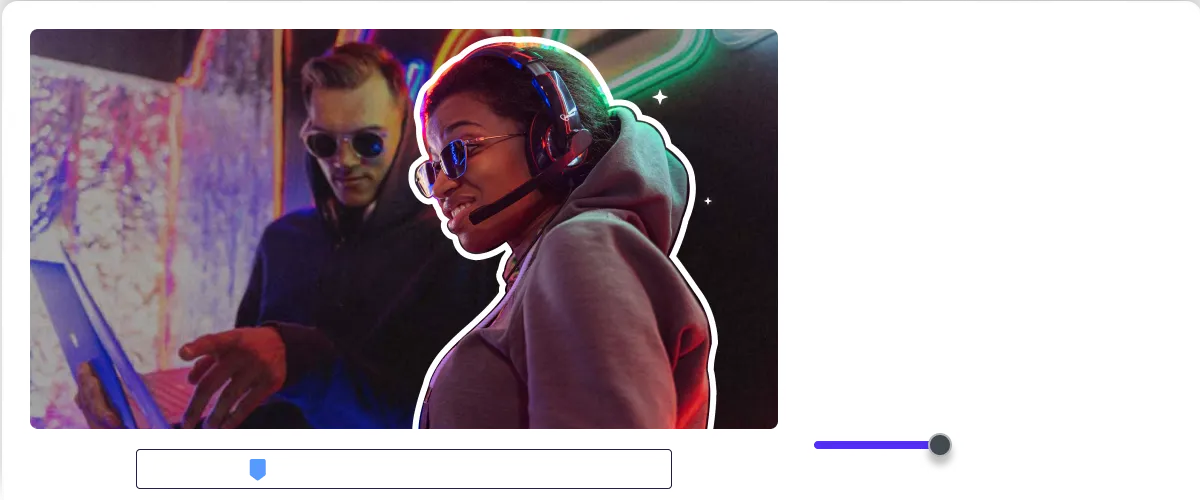
AVCLabs AI is a set of AI tools for enhancing, editing, and creating video and photo content. Its video tools upscale low-resolution footage to high definition, reduce blur, restore facial details, stabilize footage, and remove watermarks. Its photo tools improve image quality, restore old photos, colorize images, and reduce noise. The products can be used on desktop or online. The tools suit users who need to improve media quality or hide details such as faces, license plates, and objects without manual editing. Video Blur AI detects and blurs these elements automatically, and the company says it can reduce manual editing work by up to 99%. The lineup covers both video and photo editing under one brand. Users can choose between desktop software and online tools, depending on how they want to work.
View AVCLabs AI: Enhance Your Video and Photo Quality with AI →
RemoveMate
RemoveMate is an AI-powered online suite designed for high-quality image cleanup. Its core feature is automatic background removal, allowing users to upload photos of products, portraits, or pets and instantly receive a cutout. This process is simple, requiring no prompts and providing a preview before the result is downloaded. Beyond background removal, the tool includes advanced cleanup tools such as AI Watermark Removal, which clears overlays while preserving detail. Users can also unblur images to restore clarity, remove unwanted text (like dates or captions), and refine various visual imperfections. It is designed for e-commerce sellers, marketers, and creators who need consistent, clean visuals for shop listings, catalogs, and profiles. The tools work in the browser, allowing users to streamline image preparation for professional use.
View RemoveMate →Feature Comparison
AVCLabs AI: Enhance Your Video and Photo Quality with AI
- •Upscales low-resolution videos to HD, 4K, and 8K
- •Automatically blurs faces, objects, and license plates in video
- •Removes watermarks, logos, text, and subtitles
- •Restores old photos and adds colorization
- •Reduces noise and sharpens images
- •Available as desktop software or online tools
RemoveMate
- •Automatic background removal
- •AI Watermark Remover
- •Image Unblurring
- •Text removal
- •Support for JPG, PNG, WebP
At a glance
| AVCLabs AI: Enhance Your Video and Photo Quality with AI | RemoveMate | |
|---|---|---|
| Category | Design & UI | Design & UI |
| Pricing | Freemium | Freemium |
| Community Rating | No reviews | No reviews |
| Upvotes on Stremit | 83 | 0 |
| Website | avclabs.com ↗ | removemate.com ↗ |
AVCLabs AI: Enhance Your Video and Photo Quality with AI vs RemoveMate: Which is Better?
Choosing between AVCLabs AI: Enhance Your Video and Photo Quality with AI and RemoveMate depends on your specific needs. Both tools belong to the Design & UI category, making them direct competitors. Compare their pricing, features, and user reviews above to make the best choice for your workflow.
Visit the individual tool pages for more detailed information, community reviews, and feature breakdowns.
Frequently asked questions
What is the difference between AVCLabs AI: Enhance Your Video and Photo Quality with AI and RemoveMate?
AVCLabs AI: Enhance Your Video and Photo Quality with AI: AVCLabs AI is a set of AI tools for enhancing, editing, and creating video and photo content. Its video tools upscale low-resolution footage to high definition, reduce blur, restore facial details, stabilize footage,… RemoveMate: RemoveMate is an AI-powered online suite designed for high-quality image cleanup. Its core feature is automatic background removal, allowing users to upload photos of products, portraits, or pets and instantly receive a…
Is AVCLabs AI: Enhance Your Video and Photo Quality with AI free?
AVCLabs AI: Enhance Your Video and Photo Quality with AI is listed as Freemium on Stremit. Check the tool's site for current plans.
Is RemoveMate free?
RemoveMate is listed as Freemium on Stremit. Check the tool's site for current plans.
Are AVCLabs AI: Enhance Your Video and Photo Quality with AI and RemoveMate competitors?
Yes — both are Design & UI tools on Stremit, so people often compare them before choosing.