Burnstate vs Railway
A detailed comparison to help you choose the right AI tool for your workflow.
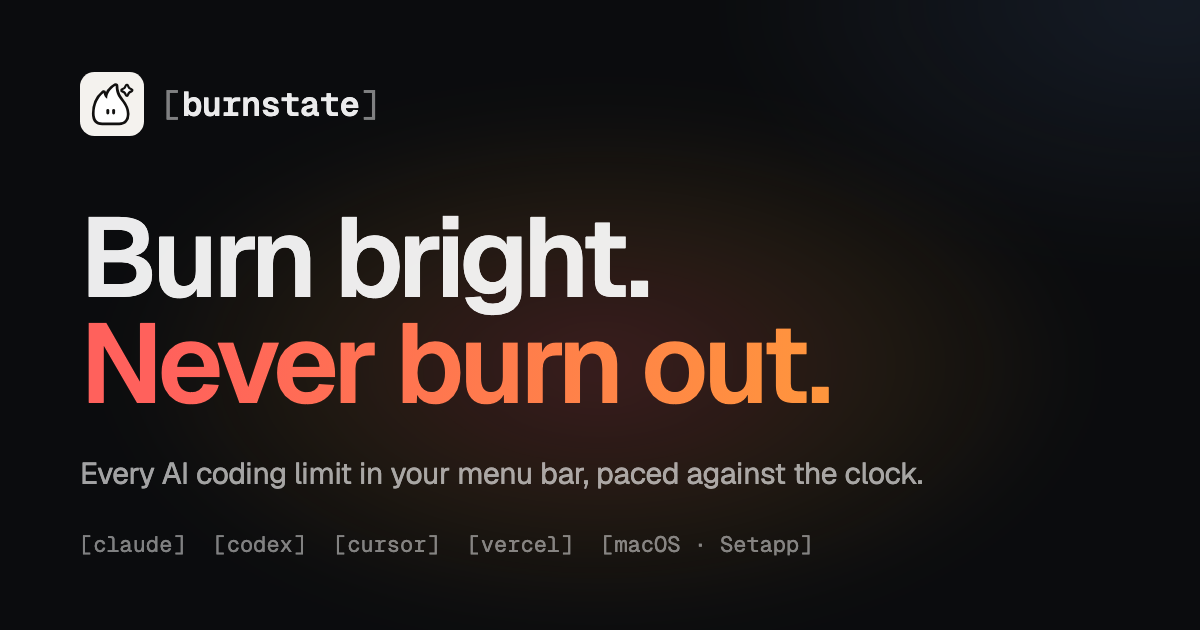
Burnstate
Burnstate is a native Mac menu bar application built for developers who rely on various AI coding agents. It serves as a resource manager, tracking usage limits and consumption for providers like Claude Code, Codex, Cursor, and Vercel AI Gateway. It measures token usage against time to forecast precisely when usage limits will be exhausted at the current rate. It is ideal for developers who need precise oversight of their AI coding workflows and resource spending. The tool provides detailed session lists showing tokens, estimated costs, and model usage, helping users maintain control over their development costs and pace. What sets Burnstate apart is its focus on both productivity and privacy. Features include proactive notice cards when an agent needs input or nears a limit, and enforced cooldown reminders to ensure breaks. Critically, it computes all data from local logs, requiring no account, analytics, or telemetry.
View Burnstate →
Railway
Railway is an all-in-one intelligent cloud provider designed to simplify the deployment of complex applications, including web apps, servers, and databases. It functions as a full-stack cloud, offering automatic scaling, monitoring, and security out-of-the-box so developers can deploy anything without the usual complexities of traditional cloud providers. The platform allows developers to build and deploy using a visual canvas, making the entire infrastructure stack visible. Key features include zero-setup networking with private connections and robust observability, combining logs, metrics, and traces into one dashboard. It also streamlines the development lifecycle by providing unlimited environments and instant PR previews. It is ideal for software teams looking to accelerate their operation and significantly reduce deployment friction. Railway enables focus on the product by handling complex infrastructure tasks like load balancing, auto-configuration, and global scaling automatically.
View Railway →Feature Comparison
Burnstate
- •Tracks usage limits for AI coding agents
- •Visualizes token consumption and cost estimates
- •Provides notice cards for limit warnings
- •Manages and tracks individual agent sessions
- •Includes mandatory cooldown and break reminders
- •Operates using local logs without needing an account
Railway
- •Visual canvas for entire stack visibility
- •Automatic scaling and monitoring
- •Unlimited environments and PR previews
- •Zero-setup private networking
- •Centralized logs, metrics, and traces
At a glance
| Burnstate | Railway | |
|---|---|---|
| Category | Code & Development | Code & Development |
| Pricing | Paid | Freemium |
| Community Rating | No reviews | No reviews |
| Upvotes on Stremit | 0 | 90 |
| Website | burnstate.dev ↗ | railway.com?referralCode=pif ↗ |
Burnstate vs Railway: Which is Better?
Choosing between Burnstate and Railway depends on your specific needs. Both tools belong to the Code & Development category, making them direct competitors. Compare their pricing, features, and user reviews above to make the best choice for your workflow.
Visit the individual tool pages for more detailed information, community reviews, and feature breakdowns.
Frequently asked questions
What is the difference between Burnstate and Railway?
Burnstate: Burnstate is a native Mac menu bar application built for developers who rely on various AI coding agents. It serves as a resource manager, tracking usage limits and consumption for providers like Claude Code, Codex,… Railway: Railway is an all-in-one intelligent cloud provider designed to simplify the deployment of complex applications, including web apps, servers, and databases. It functions as a full-stack cloud, offering automatic…
Is Burnstate free?
Burnstate is listed as Paid on Stremit. Check the tool's site for current plans.
Is Railway free?
Railway is listed as Freemium on Stremit. Check the tool's site for current plans.
Are Burnstate and Railway competitors?
Yes — both are Code & Development tools on Stremit, so people often compare them before choosing.