Citevant vs Studioify
A detailed comparison to help you choose the right AI tool for your workflow.
Citevant
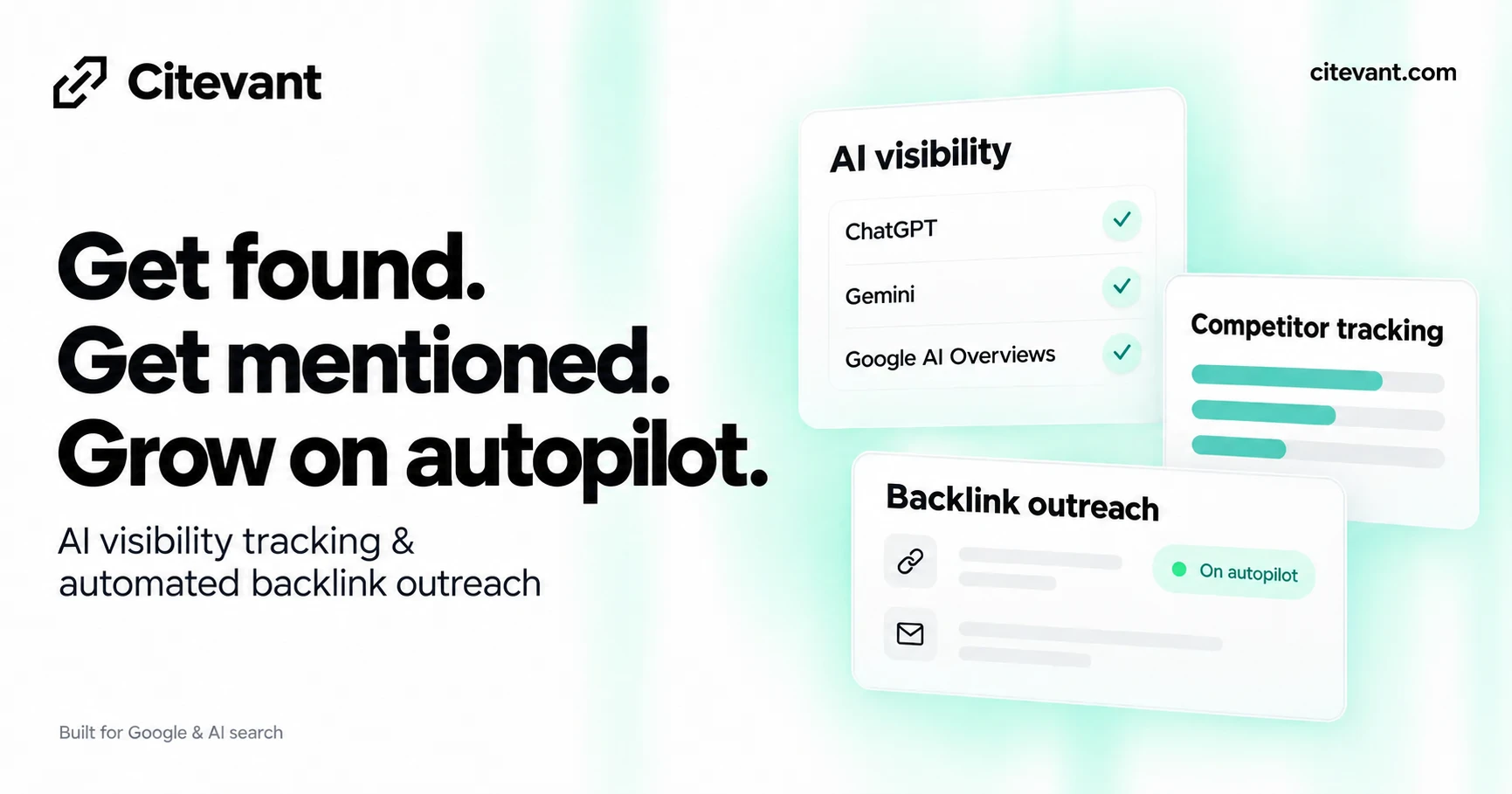
Citevant tracks which brands AI search engines name when answering buyer questions, including ChatGPT, Gemini, Google AI Overviews, Perplexity and Claude. It finds articles that AI engines cite and that mention competitors, then automates personalized requests to those publishers for brand mentions and backlinks. It is built for founders, agencies and marketing teams that want their brand to appear in AI answers. After you add your site, setup takes about two minutes, and the platform checks the AI engines every week. The Pro plan is $95 per month after a $19 seven-day trial and includes 30 outreach emails a day and 60 directory backlinks a month. Citevant sends outreach from a separate branded domain and inbox that it sets up and manages, rather than from your main domain. It states that it does not use PBNs or ranking-manipulation schemes, and publishers decide whether to include a mention. Its directory submission service picks high-DR directory backlinks for your niche from a database of more than 13,000 directories.
View Citevant →
Studioify
Studioify is an AI photo editor designed to transform simple phone photographs into professional, resale-ready images. It automatically enhances lighting, cleans backgrounds, and optimizes colors so sellers don't need a physical studio setup. You can process multiple images quickly, generating consistent, high-quality listings optimized for popular e-commerce platforms. It is built specifically for secondhand clothing sellers on marketplaces like Depop, Vinted, and Poshmark. Unlike generic AI tools, Studioify is structured around the actual listing process, helping you create a cohesive, professional brand look that stands out in crowded feeds. It allows you to achieve the visual quality of a professional brand without the effort. Key features include creating 'on-model' shots using AI visualization and generating full image packs with multiple angles and detail shots. Simply upload your existing flat-lay or hanging photos, choose your desired display style, and let the AI handle the rest, saving hours of manual editing time.
View Studioify →Feature Comparison
Citevant
No features listed yet.
Studioify
- •AI-powered model visualization
- •Optimized for Depop, Vinted, and Poshmark
- •Automated background cleaning and optimization
- •Generates detailed image packs
- •Supports flat-lay, hanging, or on-model styles
At a glance
| Citevant | Studioify | |
|---|---|---|
| Category | Marketing & SEO | Marketing & SEO |
| Pricing | Subscription | Freemium |
| Community Rating | No reviews | No reviews |
| Upvotes on Stremit | 0 | 88 |
| Website | citevant.com ↗ | getstudioify.com ↗ |
Citevant vs Studioify: Which is Better?
Choosing between Citevant and Studioify depends on your specific needs. Both tools belong to the Marketing & SEO category, making them direct competitors. Compare their pricing, features, and user reviews above to make the best choice for your workflow.
Visit the individual tool pages for more detailed information, community reviews, and feature breakdowns.
Frequently asked questions
What is the difference between Citevant and Studioify?
Citevant: Citevant tracks which brands AI search engines name when answering buyer questions, including ChatGPT, Gemini, Google AI Overviews, Perplexity and Claude. It finds articles that AI engines cite and that mention… Studioify: Studioify is an AI photo editor designed to transform simple phone photographs into professional, resale-ready images. It automatically enhances lighting, cleans backgrounds, and optimizes colors so sellers don't need a…
Is Citevant free?
Citevant is listed as Subscription on Stremit. Check the tool's site for current plans.
Is Studioify free?
Studioify is listed as Freemium on Stremit. Check the tool's site for current plans.
Are Citevant and Studioify competitors?
Yes — both are Marketing & SEO tools on Stremit, so people often compare them before choosing.