Cursor vs Sudowrite
A detailed comparison to help you choose the right AI tool for your workflow.

Cursor
Cursor is an AI-powered coding agent that helps developers build ambitious software. It turns ideas into code, accelerates development, and provides AI-powered coding assistance features. Cursor is suitable for developers who want to make decisions while focusing on strategy, not coding. It's a tool for agentic development. Cursor works autonomously, runs in parallel, and uses its own computers to build, test, and demo features end to end for users to review. It collaborates with teams in Slack and reviews PRs in GitHub. Cursor has a wide range of features, including AI Coding Agent, Agents, Cloud Agents, Agent Grok, CLI, and more. It also provides features for building landing pages, mission control, and dashboard. Cursor is designed to make development more efficient, fast, and productive. It's a tool for developers who want to focus on strategy and decision-making while leaving the coding to the AI.
View Cursor →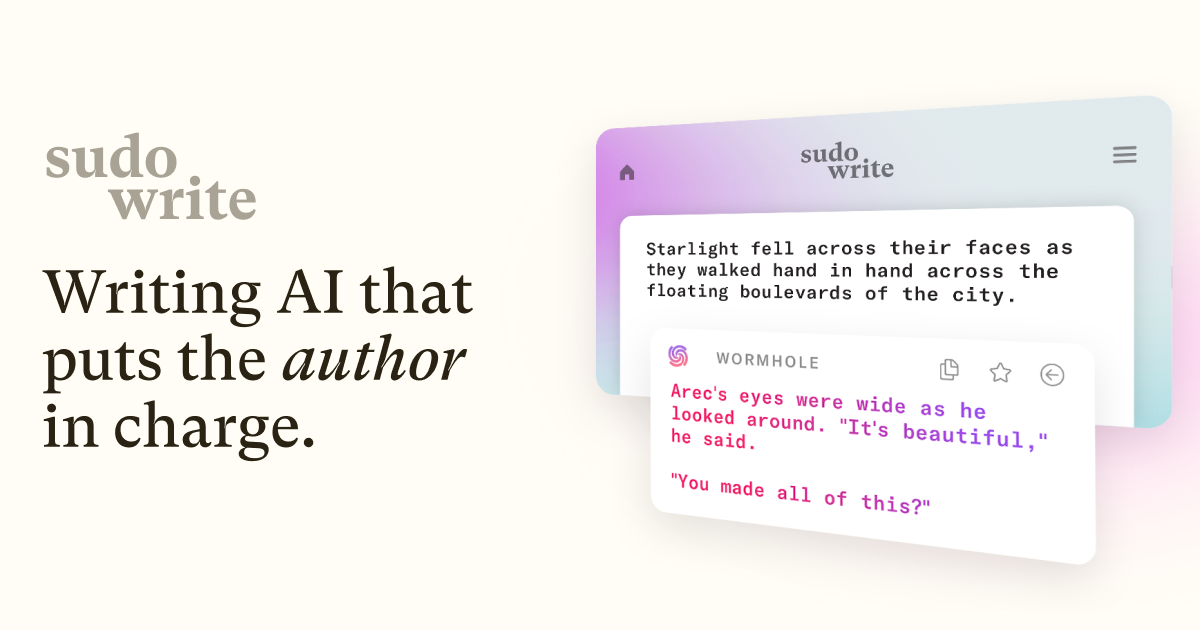
Sudowrite
Sudowrite is an AI writing tool designed for fiction writers. It helps writers generate ideas, outlines, and even entire chapters. Sudowrite analyzes characters, tone, and plot arc to suggest the next words in the writer's voice. It also includes features like pacing adjustments and sentence refinement. Sudowrite aims to support writers who struggle with finding the right words or pacing, offering a non-judgmental and flexible companion for the writing process. Sudowrite is suitable for writers of novels, screenplays, and other forms of fiction. It's particularly helpful for those who struggle with writer's block, pacing issues, or finding the right words. What sets Sudowrite apart is its ability to analyze and understand the writer's style, tone, and voice, providing suggestions that feel organic and natural. This AI writing partner is designed to complement the writer's process, rather than replace it. Sudowrite offers a free version and a paid version, with features like Story Bible, which helps writers develop their ideas and outlines, and Rewrite, which provides a super-flexible revision buddy. The tool is praised by writers such as Hugh Howey, Bernie Su, and Chris Anderson, who appreciate its ability to help them generate ideas, refine their writing, and overcome writer's block. Sudowrite's goal is to help writers write faster, with more confidence, and with less stress. Sudowrite is suitable for writers of all levels, from beginners to experienced authors, who want to improve their writing skills and productivity.
View Sudowrite →At a glance
| Cursor | Sudowrite | |
|---|---|---|
| Category | Writing & Content | Writing & Content |
| Pricing | Free Trial | Paid |
| Community Rating | No reviews | No reviews |
| Upvotes on Stremit | 80 | 82 |
| Website | cursor.com ↗ | sudowrite.com ↗ |
Cursor vs Sudowrite: Which is Better?
Choosing between Cursor and Sudowrite depends on your specific needs. Both tools belong to the Writing & Content category, making them direct competitors. Compare their pricing, features, and user reviews above to make the best choice for your workflow.
Visit the individual tool pages for more detailed information, community reviews, and feature breakdowns.
Frequently asked questions
What is the difference between Cursor and Sudowrite?
Cursor: Cursor is an AI-powered coding agent that helps developers build ambitious software. It turns ideas into code, accelerates development, and provides AI-powered coding assistance features. Cursor is suitable for… Sudowrite: Sudowrite is an AI writing tool designed for fiction writers. It helps writers generate ideas, outlines, and even entire chapters. Sudowrite analyzes characters, tone, and plot arc to suggest the next words in the…
Is Cursor free?
Cursor is listed as Free Trial on Stremit. Check the tool's site for current plans.
Is Sudowrite free?
Sudowrite is listed as Paid on Stremit. Check the tool's site for current plans.
Are Cursor and Sudowrite competitors?
Yes — both are Writing & Content tools on Stremit, so people often compare them before choosing.