Excel AI for Data Analysis, Charts, Reports & Dashboards vs BatchData
A detailed comparison to help you choose the right AI tool for your workflow.

Excel AI for Data Analysis, Charts, Reports & Dashboards
Analyze messy Excel, CSV, PDF, and image tables with AI. Find trends, explain changes, create charts, dashboards, and reports you can review.
View Excel AI for Data Analysis, Charts, Reports & Dashboards →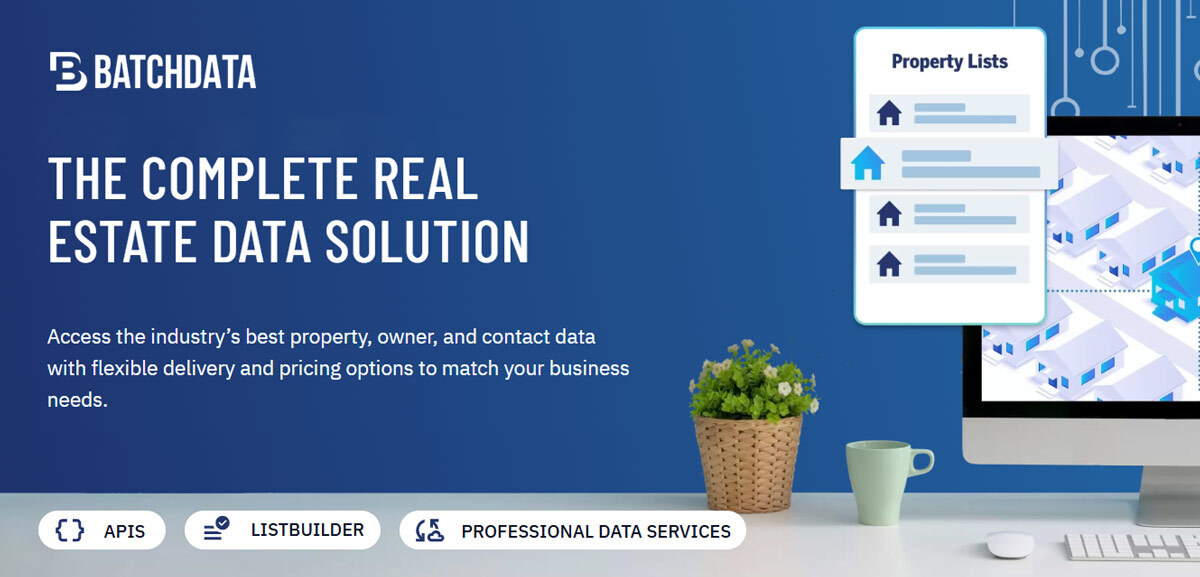
BatchData
BatchData provides real estate data, APIs, and AI solutions. Its property records include assessor data, property owner data, mortgage and transactions, building permits, pre-foreclosure data, listings, and contact enrichment, joined on one record per property. It also offers skip tracing, property valuation (AVM), and comparable sales. The data is aimed at real estate investors, agents and brokerages, lenders, insurers, title and escrow firms, home services companies, and PropTech teams. Listed uses include lead generation, reaching owners, enriching records, underwriting and risk checks, and saved search alerts for property changes. BatchData delivers data as an API, as bulk files, through cloud delivery, or to AI agents through an MCP server. Customer testimonials on the site say that a property pull that once took five or six endpoints from other providers takes one with BatchData.
View BatchData →At a glance
| Excel AI for Data Analysis, Charts, Reports & Dashboards | BatchData | |
|---|---|---|
| Category | Data & Analytics | Data & Analytics |
| Pricing | — | Paid |
| Community Rating | No reviews | No reviews |
| Upvotes on Stremit | 79 | 0 |
| Website | rowspeak.ai ↗ | batchdata.io ↗ |
Excel AI for Data Analysis, Charts, Reports & Dashboards vs BatchData: Which is Better?
Choosing between Excel AI for Data Analysis, Charts, Reports & Dashboards and BatchData depends on your specific needs. Both tools belong to the Data & Analytics category, making them direct competitors. Compare their pricing, features, and user reviews above to make the best choice for your workflow.
Visit the individual tool pages for more detailed information, community reviews, and feature breakdowns.
Frequently asked questions
What is the difference between Excel AI for Data Analysis, Charts, Reports & Dashboards and BatchData?
Excel AI for Data Analysis, Charts, Reports & Dashboards: Analyze messy Excel, CSV, PDF, and image tables with AI. Find trends, explain changes, create charts, dashboards, and reports you can review. BatchData: BatchData provides real estate data, APIs, and AI solutions. Its property records include assessor data, property owner data, mortgage and transactions, building permits, pre-foreclosure data, listings, and contact…
Is BatchData free?
BatchData is listed as Paid on Stremit. Check the tool's site for current plans.
Are Excel AI for Data Analysis, Charts, Reports & Dashboards and BatchData competitors?
Yes — both are Data & Analytics tools on Stremit, so people often compare them before choosing.