Excel AI for Data Analysis, Charts, Reports & Dashboards vs Scrapewise
A detailed comparison to help you choose the right AI tool for your workflow.
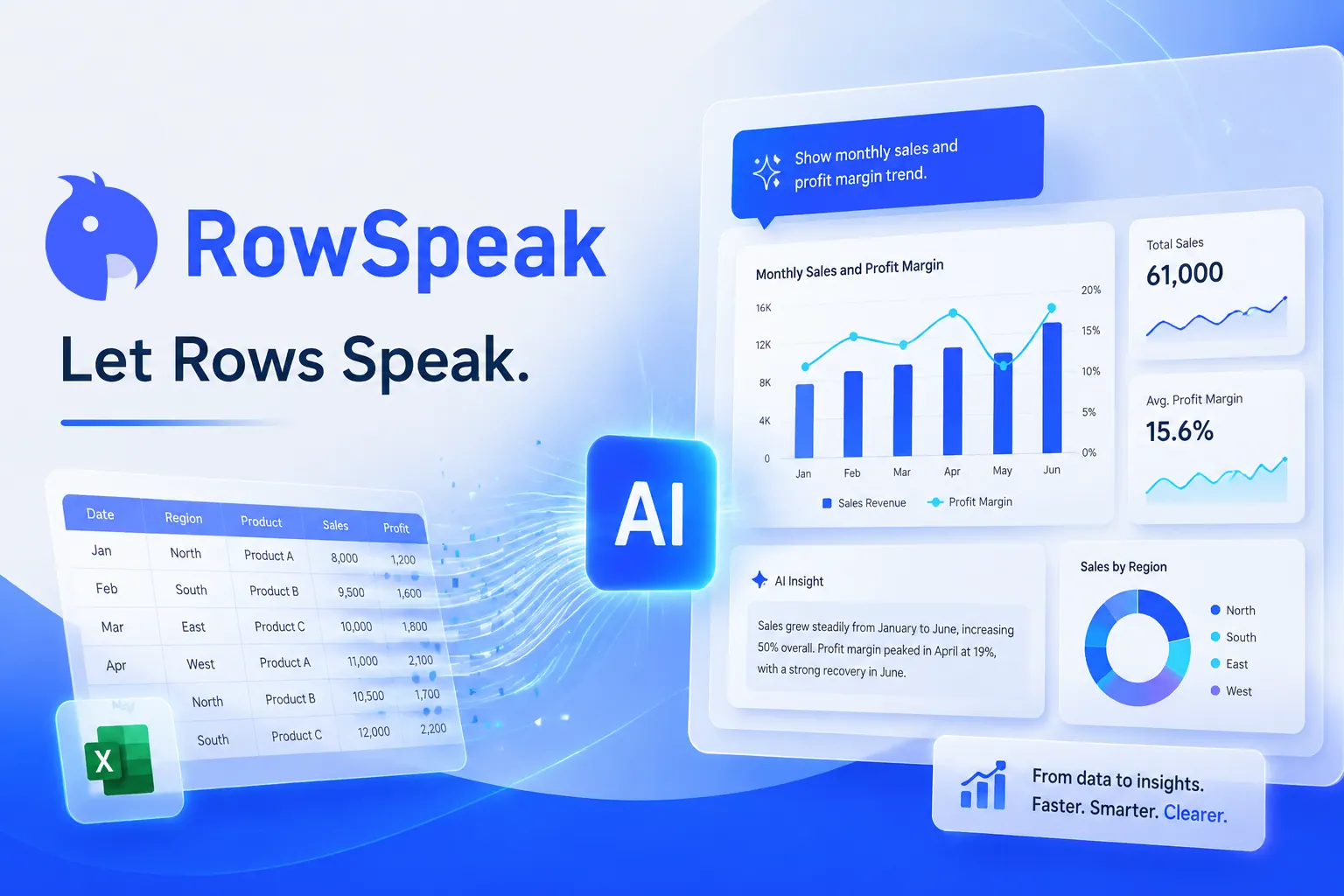
Excel AI for Data Analysis, Charts, Reports & Dashboards
Analyze messy Excel, CSV, PDF, and image tables with AI. Find trends, explain changes, create charts, dashboards, and reports you can review.
View Excel AI for Data Analysis, Charts, Reports & Dashboards →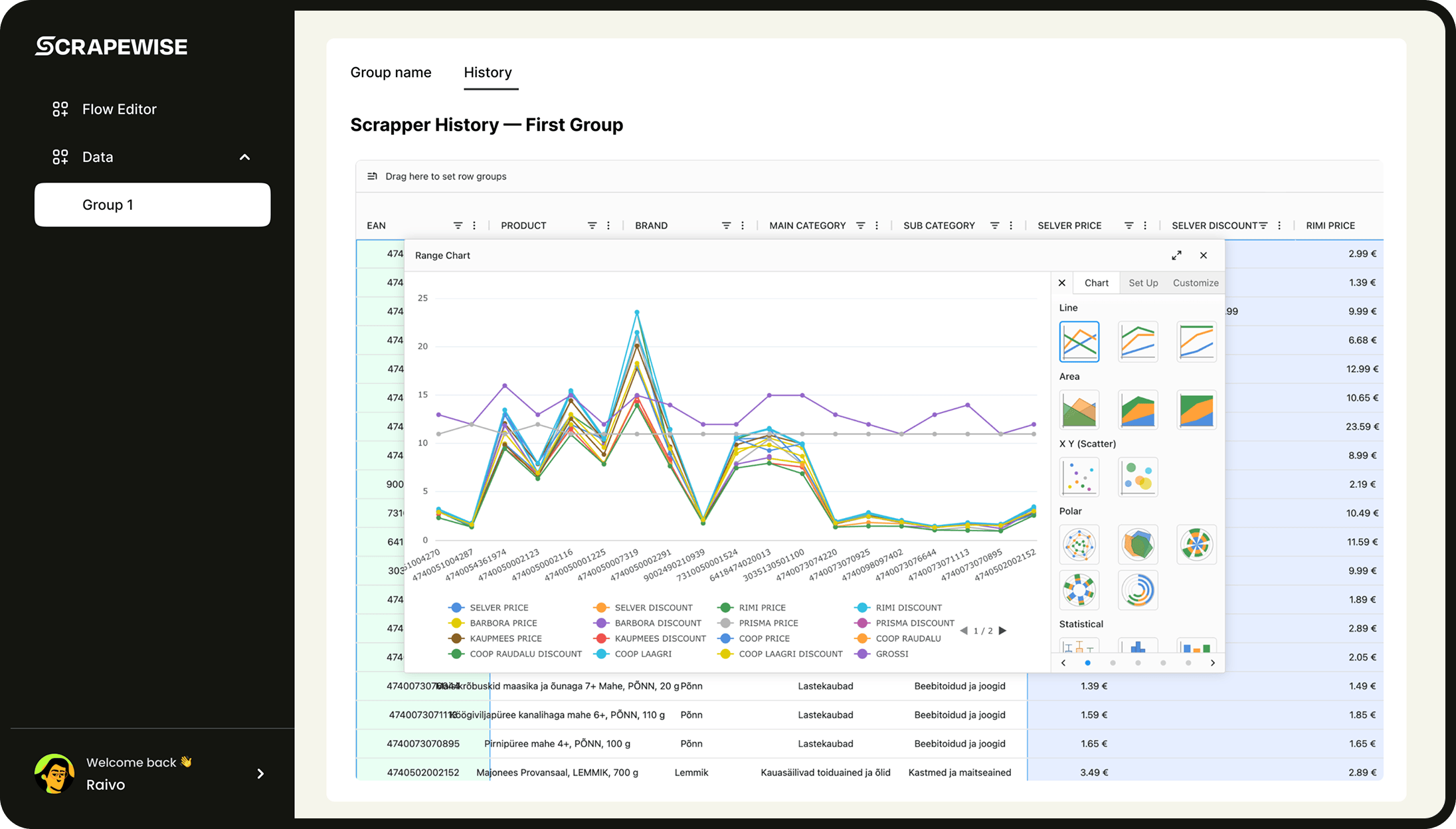
Scrapewise
Scrapewise collects product and web page data from competitor websites and matches it into one comparison table. Users enter the competitor domains they want to track, and the tool reads every product page on a daily, weekly, or monthly schedule. Results can be exported as CSV or Excel, or delivered through a REST API or MCP, so an LLM can build the workflow itself. It is built for teams that need to compare prices against competitor shops, and for teams that need other structured web data, such as lead enrichment and email lookup, job listings and hiring trends, or research monitoring. The example on the site matches products by EAN code first, then by name and text, then by image. It fills only empty cells, so existing values are kept. What sets it apart is the full path from scraping to matching to a clean data table. It works on JavaScript-heavy shops, and failed pages are retried automatically. Pricing is pay as you go, starting at €0.00015 per page, with 5 free requests and no card needed.
View Scrapewise →At a glance
| Excel AI for Data Analysis, Charts, Reports & Dashboards | Scrapewise | |
|---|---|---|
| Category | Data & Analytics | Data & Analytics |
| Pricing | — | Freemium |
| Community Rating | No reviews | No reviews |
| Upvotes on Stremit | 79 | 0 |
| Website | rowspeak.ai ↗ | scrapewise.ai ↗ |
Excel AI for Data Analysis, Charts, Reports & Dashboards vs Scrapewise: Which is Better?
Choosing between Excel AI for Data Analysis, Charts, Reports & Dashboards and Scrapewise depends on your specific needs. Both tools belong to the Data & Analytics category, making them direct competitors. Compare their pricing, features, and user reviews above to make the best choice for your workflow.
Visit the individual tool pages for more detailed information, community reviews, and feature breakdowns.
Frequently asked questions
What is the difference between Excel AI for Data Analysis, Charts, Reports & Dashboards and Scrapewise?
Excel AI for Data Analysis, Charts, Reports & Dashboards: Analyze messy Excel, CSV, PDF, and image tables with AI. Find trends, explain changes, create charts, dashboards, and reports you can review. Scrapewise: Scrapewise collects product and web page data from competitor websites and matches it into one comparison table. Users enter the competitor domains they want to track, and the tool reads every product page on a daily,…
Is Scrapewise free?
Scrapewise is listed as Freemium on Stremit. Check the tool's site for current plans.
Are Excel AI for Data Analysis, Charts, Reports & Dashboards and Scrapewise competitors?
Yes — both are Data & Analytics tools on Stremit, so people often compare them before choosing.