Fast Image AI Sketch to Image vs PixText
A detailed comparison to help you choose the right AI tool for your workflow.
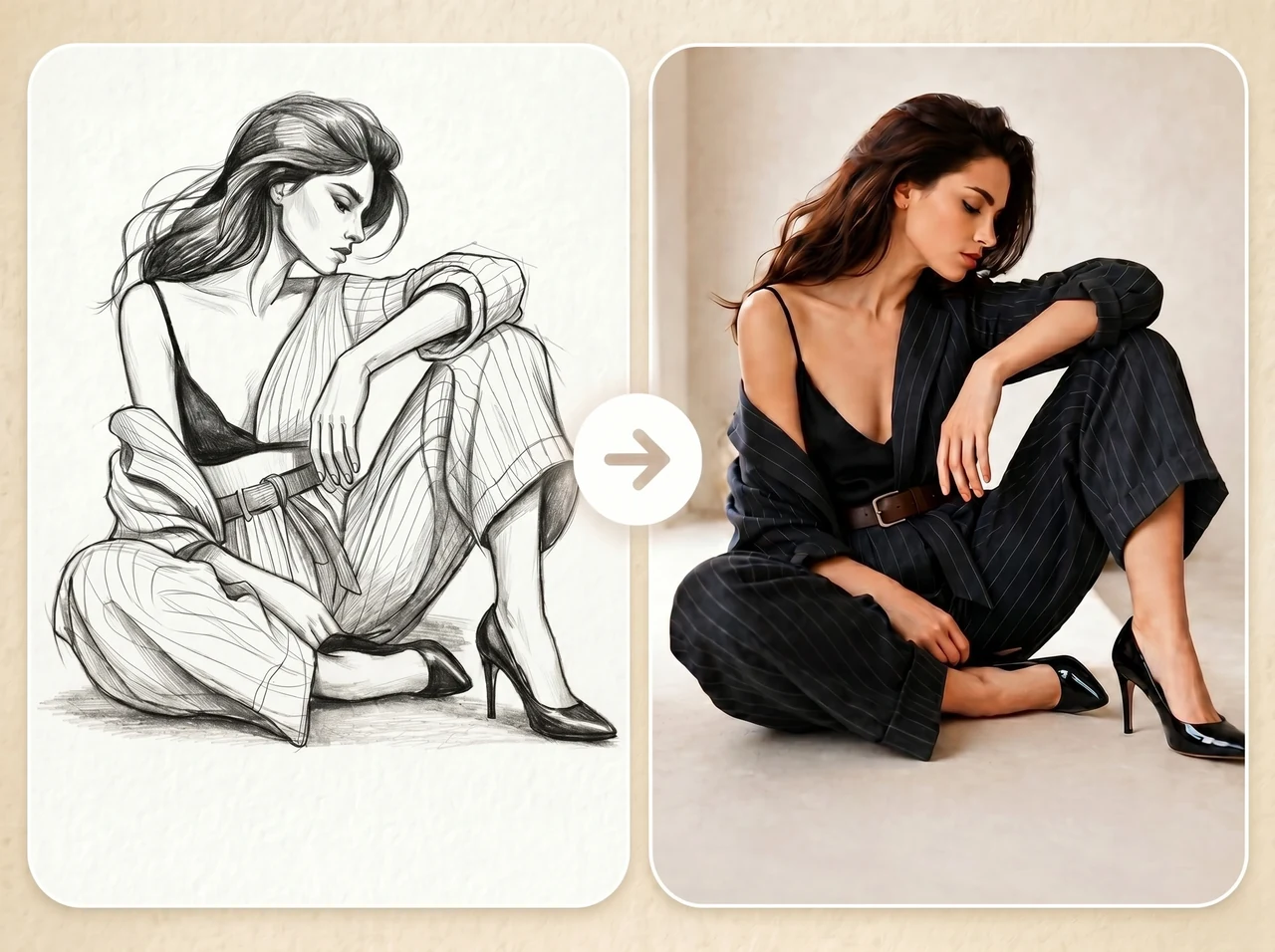
Fast Image AI Sketch to Image
Fast Image AI is an online tool that turns a sketch into a detailed, realistic AI-generated image. Users upload a rough drawing, line art, or hand-drawn sketch, then add a prompt that describes the style, colors, lighting, materials, and background. The AI follows the shape, structure, and composition of the original sketch and generates a complete image that can be downloaded. The tool is aimed at people who want to move from an early idea to a visual quickly, including those without design skills. The site lists uses such as concept art, product design, character design, game art, interior design, architecture drafts, fashion ideas, and social media visuals. It differs from starting on a blank canvas because the output keeps the composition of the user's own sketch while adding colors, lighting, and textures. The site states that it can be used online for free and is beginner-friendly.
View Fast Image AI Sketch to Image →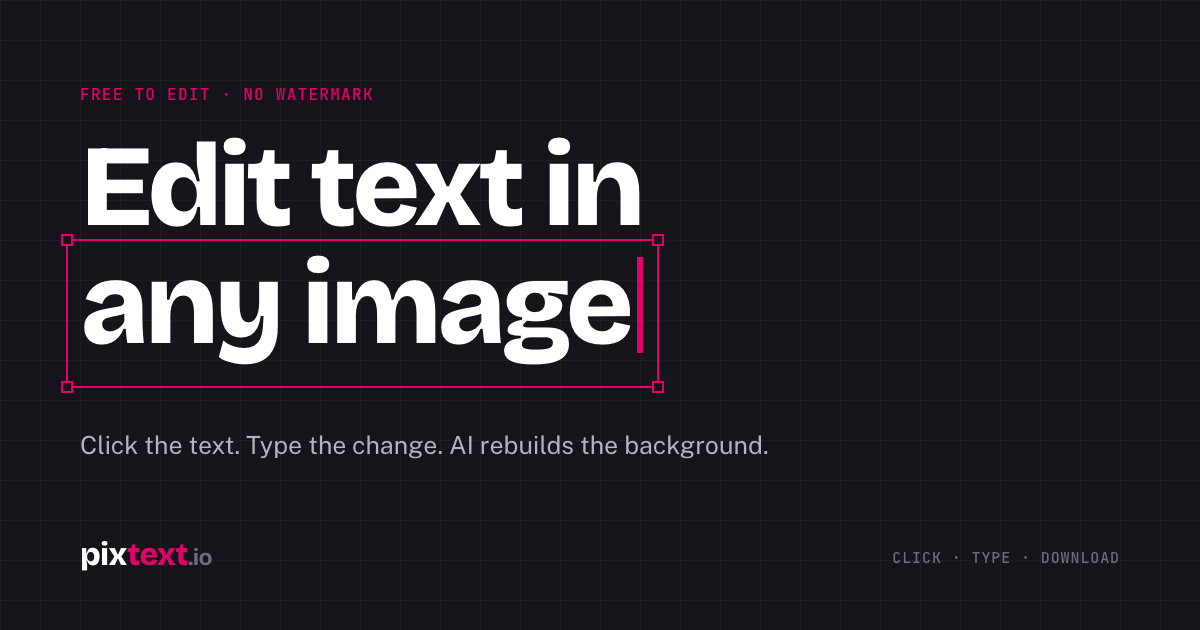
PixText
PixText is a free online photo text editor for changing the words already in an image. Click a line of text in a screenshot, poster, product photo or label, type the new copy, and PixText erases the original text and rebuilds the background behind it. You can also add new text anywhere with the TEXT tool. It is built for people who need to change text in a picture without Photoshop or the original design file. Common uses include fixing a typo in a UI screenshot, updating the date on an event poster, changing prices on product listing photos, and swapping a meme caption. PixText edits the existing text in place rather than placing new words on top of the old ones. AI match redraws lettering that is not in any font list, such as neon or hand lettering, in the image's own style. It accepts JPG, PNG and WebP files up to 10 MB, downloads a sharp PNG, and adds no watermark.
View PixText →Feature Comparison
Fast Image AI Sketch to Image
- •Upload sketches, line art, or hand-drawn drawings
- •Prompts control style, colors, lighting, materials, and background
- •Keeps the shape, structure, and composition of the original sketch
- •Generates complete images in seconds
- •Instant download of final images
- •No design skills required
PixText
No features listed yet.
At a glance
| Fast Image AI Sketch to Image | PixText | |
|---|---|---|
| Category | Image Generation | Image Generation |
| Pricing | Freemium | Free |
| Community Rating | No reviews | No reviews |
| Upvotes on Stremit | 56 | 0 |
| Website | fastimage.ai ↗ | pixtext.io ↗ |
Fast Image AI Sketch to Image vs PixText: Which is Better?
Choosing between Fast Image AI Sketch to Image and PixText depends on your specific needs. Both tools belong to the Image Generation category, making them direct competitors. Compare their pricing, features, and user reviews above to make the best choice for your workflow.
Visit the individual tool pages for more detailed information, community reviews, and feature breakdowns.
Frequently asked questions
What is the difference between Fast Image AI Sketch to Image and PixText?
Fast Image AI Sketch to Image: Fast Image AI is an online tool that turns a sketch into a detailed, realistic AI-generated image. Users upload a rough drawing, line art, or hand-drawn sketch, then add a prompt that describes the style, colors,… PixText: PixText is a free online photo text editor for changing the words already in an image. Click a line of text in a screenshot, poster, product photo or label, type the new copy, and PixText erases the original text and…
Is Fast Image AI Sketch to Image free?
Fast Image AI Sketch to Image is listed as Freemium on Stremit. Check the tool's site for current plans.
Is PixText free?
PixText is listed as Free on Stremit. Check the tool's site for current plans.
Are Fast Image AI Sketch to Image and PixText competitors?
Yes — both are Image Generation tools on Stremit, so people often compare them before choosing.