FontGenerator vs AI Font Generator
A detailed comparison to help you choose the right AI tool for your workflow.
FontGenerator
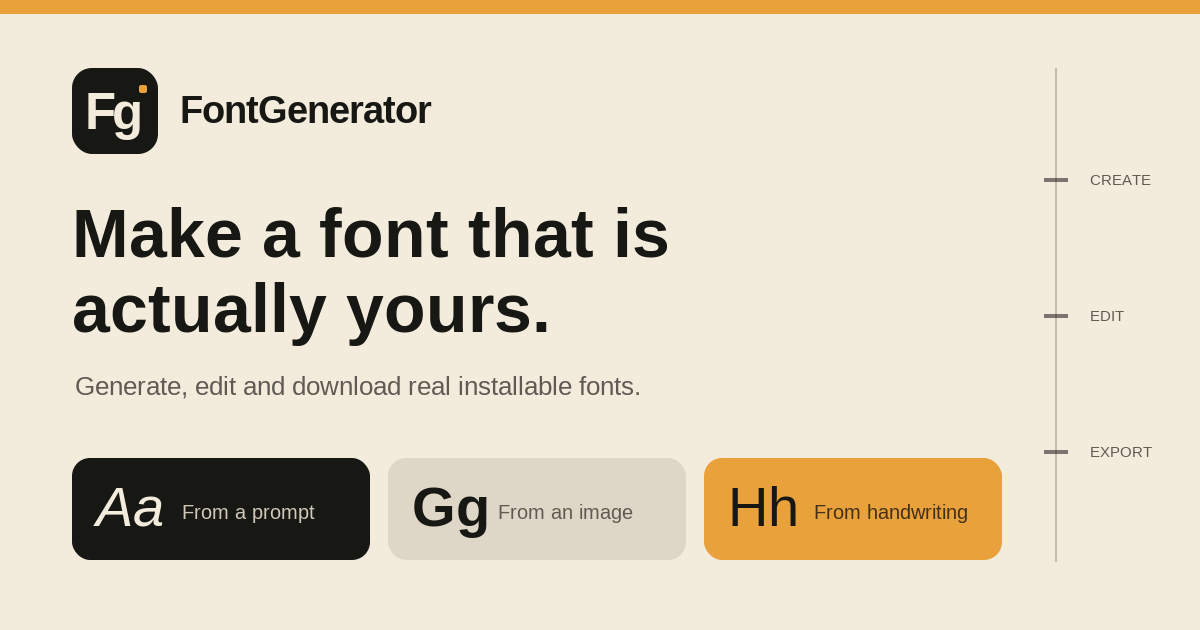
FontGenerator creates installable fonts from a text description, a reference image, or a handwriting sample. You can test, edit, and export the result as TTF, OTF, WOFF, or WOFF2 files. Individual letters can be redrawn and spacing adjusted in Studio before download. The tool is aimed at designers and teams making custom type for print, brand, and web projects. It also works for people who want their own handwriting as a font: you write the alphabet on screen with a finger, stylus, or mouse, and no printer is needed. Each checked version includes a character coverage report, a specimen image, and a CSS snippet for web use. The preview loads the compiled font file, so the result you inspect is the file you receive. Fonts support 58 languages, but joined script, blackletter, monospace, and stencil styles do not come out reliably yet and are better started from the library.
View FontGenerator →
AI Font Generator
Create a custom, typeable font from a text prompt, reference image, or handwriting sample. Generate and download real TTF and WOFF2 files with FontDance.
View AI Font Generator →At a glance
| FontGenerator | AI Font Generator | |
|---|---|---|
| Category | Design & UI | Design & UI |
| Pricing | Freemium | — |
| Community Rating | No reviews | No reviews |
| Upvotes on Stremit | 0 | 13 |
| Website | fontgenerator.tools ↗ | fontdance.com ↗ |
FontGenerator vs AI Font Generator: Which is Better?
Choosing between FontGenerator and AI Font Generator depends on your specific needs. Both tools belong to the Design & UI category, making them direct competitors. Compare their pricing, features, and user reviews above to make the best choice for your workflow.
Visit the individual tool pages for more detailed information, community reviews, and feature breakdowns.
Frequently asked questions
What is the difference between FontGenerator and AI Font Generator?
FontGenerator: FontGenerator creates installable fonts from a text description, a reference image, or a handwriting sample. You can test, edit, and export the result as TTF, OTF, WOFF, or WOFF2 files. Individual letters can be redrawn… AI Font Generator: Create a custom, typeable font from a text prompt, reference image, or handwriting sample. Generate and download real TTF and WOFF2 files with FontDance.
Is FontGenerator free?
FontGenerator is listed as Freemium on Stremit. Check the tool's site for current plans.
Are FontGenerator and AI Font Generator competitors?
Yes — both are Design & UI tools on Stremit, so people often compare them before choosing.