GetYouTubeTranscript vs Scriber GPT
A detailed comparison to help you choose the right AI tool for your workflow.
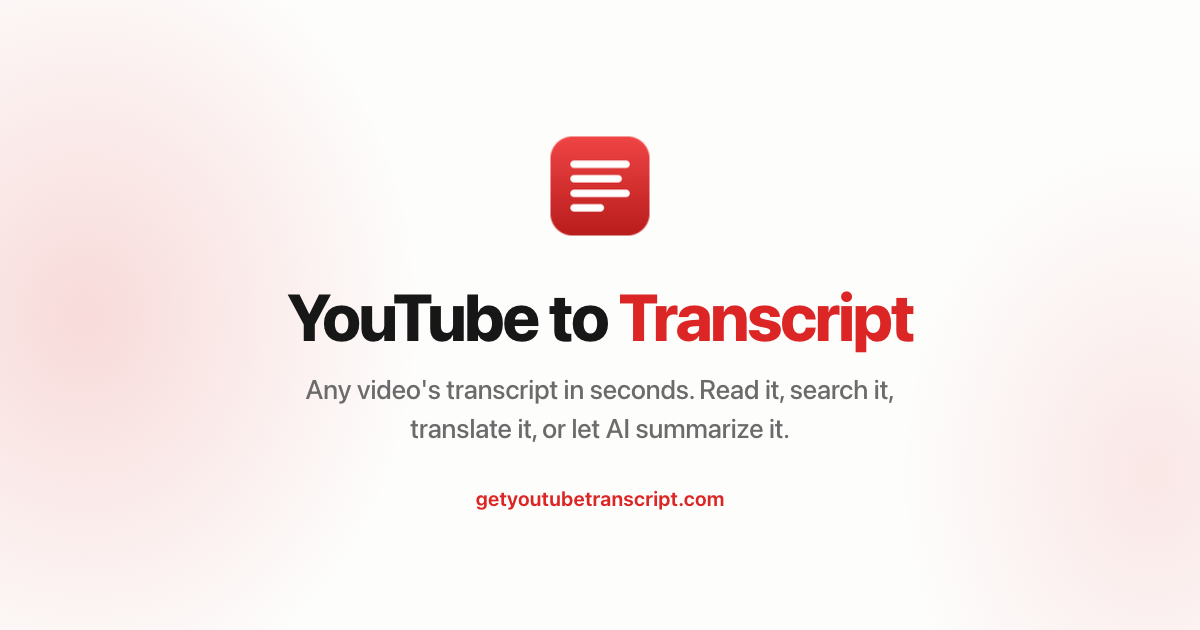
GetYouTubeTranscript
GetYouTubeTranscript takes a YouTube link and returns the video's transcript in about a second. It reads the captions the video already has, so you can copy the text without an account. A free account adds TXT, SRT and VTT downloads, and the site also offers translation and AI summaries. It works with watch links, youtu.be links, Shorts, live replays and bare 11-character video IDs. It is built for students, researchers, content creators, podcasters and marketers who need video-to-text conversion. Users turn lectures and interviews into study notes, repurpose videos into blog posts or show notes, and analyze competitor videos or customer interviews. Transcripts are free, while AI chat, summaries and similar tools use credits. The tool reads existing caption tracks instead of processing audio, so a two-hour lecture takes about as long as a short clip. It also runs as a Chrome extension, and a REST API and MCP server share the same credit balance. A video with no captions has no transcript to return.
View GetYouTubeTranscript →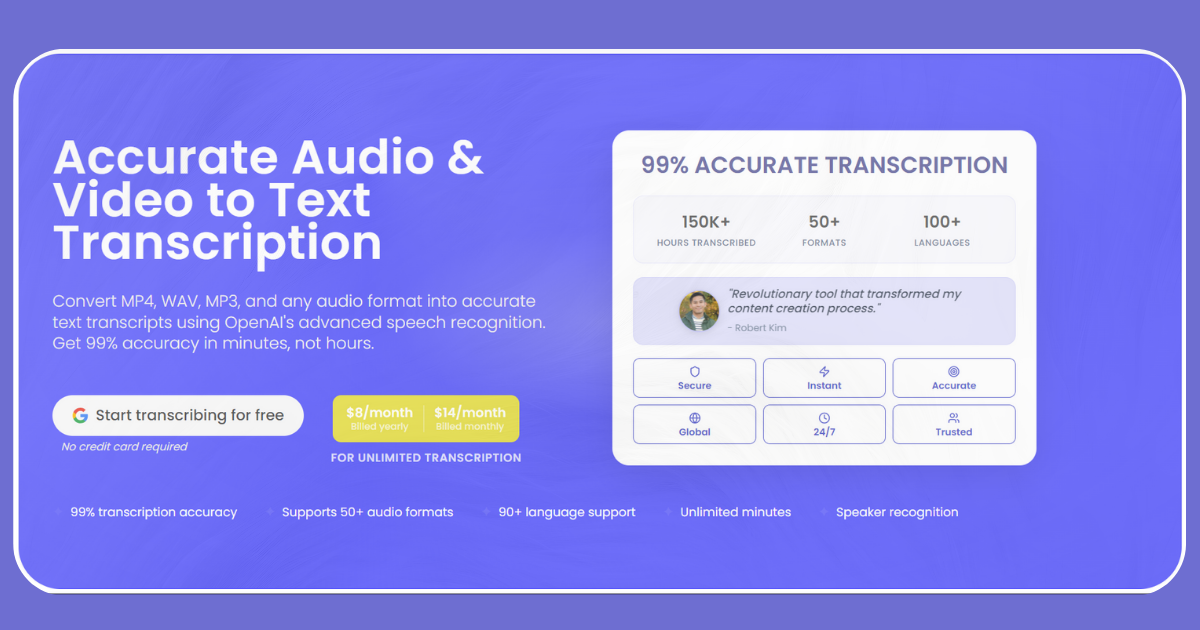
Scriber GPT
Scriber GPT is an audio and video transcription service. It converts files such as MP4, WAV, and MP3 into text transcripts with speaker labels and timestamps, using OpenAI Whisper models. Finished transcripts can be exported as PDF, DOCX, TXT, SRT, or VTT, and translated into other languages. The tool is aimed at podcasters, meeting and interview recorders, content creators, journalists, researchers, business teams, and legal and medical professionals. Users can also paste a YouTube URL to generate a transcript from that video's audio. Scriber GPT includes optional profanity and filler word filtering, and it offers free audio tools such as an audio splitter and audio compressor. The site lists a free tier with 5 minutes of transcription per day, and unlimited plans at $14 per month or $8 per month billed yearly.
View Scriber GPT →Feature Comparison
GetYouTubeTranscript
No features listed yet.
Scriber GPT
- •Speaker labels and timestamps
- •Support for 50+ file formats and 90+ languages
- •Translation of finished transcripts
- •Export to PDF, DOCX, TXT, SRT, and VTT
- •Optional profanity and filler word filtering
- •Transcription from YouTube URLs
At a glance
| GetYouTubeTranscript | Scriber GPT | |
|---|---|---|
| Category | Productivity | Productivity |
| Pricing | Freemium | Freemium |
| Community Rating | No reviews | No reviews |
| Upvotes on Stremit | 0 | 51 |
| Website | getyoutubetranscript.com ↗ | scribergpt.com ↗ |
GetYouTubeTranscript vs Scriber GPT: Which is Better?
Choosing between GetYouTubeTranscript and Scriber GPT depends on your specific needs. Both tools belong to the Productivity category, making them direct competitors. Compare their pricing, features, and user reviews above to make the best choice for your workflow.
Visit the individual tool pages for more detailed information, community reviews, and feature breakdowns.
Frequently asked questions
What is the difference between GetYouTubeTranscript and Scriber GPT?
GetYouTubeTranscript: GetYouTubeTranscript takes a YouTube link and returns the video's transcript in about a second. It reads the captions the video already has, so you can copy the text without an account. A free account adds TXT, SRT and… Scriber GPT: Scriber GPT is an audio and video transcription service. It converts files such as MP4, WAV, and MP3 into text transcripts with speaker labels and timestamps, using OpenAI Whisper models. Finished transcripts can be…
Is GetYouTubeTranscript free?
GetYouTubeTranscript is listed as Freemium on Stremit. Check the tool's site for current plans.
Is Scriber GPT free?
Scriber GPT is listed as Freemium on Stremit. Check the tool's site for current plans.
Are GetYouTubeTranscript and Scriber GPT competitors?
Yes — both are Productivity tools on Stremit, so people often compare them before choosing.