Google Colab vs burntop.dev
A detailed comparison to help you choose the right AI tool for your workflow.

Google Colab
Google Colaboratory is a cloud-based platform that allows users to create, share, and run Jupyter Notebooks entirely in the browser. It provides a powerful, zero-setup environment for executing code in various languages, making it an ideal tool for data science and machine learning projects. It removes the need for local installations of complex software, allowing users to focus solely on writing and executing code. The service is highly utilized by researchers, students, and professionals who need an immediate and accessible environment for computation and data analysis. What sets Colab apart is its robust integration with Google's services and its ability to provide specialized hardware like GPUs and TPUs. This capability allows for the efficient handling of large datasets and the training of complex deep learning models without requiring specialized, expensive local computing resources.
View Google Colab →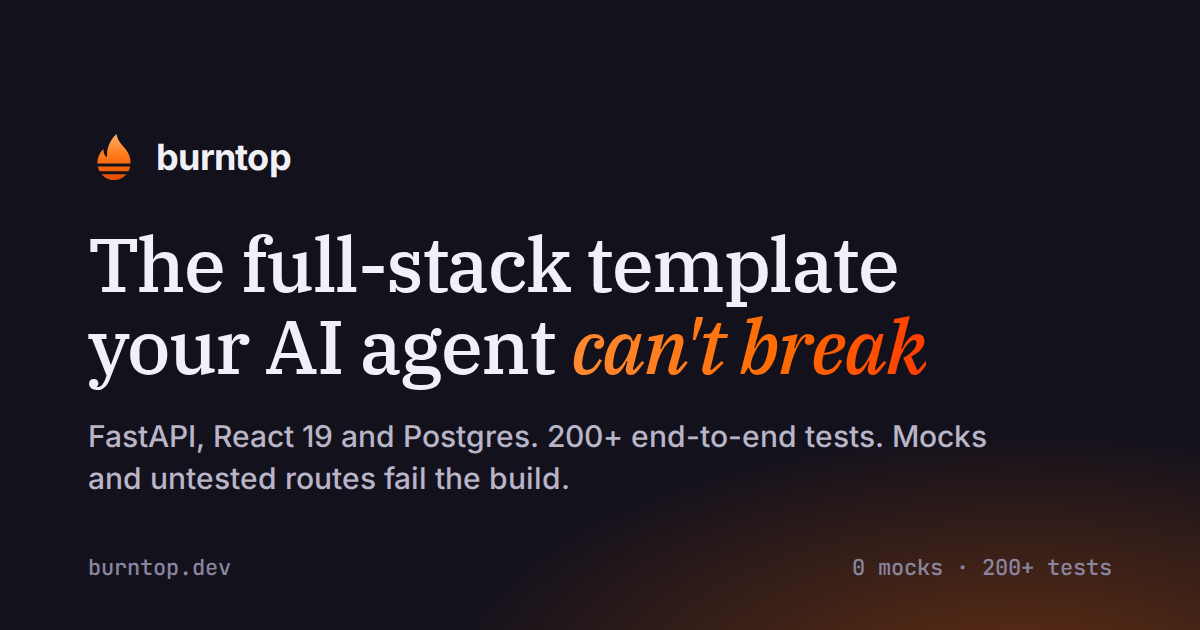
burntop.dev
burntop is a full-stack template built for development, specifically designed to be robust against AI coding agents. It utilizes a modern stack, including FastAPI, React 19, and Postgres, providing out-of-the-box functionality for authentication, CRUD operations, and API deployment. It is for developers needing a highly stable base structure. The template forces accountability by ensuring that the build fails if a mock is used, if a route is not tested, or if a model is changed without a migration. What differentiates burntop is its stringent testing approach. It includes over 200 end-to-end tests that run against a real Postgres database and a live server, ensuring agents cannot fake a green check and that the application remains consistent and functional.
View burntop.dev →Feature Comparison
Google Colab
- •Cloud-based notebook environment
- •GPU/TPU acceleration
- •Supports multiple programming languages
- •Easy sharing and collaboration
- •Zero setup required
burntop.dev
- •FastAPI, React 19, and Postgres full stack
- •Mandatory end-to-end testing (200+ tests)
- •Built-in Auth, CRUD, and API documentation
- •Clean architecture (Router, service, repository layers)
- •Docker Compose for easy local deployment
At a glance
| Google Colab | burntop.dev | |
|---|---|---|
| Category | Code & Development | Code & Development |
| Pricing | Freemium | Open Source |
| Community Rating | No reviews | No reviews |
| Upvotes on Stremit | 51 | 90 |
| Website | colab.research.google.com ↗ | burntop.dev ↗ |
Google Colab vs burntop.dev: Which is Better?
Choosing between Google Colab and burntop.dev depends on your specific needs. Both tools belong to the Code & Development category, making them direct competitors. Compare their pricing, features, and user reviews above to make the best choice for your workflow.
Visit the individual tool pages for more detailed information, community reviews, and feature breakdowns.
Frequently asked questions
What is the difference between Google Colab and burntop.dev?
Google Colab: Google Colaboratory is a cloud-based platform that allows users to create, share, and run Jupyter Notebooks entirely in the browser. It provides a powerful, zero-setup environment for executing code in various… burntop.dev: burntop is a full-stack template built for development, specifically designed to be robust against AI coding agents. It utilizes a modern stack, including FastAPI, React 19, and Postgres, providing out-of-the-box…
Is Google Colab free?
Google Colab is listed as Freemium on Stremit. Check the tool's site for current plans.
Is burntop.dev free?
burntop.dev is listed as Open Source on Stremit. Check the tool's site for current plans.
Are Google Colab and burntop.dev competitors?
Yes — both are Code & Development tools on Stremit, so people often compare them before choosing.