Google Veo 3 vs AI Animate Image
A detailed comparison to help you choose the right AI tool for your workflow.
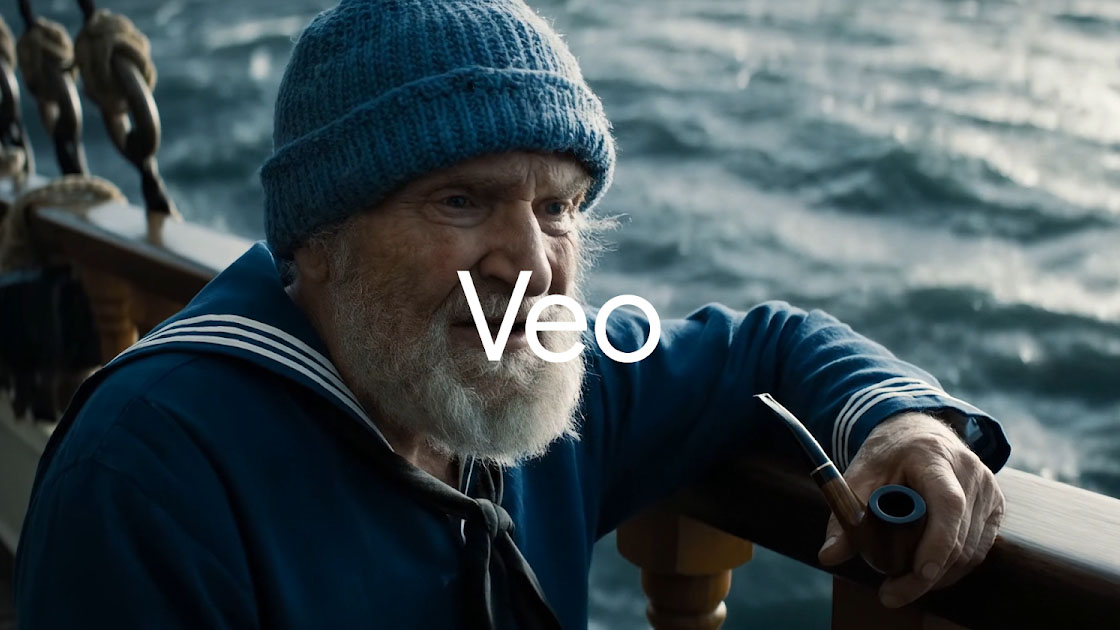
Google Veo 3
Google Veo 3 is an advanced generative model designed for creating high-quality video content directly from text prompts. Hosted within Google AI Studio, it provides developers and content creators with a streamlined platform for rapid video production, marketed as the fastest path from prompt to production. This tool enables seamless integration with the Gemini API, allowing users to build complex, video-based applications into their existing workflows. It empowers users to move beyond static images by turning narrative ideas into dynamic, professional video assets. It is ideal for filmmakers, marketers, and developers who require sophisticated, customizable video generation without needing traditional, complex rendering pipelines.
View Google Veo 3 →
AI Animate Image
AI Animate Image transforms static photos into stunning, cinematic animations using advanced machine learning. It intelligently analyzes uploaded images to create lifelike motion, recognizing key features such as faces, objects, and backgrounds to add natural, realistic movement. It is designed for content creators, marketers, and hobbyists who require eye-catching animated visuals for social media, presentations, or marketing materials. The user-friendly platform is browser-based, allowing transformation without any software downloads, and accepting JPEG, PNG, and WebP file formats. The tool stands out by being powered by state-of-the-art AI models, including Seedance 2.0, Veo 3.1, Hailuo, Kling, and Grok Imagine Video 1.5. This integration ensures the production of high-resolution, professional, and cinema-quality animated content.
View AI Animate Image →Feature Comparison
Google Veo 3
- •Text-to-video generation
- •Seamless integration with Gemini API
- •Optimized for production workflows
- •Access via Google AI Studio
- •Supports rapid iteration from prompts
AI Animate Image
- •Built on advanced models (Veo 3.1, Seedance 2.0, Kling, etc.)
- •Browser-based platform (no software download required)
- •Supports JPEG, PNG, and WebP image formats
- •Analyzes photos for natural motion effects
- •Produces high-resolution animated content
At a glance
| Google Veo 3 | AI Animate Image | |
|---|---|---|
| Category | Video Generation | Video Generation |
| Pricing | Contact for Pricing | Freemium |
| Community Rating | No reviews | No reviews |
| Upvotes on Stremit | 36 | 42 |
| Website | aistudio.google.com ↗ | aianimateimage.org ↗ |
Google Veo 3 vs AI Animate Image: Which is Better?
Choosing between Google Veo 3 and AI Animate Image depends on your specific needs. Both tools belong to the Video Generation category, making them direct competitors. Compare their pricing, features, and user reviews above to make the best choice for your workflow.
Visit the individual tool pages for more detailed information, community reviews, and feature breakdowns.
Frequently asked questions
What is the difference between Google Veo 3 and AI Animate Image?
Google Veo 3: Google Veo 3 is an advanced generative model designed for creating high-quality video content directly from text prompts. Hosted within Google AI Studio, it provides developers and content creators with a streamlined… AI Animate Image: AI Animate Image transforms static photos into stunning, cinematic animations using advanced machine learning. It intelligently analyzes uploaded images to create lifelike motion, recognizing key features such as faces,…
Is Google Veo 3 free?
Google Veo 3 is listed as Contact for Pricing on Stremit. Check the tool's site for current plans.
Is AI Animate Image free?
AI Animate Image is listed as Freemium on Stremit. Check the tool's site for current plans.
Are Google Veo 3 and AI Animate Image competitors?
Yes — both are Video Generation tools on Stremit, so people often compare them before choosing.