Google Veo 3 vs Free IMAGE TO VIDEO AI Generator
A detailed comparison to help you choose the right AI tool for your workflow.
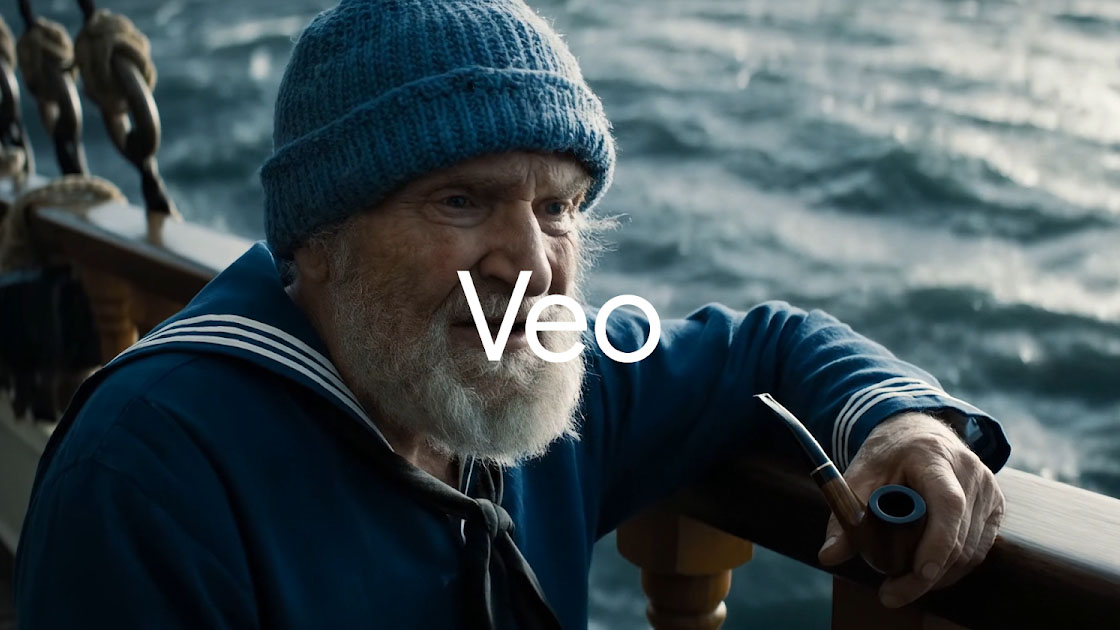
Google Veo 3
Google Veo 3 is an advanced generative model designed for creating high-quality video content directly from text prompts. Hosted within Google AI Studio, it provides developers and content creators with a streamlined platform for rapid video production, marketed as the fastest path from prompt to production. This tool enables seamless integration with the Gemini API, allowing users to build complex, video-based applications into their existing workflows. It empowers users to move beyond static images by turning narrative ideas into dynamic, professional video assets. It is ideal for filmmakers, marketers, and developers who require sophisticated, customizable video generation without needing traditional, complex rendering pipelines.
View Google Veo 3 →
Free IMAGE TO VIDEO AI Generator
This AI generator transforms static images—including photos, drawings, 3D renders, and illustrations—into engaging videos. Users upload an image and provide a text prompt detailing the desired motion; the system then generates a video with realistic, physics-based movement. It is designed for content creators, artists, and marketers who need to make static visuals more engaging. Instead of simple transitions, the AI understands physics like gravity and momentum, bringing photos to life as if they were filmed in real life. It also generates procedurally matched audio that syncs with the motion on screen. The platform is notable for its advanced features, offering access to multiple AI models (including SORA2, Veo 3, and Runway) in one place, and ensuring superior motion consistency. This allows users to create scroll-stopping video content without complex editing skills.
View Free IMAGE TO VIDEO AI Generator →Feature Comparison
Google Veo 3
- •Text-to-video generation
- •Seamless integration with Gemini API
- •Optimized for production workflows
- •Access via Google AI Studio
- •Supports rapid iteration from prompts
Free IMAGE TO VIDEO AI Generator
- •Turns static images into dynamic video frames
- •Generates procedurally synced audio
- •Applies physics-based motion (gravity, momentum)
- •Supports multiple image styles (photo, art, 3D render)
- •Compares results across multiple AI models
At a glance
| Google Veo 3 | Free IMAGE TO VIDEO AI Generator | |
|---|---|---|
| Category | Video Generation | Video Generation |
| Pricing | Contact for Pricing | Freemium |
| Community Rating | No reviews | No reviews |
| Upvotes on Stremit | 36 | 89 |
| Website | aistudio.google.com ↗ | koox.ai ↗ |
Google Veo 3 vs Free IMAGE TO VIDEO AI Generator: Which is Better?
Choosing between Google Veo 3 and Free IMAGE TO VIDEO AI Generator depends on your specific needs. Both tools belong to the Video Generation category, making them direct competitors. Compare their pricing, features, and user reviews above to make the best choice for your workflow.
Visit the individual tool pages for more detailed information, community reviews, and feature breakdowns.
Frequently asked questions
What is the difference between Google Veo 3 and Free IMAGE TO VIDEO AI Generator?
Google Veo 3: Google Veo 3 is an advanced generative model designed for creating high-quality video content directly from text prompts. Hosted within Google AI Studio, it provides developers and content creators with a streamlined… Free IMAGE TO VIDEO AI Generator: This AI generator transforms static images—including photos, drawings, 3D renders, and illustrations—into engaging videos. Users upload an image and provide a text prompt detailing the desired motion; the system then…
Is Google Veo 3 free?
Google Veo 3 is listed as Contact for Pricing on Stremit. Check the tool's site for current plans.
Is Free IMAGE TO VIDEO AI Generator free?
Free IMAGE TO VIDEO AI Generator is listed as Freemium on Stremit. Check the tool's site for current plans.
Are Google Veo 3 and Free IMAGE TO VIDEO AI Generator competitors?
Yes — both are Video Generation tools on Stremit, so people often compare them before choosing.