Inkown vs Nano Banana on Picnana — Next
A detailed comparison to help you choose the right AI tool for your workflow.
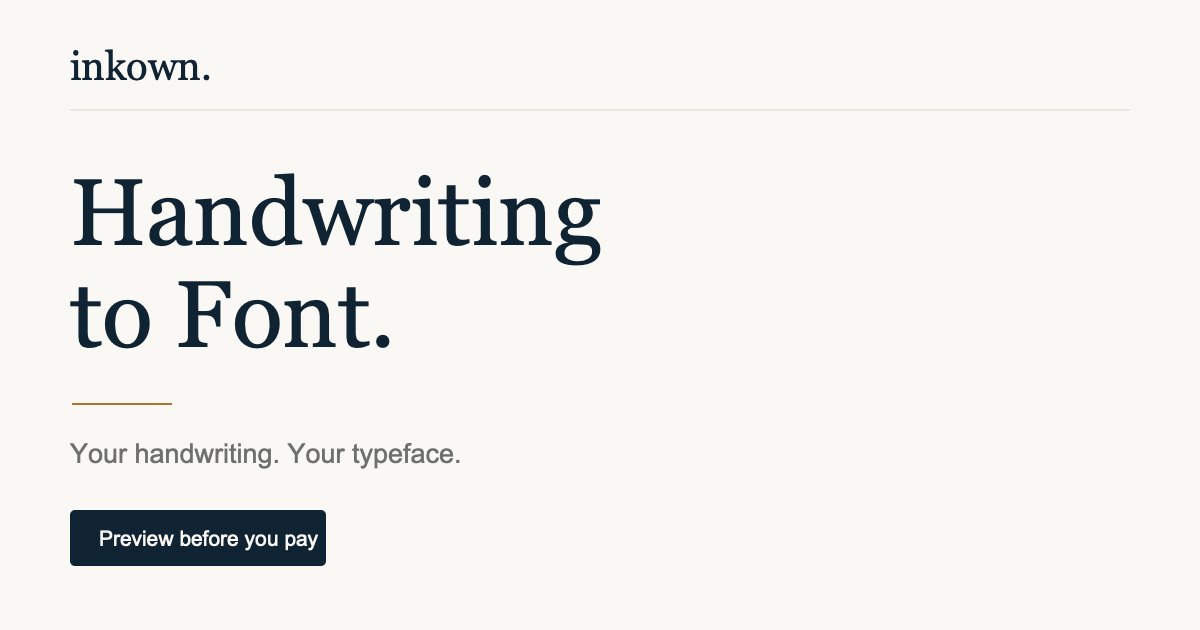
Inkown
Inkown turns a photo of your handwriting into an installable TTF font. You upload a JPG, PNG or WebP up to 10 MB, and AI generates a 76-character font, filling in any missing characters to match your style. You can preview the font and try your own text before you pay. It is made for people who want a personal typeface for cards, family albums, recipe books or everyday documents. The font works in Word, Figma, Canva and other apps that support custom fonts, on Windows or Mac. Inkown charges once: $7.99 per font, with no printer, template or subscription needed. Each account gets two free generations. Letters are standalone, without cursive joins or alternate letterforms, and only basic Latin characters are included.
View Inkown →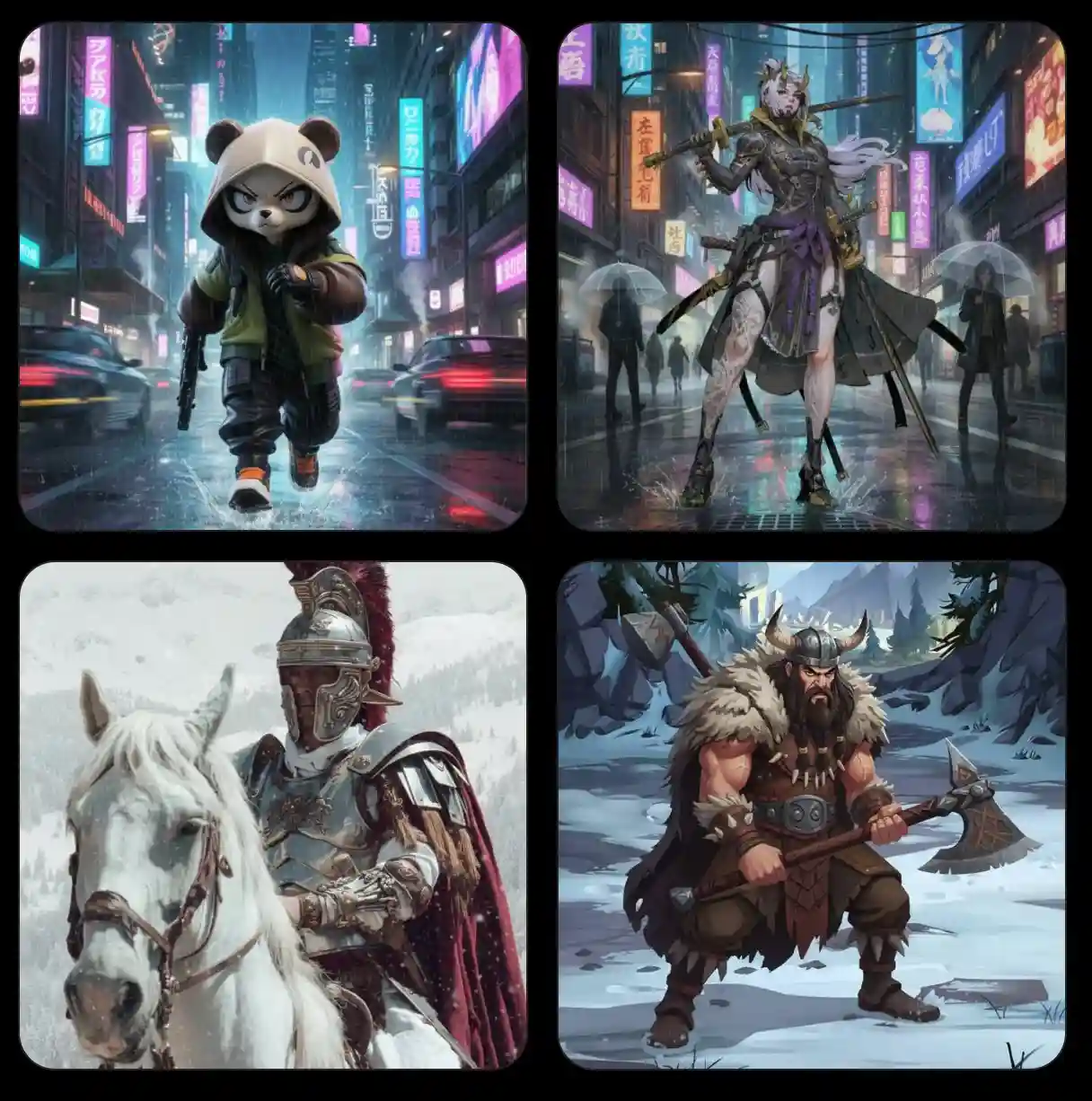
Nano Banana on Picnana — Next
Nano Banana on Picnana is a next-generation, text-driven AI image generator designed to create and edit stunning, highly realistic images. It excels at preserving subject identity, achieving unmatched character consistency, and allowing precise text-guided edits for color, material, and background adjustments. The platform combines text-to-image, image-to-image, and fine-grained editing into one frictionless, one-stop studio. Users can describe an image or upload a photo, set style controls, and export high-resolution results in a predictable workflow. It is ideal for creative professionals, photographers, and designers requiring speed and consistency for product shots, ads, and portraits. The studio makes powerful AI capabilities approachable while maintaining clear controls to preserve the user's creative intent.
View Nano Banana on Picnana — Next →Feature Comparison
Inkown
No features listed yet.
Nano Banana on Picnana — Next
- •Text-to-image and image-to-image editing
- •Precise text-guided edits and face restoration
- •One-stop studio environment
- •High-resolution downloads and batch exports
- •Subject identity and scene preservation
At a glance
| Inkown | Nano Banana on Picnana — Next | |
|---|---|---|
| Category | Design & UI | Design & UI |
| Pricing | Paid | Freemium |
| Community Rating | No reviews | No reviews |
| Upvotes on Stremit | 0 | 89 |
| Website | inkown.com ↗ | picnana.com ↗ |
Inkown vs Nano Banana on Picnana — Next: Which is Better?
Choosing between Inkown and Nano Banana on Picnana — Next depends on your specific needs. Both tools belong to the Design & UI category, making them direct competitors. Compare their pricing, features, and user reviews above to make the best choice for your workflow.
Visit the individual tool pages for more detailed information, community reviews, and feature breakdowns.
Frequently asked questions
What is the difference between Inkown and Nano Banana on Picnana — Next?
Inkown: Inkown turns a photo of your handwriting into an installable TTF font. You upload a JPG, PNG or WebP up to 10 MB, and AI generates a 76-character font, filling in any missing characters to match your style. You can… Nano Banana on Picnana — Next: Nano Banana on Picnana is a next-generation, text-driven AI image generator designed to create and edit stunning, highly realistic images. It excels at preserving subject identity, achieving unmatched character…
Is Inkown free?
Inkown is listed as Paid on Stremit. Check the tool's site for current plans.
Is Nano Banana on Picnana — Next free?
Nano Banana on Picnana — Next is listed as Freemium on Stremit. Check the tool's site for current plans.
Are Inkown and Nano Banana on Picnana — Next competitors?
Yes — both are Design & UI tools on Stremit, so people often compare them before choosing.