Janus vs Seedance 2.0 Video Generator
A detailed comparison to help you choose the right AI tool for your workflow.
Janus
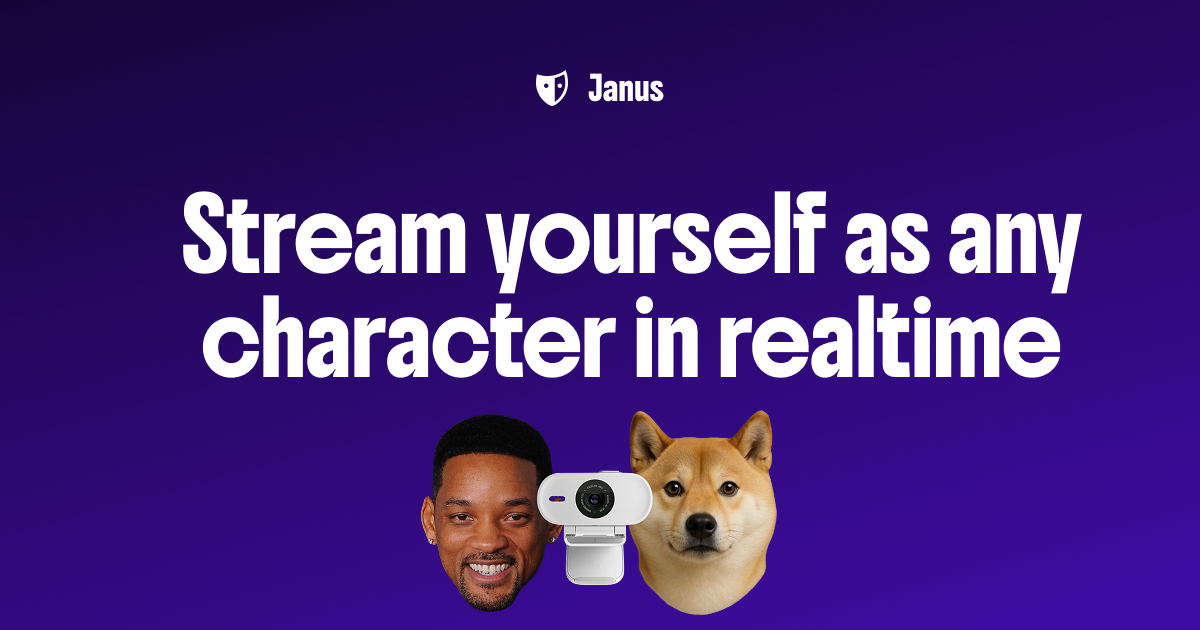
Janus turns your webcam into any character in real time. It generates a 3D avatar from a photo or prompt, renders it in your browser, and animates it with your facial expressions and movements. You can use it on Discord, Zoom, Twitch, YouTube, and other apps that support virtual cameras. It is built for streamers and creators who want to appear on camera without showing their face. Streaming is free with no time limit, and you only need a standard webcam and microphone, with no special hardware. Avatars render locally on your device, so no cloud servers are used during streaming. After creating an avatar, you can change its outfits, hairstyles, accessories, and backgrounds. The Pro plan adds green screen support, 60fps+ streaming, and removes the Janus watermark.
View Janus →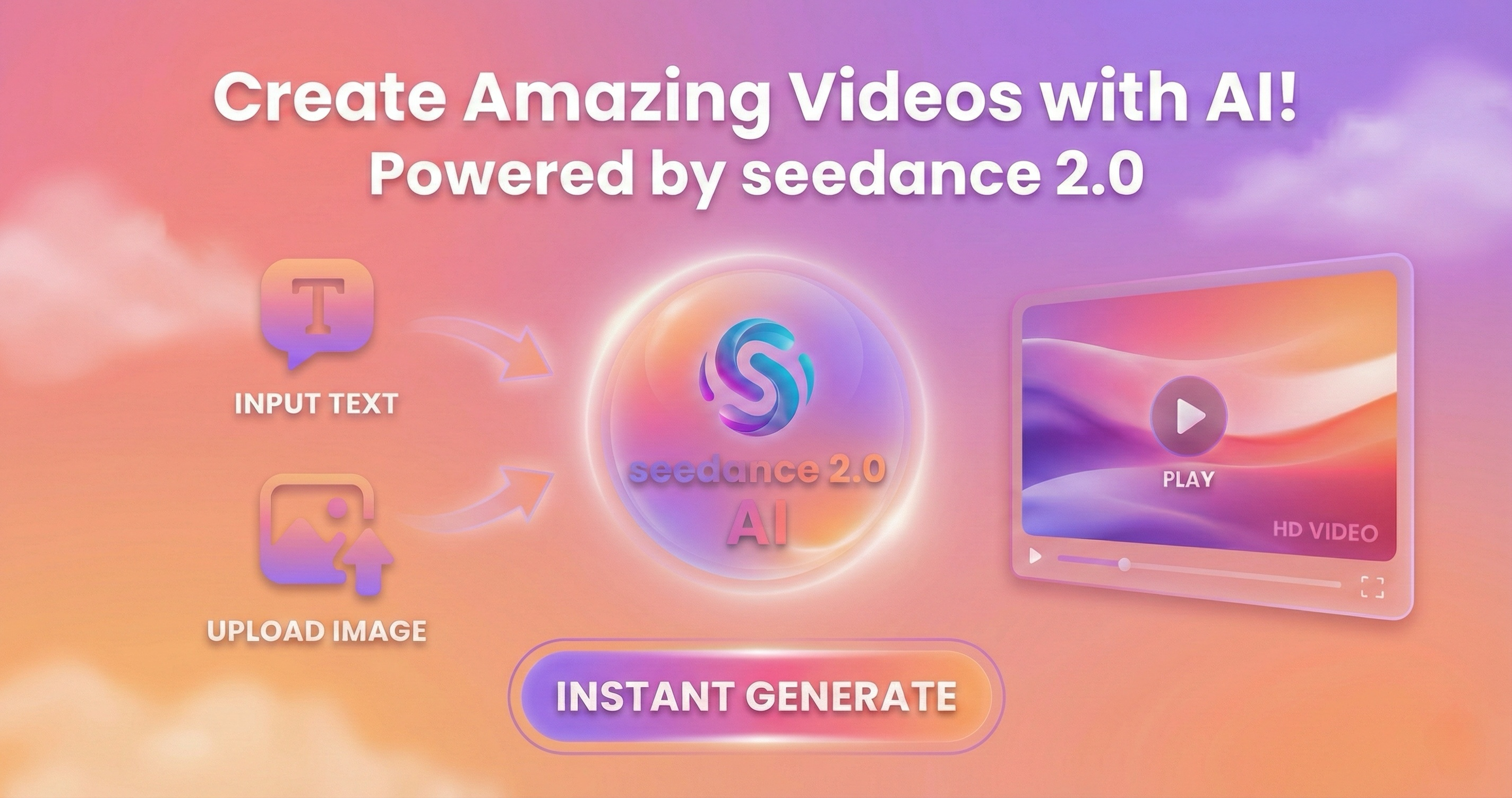
Seedance 2.0 Video Generator
Seedance 2.0 Video Generator is an AI video tool that turns a text prompt, an image, or a simple script into video. The site describes its output as consistent, stable clips with natural pacing. It also accepts multimodal references (text, image, video, and audio), and offers targeted video editing and video extension. The tool is aimed at creators and teams who need usable clips. The site lists marketing ads and variations, short-form social content in 9:16, product demos, education and training material, and film pre-visualization as typical uses. According to the site, the tool follows specific actions, facial expressions, and camera language such as pan, track, and close-up. It can also render required on-screen text. The stated workflow has three steps: pick a mode, write a prompt, and iterate on pacing and style.
View Seedance 2.0 Video Generator →Feature Comparison
Janus
- •Real-time avatar driven by webcam facial tracking
- •1080p+ avatar rendering in the browser
- •Unlimited streaming on the free plan
- •Customize outfits, hairstyles, accessories, and backgrounds
- •Works with Discord, Zoom, Twitch, YouTube, and OBS
- •Pro adds green screen and 60fps+ streaming
Seedance 2.0 Video Generator
- •Text, image, or script to video generation
- •Multimodal reference inputs: text, image, video, and audio
- •Targeted video editing and subject replacement
- •Video extension for continuous storytelling
- •9:16 short-form clips for social feeds
- •Accurate camera language and expression following
At a glance
| Janus | Seedance 2.0 Video Generator | |
|---|---|---|
| Category | Video Generation | Video Generation |
| Pricing | Freemium | Freemium |
| Community Rating | No reviews | No reviews |
| Upvotes on Stremit | 58 | 75 |
| Website | janus.cam ↗ | seedance2video.io ↗ |
Janus vs Seedance 2.0 Video Generator: Which is Better?
Choosing between Janus and Seedance 2.0 Video Generator depends on your specific needs. Both tools belong to the Video Generation category, making them direct competitors. Compare their pricing, features, and user reviews above to make the best choice for your workflow.
Visit the individual tool pages for more detailed information, community reviews, and feature breakdowns.
Frequently asked questions
What is the difference between Janus and Seedance 2.0 Video Generator?
Janus: Janus turns your webcam into any character in real time. It generates a 3D avatar from a photo or prompt, renders it in your browser, and animates it with your facial expressions and movements. You can use it on… Seedance 2.0 Video Generator: Seedance 2.0 Video Generator is an AI video tool that turns a text prompt, an image, or a simple script into video. The site describes its output as consistent, stable clips with natural pacing. It also accepts…
Is Janus free?
Janus is listed as Freemium on Stremit. Check the tool's site for current plans.
Is Seedance 2.0 Video Generator free?
Seedance 2.0 Video Generator is listed as Freemium on Stremit. Check the tool's site for current plans.
Are Janus and Seedance 2.0 Video Generator competitors?
Yes — both are Video Generation tools on Stremit, so people often compare them before choosing.