Koru vs Autype
A detailed comparison to help you choose the right AI tool for your workflow.
Koru
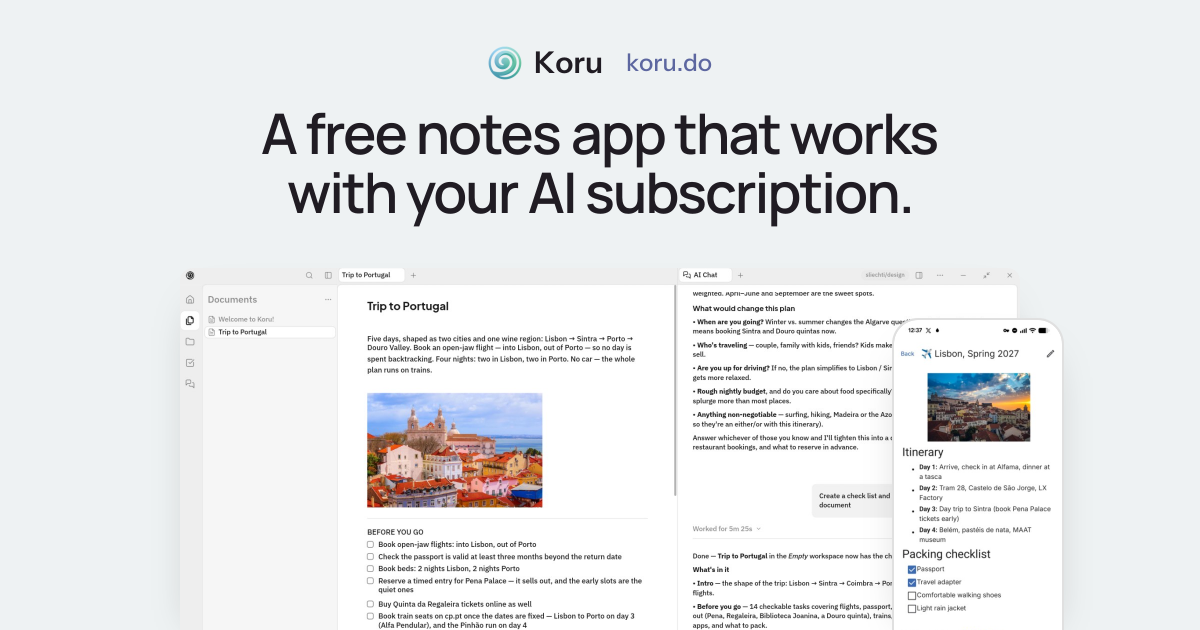
Koru is a free, open source app for notes, documents, files and tasks. It works offline on Windows, macOS and Linux. You can run AI agents such as Claude, Codex and Gemini as tabs beside your documents, and let them read and edit your workspace through a local MCP server. Koru is for people who want one private workspace for capturing ideas and planning work across their devices. Koru Voice runs speech recognition on your device, so your audio is not sent to the cloud. You can import content from Evernote, Notion, Google Docs, OneNote and Markdown. What sets Koru apart is that it does not lock you into one AI. Devices sync directly with each other, end-to-end encrypted, without needing Koru Cloud, which is an optional always-online copy of your workspaces. Koru's code is public on GitHub, so you can read it, build it yourself and open issues or pull requests.
View Koru →
Autype
Autype is a document workspace for creating, reusing and exporting business documents. Users can write visually or in Extended Markdown, preview the final PDF while they work, and keep styles, data and content consistent. Approved content can be reused and published as PDF, DOCX, forms and language variants without rebuilding the document. It is aimed at teams that produce recurring business documents and need to fill customer-specific versions without changing the layout. Autype also offers AI tools that draft from a brief and use the user's files, and it connects to automation through n8n, Make and MCP. What sets it apart is the single approved source. Structure, brand, shared sections and quality checks stay aligned across documents. Figures, tables, citations and cross-references stay linked as content changes, and internal references are resolved before export. Application and document data are hosted in EU regions on GDPR-compliant, ISO 27001-certified infrastructure.
View Autype →Feature Comparison
Koru
No features listed yet.
Autype
- •Visual and Extended Markdown editing
- •Live final-output PDF preview
- •Reusable data and approved content
- •Export to PDF, DOCX, forms and language variants
- •AI agent drafts from a brief and your files
- •Linked figures, tables, citations and cross-references
At a glance
| Koru | Autype | |
|---|---|---|
| Category | Productivity | Productivity |
| Pricing | Free | Free Trial |
| Community Rating | No reviews | No reviews |
| Upvotes on Stremit | 0 | 65 |
| Website | koru.do ↗ | autype.com ↗ |
Koru vs Autype: Which is Better?
Choosing between Koru and Autype depends on your specific needs. Both tools belong to the Productivity category, making them direct competitors. Compare their pricing, features, and user reviews above to make the best choice for your workflow.
Visit the individual tool pages for more detailed information, community reviews, and feature breakdowns.
Frequently asked questions
What is the difference between Koru and Autype?
Koru: Koru is a free, open source app for notes, documents, files and tasks. It works offline on Windows, macOS and Linux. You can run AI agents such as Claude, Codex and Gemini as tabs beside your documents, and let them… Autype: Autype is a document workspace for creating, reusing and exporting business documents. Users can write visually or in Extended Markdown, preview the final PDF while they work, and keep styles, data and content…
Is Koru free?
Koru is listed as Free on Stremit. Check the tool's site for current plans.
Is Autype free?
Autype is listed as Free Trial on Stremit. Check the tool's site for current plans.
Are Koru and Autype competitors?
Yes — both are Productivity tools on Stremit, so people often compare them before choosing.