Letterly · AI speech to clear text mobile app vs ProWritingAid - Introducing Rephrase
A detailed comparison to help you choose the right AI tool for your workflow.
Letterly · AI speech to clear text mobile app
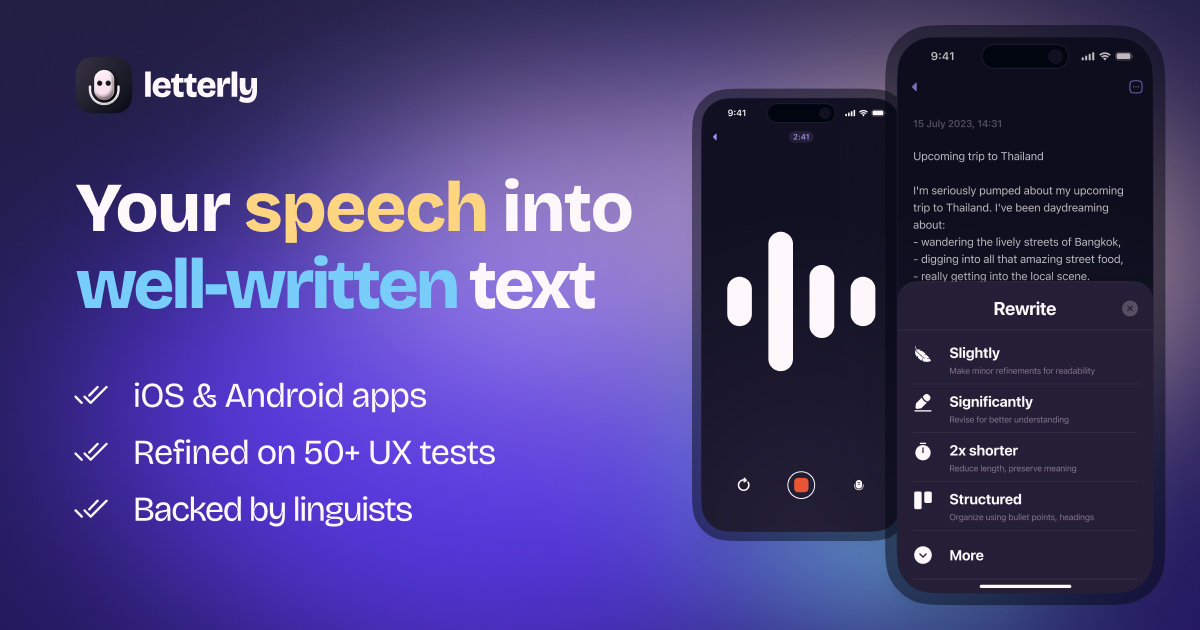
Turn spoken words into written text. Perfect for capturing messages, notes, meeting recaps, emails, summaries, ideas, and journaling. Ideal for people who prefer voice recording over writing. Features include automatic language detection, recording up to 90 minutes, and syncing across devices. Private by default, with no data used for AI training.
View Letterly · AI speech to clear text mobile app →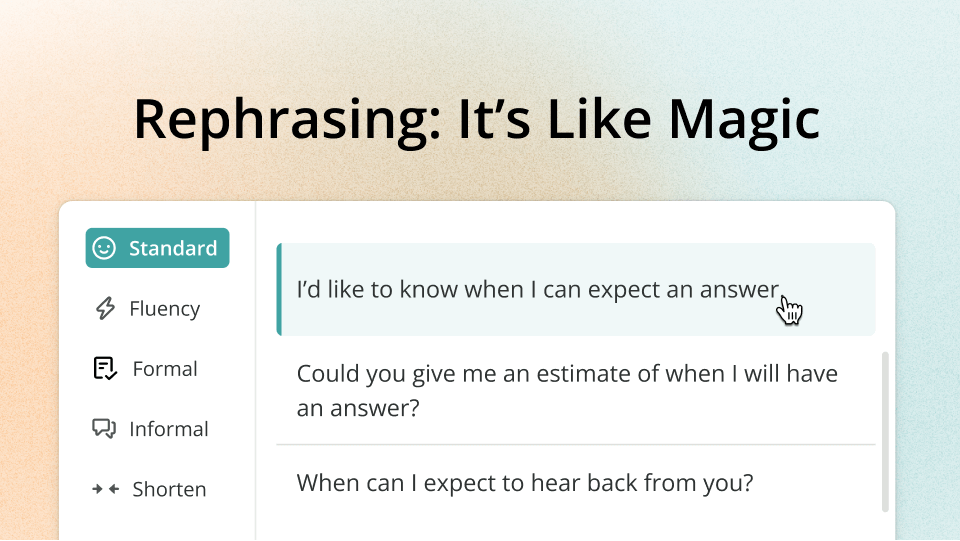
ProWritingAid - Introducing Rephrase
ProWritingAid's Rephrase tool analyzes your writing and provides stronger, clearer ways to express your ideas. It helps with grammar, sentence structure, and vocabulary, and is suitable for various types of writers. Rephrase is designed to help writers improve their writing by suggesting alternative phrases, adding sensory language, and making sentences more fluent and native-like. The tool can be accessed in two places: in existing suggestions and reports, and by selecting some text and clicking the new rephrase button. The rephrasing options include Standard, Simple Fluency, Formal, Informal, Sensory, Shorten, and Lengthen. These options help writers adapt their writing style to different types of documents, such as novels, essays, and business reports. Rephrase is particularly useful for non-native English speakers, as it helps them to make their writing sound more fluent and native-like. The tool is part of the ProWritingAid suite of writing tools, which also includes grammar and spell checking, suggestions for improving sentence structure, and more. Sign up for ProWritingAid to access Rephrase and other writing tools.
View ProWritingAid - Introducing Rephrase →At a glance
| Letterly · AI speech to clear text mobile app | ProWritingAid - Introducing Rephrase | |
|---|---|---|
| Category | Writing & Content | Writing & Content |
| Pricing | Freemium | Paid |
| Community Rating | No reviews | No reviews |
| Upvotes on Stremit | 50 | 77 |
| Website | letterly.app?ref=pif ↗ | prowritingaid.com ↗ |
Letterly · AI speech to clear text mobile app vs ProWritingAid - Introducing Rephrase: Which is Better?
Choosing between Letterly · AI speech to clear text mobile app and ProWritingAid - Introducing Rephrase depends on your specific needs. Both tools belong to the Writing & Content category, making them direct competitors. Compare their pricing, features, and user reviews above to make the best choice for your workflow.
Visit the individual tool pages for more detailed information, community reviews, and feature breakdowns.
Frequently asked questions
What is the difference between Letterly · AI speech to clear text mobile app and ProWritingAid - Introducing Rephrase?
Letterly · AI speech to clear text mobile app: Turn spoken words into written text. Perfect for capturing messages, notes, meeting recaps, emails, summaries, ideas, and journaling. Ideal for people who prefer voice recording over writing. Features include automatic… ProWritingAid - Introducing Rephrase: ProWritingAid's Rephrase tool analyzes your writing and provides stronger, clearer ways to express your ideas. It helps with grammar, sentence structure, and vocabulary, and is suitable for various types of writers.…
Is Letterly · AI speech to clear text mobile app free?
Letterly · AI speech to clear text mobile app is listed as Freemium on Stremit. Check the tool's site for current plans.
Is ProWritingAid - Introducing Rephrase free?
ProWritingAid - Introducing Rephrase is listed as Paid on Stremit. Check the tool's site for current plans.
Are Letterly · AI speech to clear text mobile app and ProWritingAid - Introducing Rephrase competitors?
Yes — both are Writing & Content tools on Stremit, so people often compare them before choosing.