Lumfuse AI Image Combiner vs AI Cartoon Generator
A detailed comparison to help you choose the right AI tool for your workflow.
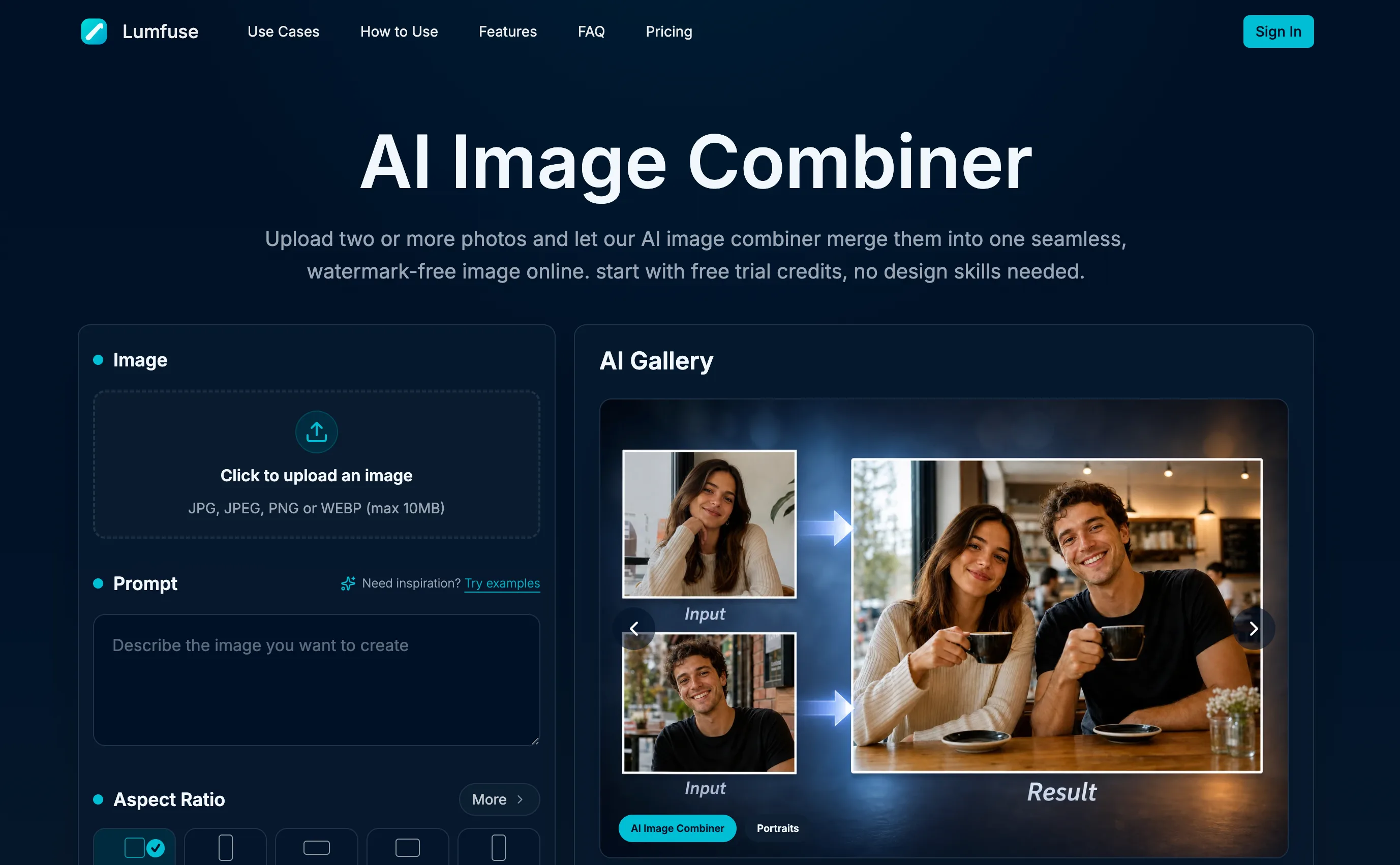
Lumfuse AI Image Combiner
Lumfuse AI Image Combiner merges two or more photos into one image online. You upload the photos, optionally add a prompt that describes the style, scene, or mood, choose an aspect ratio, and generate the result. Each generation uses 6 credits, and signup includes free trial credits. The tool is aimed at people who want to put people who were never together into one photo, combine several pictures into a single composition, or make side-by-side before-and-after layouts. No design skills or software are needed. It accepts JPG, JPEG, PNG, and WEBP files up to 10MB. Instead of stacking photos on top of each other, the tool re-renders the seam so faces, edges, lighting, and shadows blend into one image. Downloads are high-resolution and watermark-free.
View Lumfuse AI Image Combiner →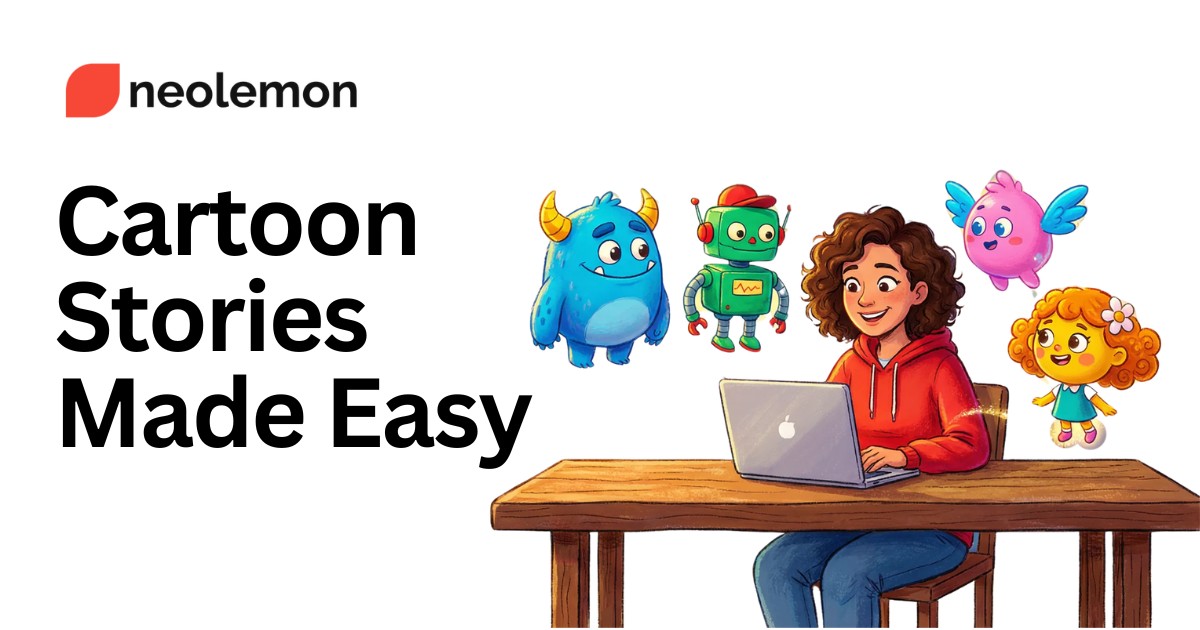
AI Cartoon Generator
Neolemon is an AI tool for creating cartoon characters that stay consistent across a story. Users describe a character, upload a photo, or bring their own art, then change the pose, outfit, expression, or background while the character stays the same. Multiple characters can be combined in one scene, and story text, speech bubbles, and covers can be added. It is built for storytellers and first-time creators who want to make a children's book without design skills. Finished books can be exported as print-ready PDFs for Amazon KDP or shared as a digital flipbook. Unlike general chat tools, which redraw characters from scratch and let faces and outfits drift, Neolemon locks a character in once it is created and reuses it on every page. The platform states that it never trains AI on users' work, and the Creator Plan includes full commercial rights.
View AI Cartoon Generator →Feature Comparison
Lumfuse AI Image Combiner
No features listed yet.
AI Cartoon Generator
- •Consistent AI cartoon characters across every page and scene
- •Edit pose, outfit, expression, or background with AI editors
- •Combine multiple characters in one scene
- •Add story text, speech bubbles, and covers
- •Print-ready 300 DPI PDF export with trim, bleed, and cover wrap
- •Publish to Amazon KDP or share as a digital flipbook
At a glance
| Lumfuse AI Image Combiner | AI Cartoon Generator | |
|---|---|---|
| Category | Image Generation | Image Generation |
| Pricing | Freemium | Freemium |
| Community Rating | No reviews | No reviews |
| Upvotes on Stremit | 0 | 67 |
| Website | aiimagecombiner.app ↗ | neolemon.com ↗ |
Lumfuse AI Image Combiner vs AI Cartoon Generator: Which is Better?
Choosing between Lumfuse AI Image Combiner and AI Cartoon Generator depends on your specific needs. Both tools belong to the Image Generation category, making them direct competitors. Compare their pricing, features, and user reviews above to make the best choice for your workflow.
Visit the individual tool pages for more detailed information, community reviews, and feature breakdowns.
Frequently asked questions
What is the difference between Lumfuse AI Image Combiner and AI Cartoon Generator?
Lumfuse AI Image Combiner: Lumfuse AI Image Combiner merges two or more photos into one image online. You upload the photos, optionally add a prompt that describes the style, scene, or mood, choose an aspect ratio, and generate the result. Each… AI Cartoon Generator: Neolemon is an AI tool for creating cartoon characters that stay consistent across a story. Users describe a character, upload a photo, or bring their own art, then change the pose, outfit, expression, or background…
Is Lumfuse AI Image Combiner free?
Lumfuse AI Image Combiner is listed as Freemium on Stremit. Check the tool's site for current plans.
Is AI Cartoon Generator free?
AI Cartoon Generator is listed as Freemium on Stremit. Check the tool's site for current plans.
Are Lumfuse AI Image Combiner and AI Cartoon Generator competitors?
Yes — both are Image Generation tools on Stremit, so people often compare them before choosing.