MakePixel vs Lalamu.Studio
A detailed comparison to help you choose the right AI tool for your workflow.
MakePixel
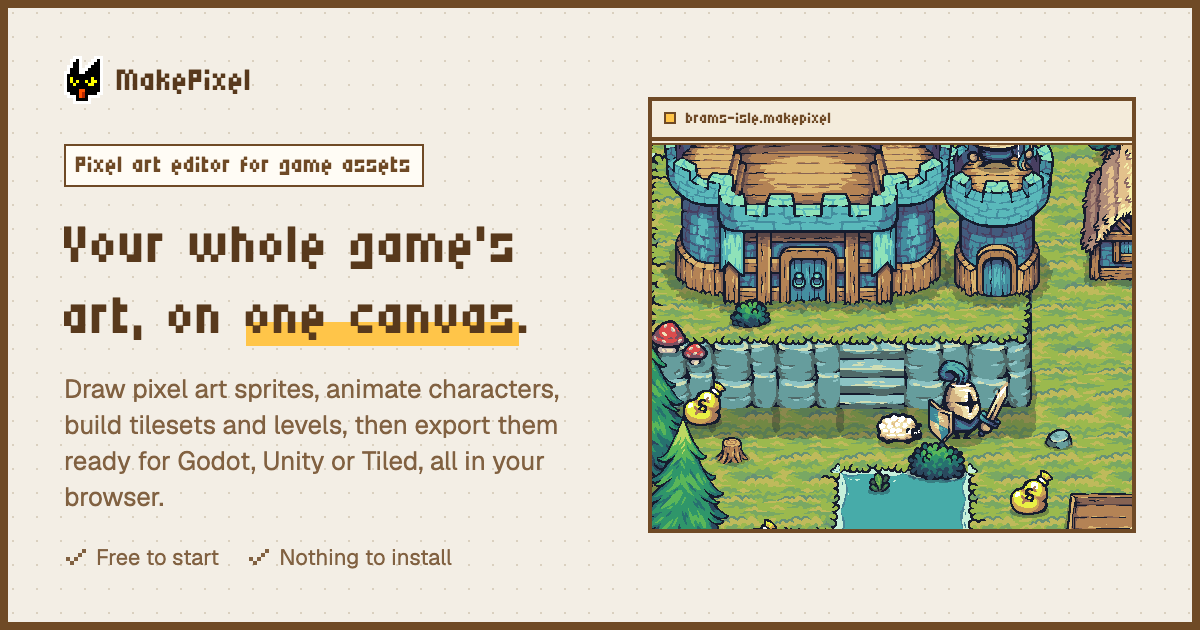
MakePixel is a pixel art editor for game assets that runs in the browser. You draw sprites, animate characters, and build tilesets and levels on one canvas, then export them ready for Godot, Unity, Tiled, or Aseprite. It can also generate pixel art from a text description at 1 credit per picture, and it includes an MCP server that lets coding agents read the canvas and pull sprites into a repository. It is aimed at people making game art who want a whole game's assets in one place. Sections, notes, and an outline keep sprites, animations, and tilesets organised, and a linked asset updates in every project when the original is edited. What sets it apart is autotiling: paint 13 tiles and MakePixel works out the full set of 47. Exports are written in the formats engines read directly, with the filter, pivot, and animation names already set. It is free to start, needs nothing installed, and works on desktop, tablet, and phone.
View MakePixel →Lalamu.Studio
Lalamu Studio is an AI-powered tool that allows users to synchronize lip movements of video characters with any audio. It is designed for video creators, animators, game developers, e-learning professionals, social media influencers, and filmmakers who need realistic facial animation. The tool uses AI to match mouth movements to any audio in videos, and it works with cartoons, anime, AI characters, and human faces. It is available in a freemium model, with a free tier that includes 2 minutes of monthly recording time, and a paid tier that starts at $19.99/month.
View Lalamu.Studio →Feature Comparison
MakePixel
No features listed yet.
Lalamu.Studio
- •Automatic lip-sync with AI
- •Works with cartoons, anime, AI characters, and human faces
- •Synchronizes lip movements with any audio
- •Free tier with 2 minutes of monthly recording time
- •Paid tier starting at $19.99/month
At a glance
| MakePixel | Lalamu.Studio | |
|---|---|---|
| Category | Design & UI | Design & UI |
| Pricing | Freemium | Freemium |
| Community Rating | No reviews | No reviews |
| Upvotes on Stremit | 0 | 77 |
| Website | makepixel.ai ↗ | lalamu.studio ↗ |
MakePixel vs Lalamu.Studio: Which is Better?
Choosing between MakePixel and Lalamu.Studio depends on your specific needs. Both tools belong to the Design & UI category, making them direct competitors. Compare their pricing, features, and user reviews above to make the best choice for your workflow.
Visit the individual tool pages for more detailed information, community reviews, and feature breakdowns.
Frequently asked questions
What is the difference between MakePixel and Lalamu.Studio?
MakePixel: MakePixel is a pixel art editor for game assets that runs in the browser. You draw sprites, animate characters, and build tilesets and levels on one canvas, then export them ready for Godot, Unity, Tiled, or Aseprite.… Lalamu.Studio: Lalamu Studio is an AI-powered tool that allows users to synchronize lip movements of video characters with any audio. It is designed for video creators, animators, game developers, e-learning professionals, social…
Is MakePixel free?
MakePixel is listed as Freemium on Stremit. Check the tool's site for current plans.
Is Lalamu.Studio free?
Lalamu.Studio is listed as Freemium on Stremit. Check the tool's site for current plans.
Are MakePixel and Lalamu.Studio competitors?
Yes — both are Design & UI tools on Stremit, so people often compare them before choosing.