MixMemo vs AI Agent Marketplace
A detailed comparison to help you choose the right AI tool for your workflow.
MixMemo
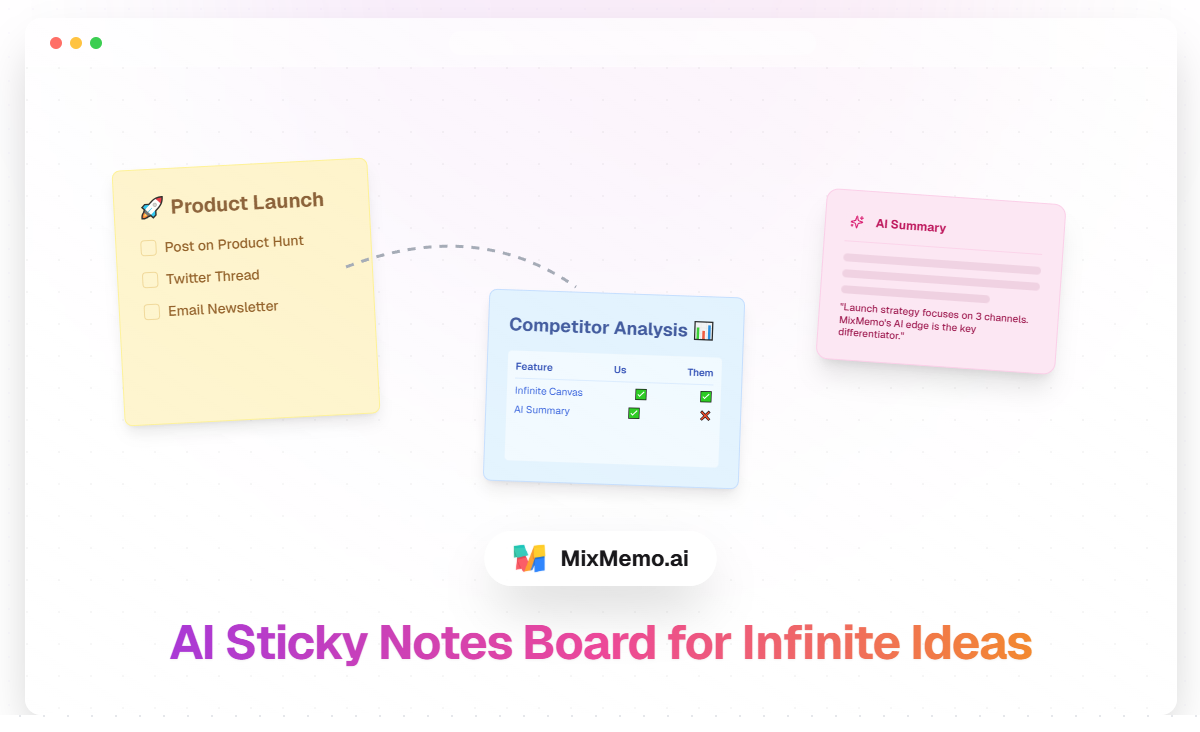
MixMemo is an infinite canvas for online sticky notes. Users click anywhere to create a note, add rich text, files, and images, and drag notes into clusters, timelines, study maps, or project boards. Notes can be exported as PNG or PDF, shared through read-only public links, and backed up with export/import. Optional AI helpers can summarize, rewrite, translate, extract action items, and turn notes into mind maps, flowcharts, timelines, or Gantt charts. It is built for students planning study material and exam prep, and for professionals who plan projects, organize research, or map workflows. Basic note taking requires no login. MixMemo stores basic notes in the browser using IndexedDB. Content is sent to the cloud only when the user chooses an action such as AI processing, public sharing, or generated asset storage. A Chrome extension brings the same sticky note experience to web browsing.
View MixMemo →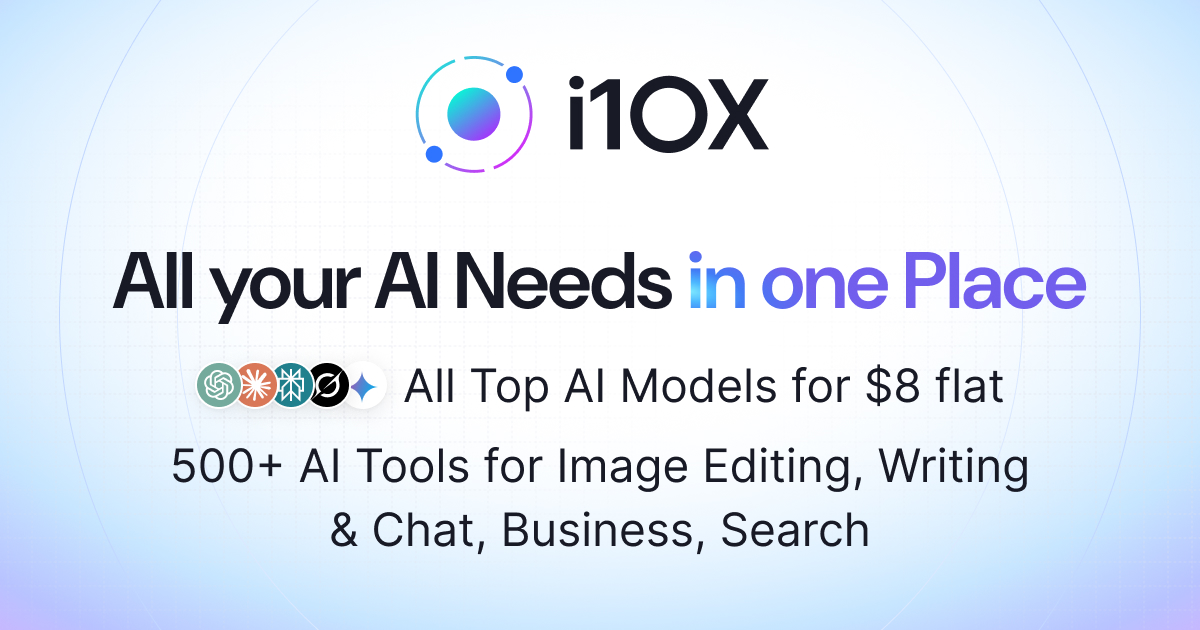
AI Agent Marketplace
i10X is an all-in-one AI Workspace designed to provide a single platform for over 500 AI tools and leading Large Language Models, including ChatGPT, Claude, Gemini, Perplexity, and Grok. Users can automate complex tasks through Workflows, build custom agents, and integrate data from sources like emails and documents. It is for both individual users and enterprise teams requiring operational efficiency. The platform supports features like content creation, image generation, and video ads, while also providing enterprise-grade security and compliance features, such as GDPR adherence. What differentiates i10X is its ability to centralize the AI stack, replacing the need to manage multiple logins and vendors. It allows users to build and scale advanced automations and workflows within one cohesive environment.
View AI Agent Marketplace →Feature Comparison
MixMemo
- •Infinite canvas with drag-to-cluster sticky notes
- •Rich text notes with images, files, and tables
- •Optional AI summaries, rewrites, and translation
- •Diagrams including mind maps, flowcharts, and Gantt charts
- •Local-first storage in browser IndexedDB
- •PNG and PDF export, read-only share links, and export/import backups
AI Agent Marketplace
- •Access to 500+ AI tools and models
- •Custom Agent Builder for automation
- •AI powered workflow integrations
- •Image and video generation
- •Data syncing across apps and documents
At a glance
| MixMemo | AI Agent Marketplace | |
|---|---|---|
| Category | Productivity | Productivity |
| Pricing | Free | Paid |
| Community Rating | No reviews | No reviews |
| Upvotes on Stremit | 47 | 207 |
| Website | mixmemo.ai ↗ | i10x.ai?fpr=pif ↗ |
MixMemo vs AI Agent Marketplace: Which is Better?
Choosing between MixMemo and AI Agent Marketplace depends on your specific needs. Both tools belong to the Productivity category, making them direct competitors. Compare their pricing, features, and user reviews above to make the best choice for your workflow.
Visit the individual tool pages for more detailed information, community reviews, and feature breakdowns.
Frequently asked questions
What is the difference between MixMemo and AI Agent Marketplace?
MixMemo: MixMemo is an infinite canvas for online sticky notes. Users click anywhere to create a note, add rich text, files, and images, and drag notes into clusters, timelines, study maps, or project boards. Notes can be… AI Agent Marketplace: i10X is an all-in-one AI Workspace designed to provide a single platform for over 500 AI tools and leading Large Language Models, including ChatGPT, Claude, Gemini, Perplexity, and Grok. Users can automate complex tasks…
Is MixMemo free?
MixMemo is listed as Free on Stremit. Check the tool's site for current plans.
Is AI Agent Marketplace free?
AI Agent Marketplace is listed as Paid on Stremit. Check the tool's site for current plans.
Are MixMemo and AI Agent Marketplace competitors?
Yes — both are Productivity tools on Stremit, so people often compare them before choosing.