Montra vs AI//COST
A detailed comparison to help you choose the right AI tool for your workflow.

Montra
Montra is a Mac app that turns what you show and say into tasks with annotated screenshots. You record your screen or take screenshots, talk through the changes you want, and draw on the screen to point out details. The result is a document with clear tasks, screenshots, and a transcript, which you can review and edit before sharing. It is built for people who give feedback to coding agents such as Claude Code, Codex, or Cursor and need to share that feedback with a team. You can connect Montra's MCP server and paste a document link so your agent can read the tasks and screenshots. Tasks can also be sent to Linear or Jira, or exported to Notion. Montra gathers visual context as you explain. In screenshot mode it captures images automatically while you talk, so you do not need to organize screenshots or write tickets by hand. A free plan includes 30 minutes of recording per month.
View Montra →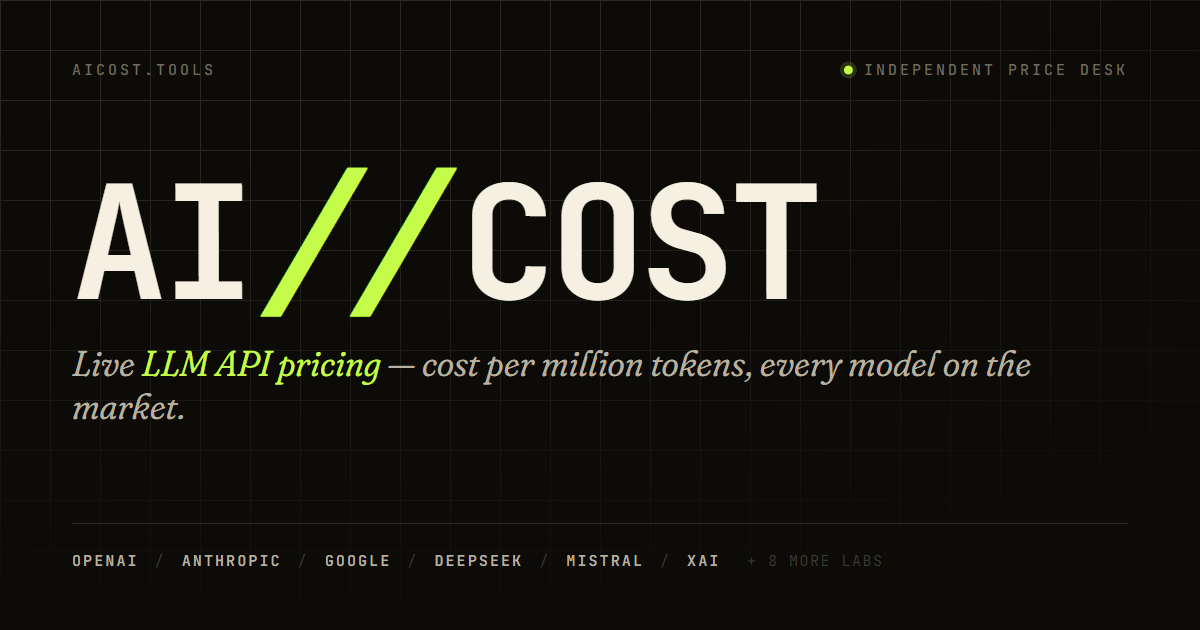
AI//COST
AI//COST is a free site for developers and teams who build with LLMs. It compares API pricing across OpenAI, Anthropic, Google and other providers, and goes beyond list price: calculators estimate what an AI agent actually costs per task or per month, accounting for prompt caching, cached-read rates, context growth and batch discounts. Side-by-side model comparisons, benchmarks and in-depth blog guides help you pick a model and keep your AI budget predictable.
View AI//COST →Feature Comparison
Montra
- •Screen recording or screenshot capture with voice narration
- •Annotate the screen during capture
- •Generates tasks, screenshots, and a transcript in one document
- •MCP server connection for Claude Code, Codex, and Cursor
- •Export tasks to Linear, Jira, or Notion
- •Shareable document links and shared workspaces on Teams and Pro
AI//COST
No features listed yet.
At a glance
| Montra | AI//COST | |
|---|---|---|
| Category | Code & Development | Code & Development |
| Pricing | Freemium | Free |
| Community Rating | No reviews | No reviews |
| Upvotes on Stremit | 58 | 0 |
| Website | app.montra.com ↗ | aicost.tools ↗ |
Montra vs AI//COST: Which is Better?
Choosing between Montra and AI//COST depends on your specific needs. Both tools belong to the Code & Development category, making them direct competitors. Compare their pricing, features, and user reviews above to make the best choice for your workflow.
Visit the individual tool pages for more detailed information, community reviews, and feature breakdowns.
Frequently asked questions
What is the difference between Montra and AI//COST?
Montra: Montra is a Mac app that turns what you show and say into tasks with annotated screenshots. You record your screen or take screenshots, talk through the changes you want, and draw on the screen to point out details. The… AI//COST: AI//COST is a free site for developers and teams who build with LLMs. It compares API pricing across OpenAI, Anthropic, Google and other providers, and goes beyond list price: calculators estimate what an AI agent…
Is Montra free?
Montra is listed as Freemium on Stremit. Check the tool's site for current plans.
Is AI//COST free?
AI//COST is listed as Free on Stremit. Check the tool's site for current plans.
Are Montra and AI//COST competitors?
Yes — both are Code & Development tools on Stremit, so people often compare them before choosing.