Motionflare vs ngram
A detailed comparison to help you choose the right AI tool for your workflow.
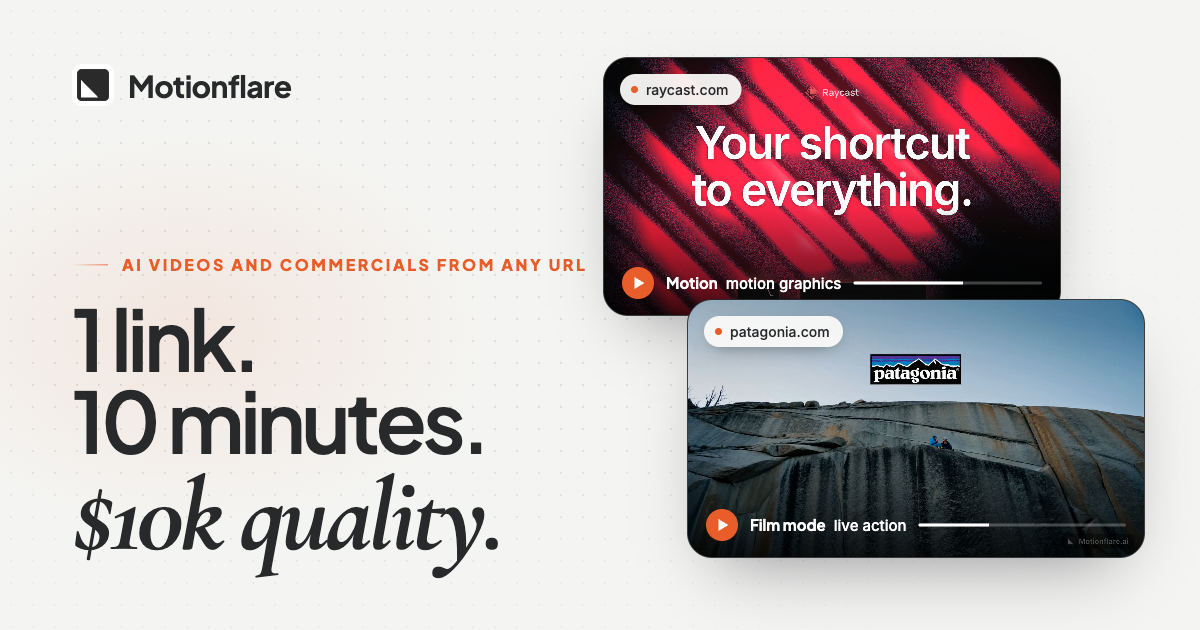
Motionflare
Motionflare is an AI video generator that turns a website URL or a one-sentence idea into a marketing, product, or ads video. It reads the page and uses the real logo, colors, copy and screenshots, then writes the script and music and returns a finished video. Motion graphics videos are built from the site's own assets, and Film mode makes live-action commercials of 5 to 45 seconds with voiceover, sound and music. It is built for founders preparing a product launch and for marketing teams that need a new video every week. Narration is optional, and feedback given in plain words changes only the part that needs it. Motionflare uses your own brand assets and interface rather than avatars or stock footage. The first video can be made and previewed free, with no credit card required. Credit packs and subscriptions unlock export without a watermark, including 1080p and 4K.
View Motionflare →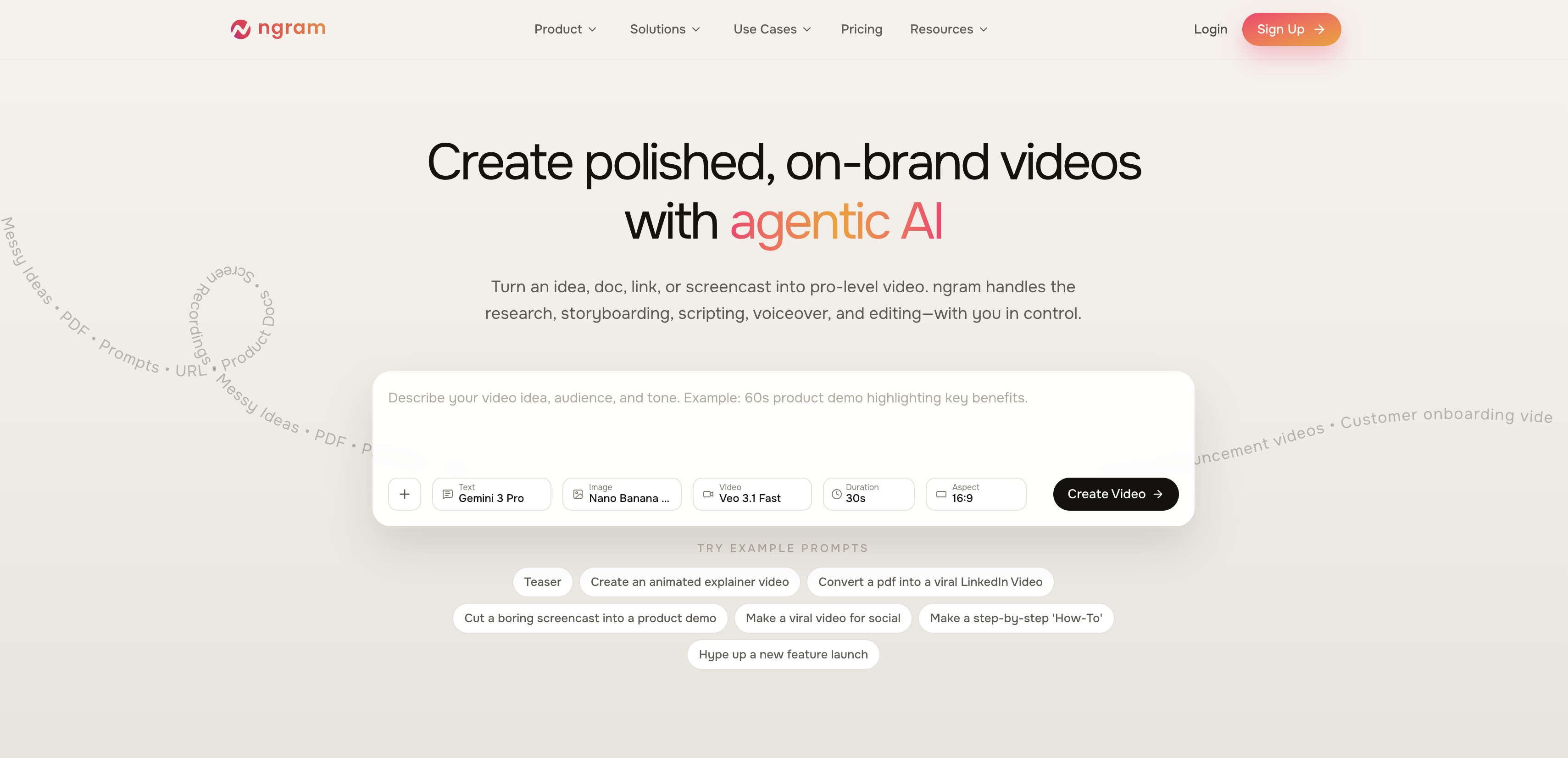
ngram
ngram is an AI video platform that turns an idea, document, slides, screenshots, a link or a screen recording into a business video. It drafts a plan and script for approval, then creates the visuals, voiceover and music. Users can request changes by chatting with ngram or edit directly in the video editor. The platform is aimed at businesses that make launch videos, explainers, product demos and training content, including onboarding for new hires. Finished videos can be uploaded or published to ngram's hosting, where each one gets its own watch page, a website embed and view analytics. A video can be replaced later while its link stays the same. ngram builds videos from material a team already has, so it does not require starting from a blank page. Optional AI avatars, voiceovers and motion graphics can be added, and the editor keeps the user in control of each scene.
View ngram →Feature Comparison
Motionflare
No features listed yet.
ngram
- •Turns docs, slides, links, screenshots or screen recordings into video
- •Drafts a plan and script for approval before generating
- •AI avatars, voiceovers, motion graphics and music
- •Chat-based editing plus a manual video editor
- •Video hosting with watch pages, website embeds and view analytics
- •Replace a hosted video without changing its link
At a glance
| Motionflare | ngram | |
|---|---|---|
| Category | Video Generation | Video Generation |
| Pricing | Freemium | Freemium |
| Community Rating | No reviews | No reviews |
| Upvotes on Stremit | 0 | 81 |
| Website | motionflare.ai ↗ | ngram.com ↗ |
Motionflare vs ngram: Which is Better?
Choosing between Motionflare and ngram depends on your specific needs. Both tools belong to the Video Generation category, making them direct competitors. Compare their pricing, features, and user reviews above to make the best choice for your workflow.
Visit the individual tool pages for more detailed information, community reviews, and feature breakdowns.
Frequently asked questions
What is the difference between Motionflare and ngram?
Motionflare: Motionflare is an AI video generator that turns a website URL or a one-sentence idea into a marketing, product, or ads video. It reads the page and uses the real logo, colors, copy and screenshots, then writes the… ngram: ngram is an AI video platform that turns an idea, document, slides, screenshots, a link or a screen recording into a business video. It drafts a plan and script for approval, then creates the visuals, voiceover and…
Is Motionflare free?
Motionflare is listed as Freemium on Stremit. Check the tool's site for current plans.
Is ngram free?
ngram is listed as Freemium on Stremit. Check the tool's site for current plans.
Are Motionflare and ngram competitors?
Yes — both are Video Generation tools on Stremit, so people often compare them before choosing.