Napkin vs southparkmaker
A detailed comparison to help you choose the right AI tool for your workflow.
Napkin
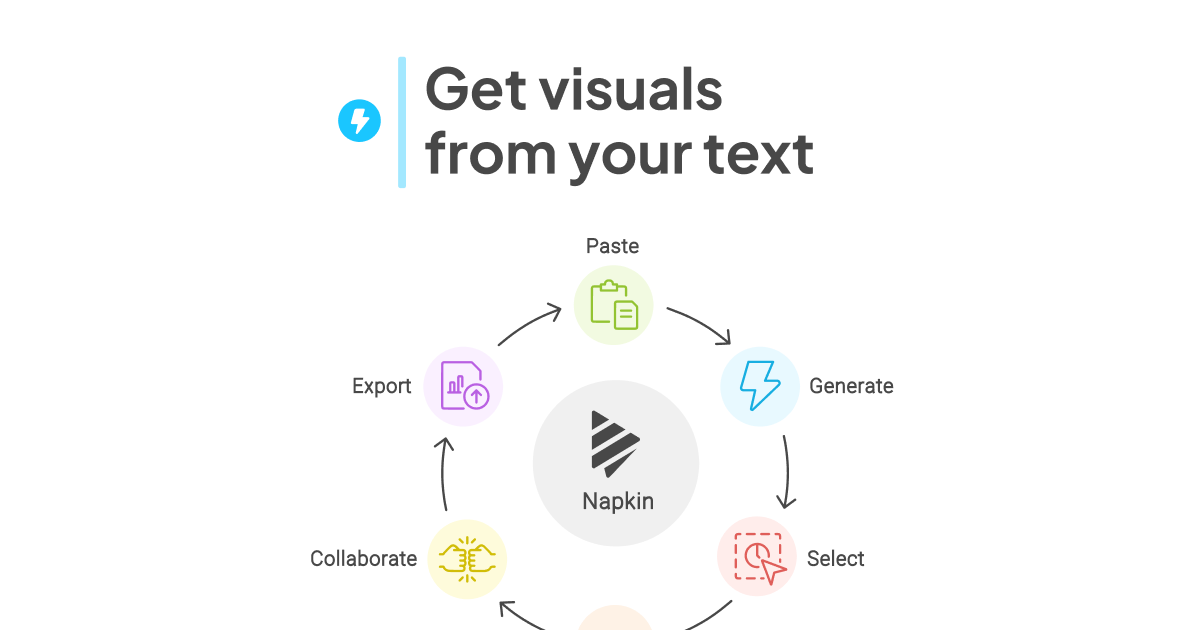
Napkin turns text into visuals. It creates presentation-ready slide decks, mind maps, flowcharts, and editable data charts from written ideas or data. It also offers an API for generating visuals at scale inside an existing workflow. Visual generation uses AI credits, with roughly one credit charged per word selected. The tool is aimed at individuals and small teams, dedicated visual creators and planners, and large teams and organizations with heavy visual needs. The free plan includes 500 AI credits per week, unlimited visual editing, file import from PPT, DOC, PDF, HTML, and MD, and unlimited PNG and PDF export. Visuals on that plan carry Napkin branding. Paid plans add more AI credits, premium AI image models, PPT and SVG export, brand styles, and removal of Napkin branding. The site says self-serve accounts may use anonymized interaction data to improve its AI, with an opt-out available, and that enterprise customer data is not used for training. Napkin states it is SOC 2 Type II compliant and ISO 27001 certified.
View Napkin →
southparkmaker
South Park Character Maker is an easy-to-use browser-based avatar creation tool inspired by a recognizable paper-cut cartoon aesthetic. Users can start from an editable preset and personalize hairstyles, skin tones, hats, clothing, accessories, facial expressions, moods, and backgrounds. The manual builder requires no account or drawing skills. Designs can use transparent backgrounds and be downloaded as 1024×1024 PNG files or scalable SVG files for profile pictures, stickers, presentations, cards, and creative projects. An optional AI generator is also available with an account and credits.
View southparkmaker →Feature Comparison
Napkin
- •Text-to-slide deck creation
- •Mind maps and flowcharts from text
- •Editable data charts
- •Unlimited PNG and PDF export on free plan
- •API for automated visual generation
- •SOC 2 Type II and ISO 27001 compliance
southparkmaker
No features listed yet.
At a glance
| Napkin | southparkmaker | |
|---|---|---|
| Category | Design & UI | Design & UI |
| Pricing | Freemium | Freemium |
| Community Rating | No reviews | No reviews |
| Upvotes on Stremit | 78 | 0 |
| Website | napkin.ai ↗ | southparkmaker.com ↗ |
Napkin vs southparkmaker: Which is Better?
Choosing between Napkin and southparkmaker depends on your specific needs. Both tools belong to the Design & UI category, making them direct competitors. Compare their pricing, features, and user reviews above to make the best choice for your workflow.
Visit the individual tool pages for more detailed information, community reviews, and feature breakdowns.
Frequently asked questions
What is the difference between Napkin and southparkmaker?
Napkin: Napkin turns text into visuals. It creates presentation-ready slide decks, mind maps, flowcharts, and editable data charts from written ideas or data. It also offers an API for generating visuals at scale inside an… southparkmaker: South Park Character Maker is an easy-to-use browser-based avatar creation tool inspired by a recognizable paper-cut cartoon aesthetic. Users can start from an editable preset and personalize hairstyles, skin tones,…
Is Napkin free?
Napkin is listed as Freemium on Stremit. Check the tool's site for current plans.
Is southparkmaker free?
southparkmaker is listed as Freemium on Stremit. Check the tool's site for current plans.
Are Napkin and southparkmaker competitors?
Yes — both are Design & UI tools on Stremit, so people often compare them before choosing.