Sim vs Linked Helper
A detailed comparison to help you choose the right AI tool for your workflow.
Sim
Sim is an open-source AI workspace designed for companies to build, distribute, and govern AI agents across their entire organization. Teams can create and deploy agents using a visual canvas, conversational prompts, or code, connecting to over 270 integrations and every major LLM. It is for organizations needing a central, scalable platform to manage AI complexity. Sim provides robust centralized governance, allowing control over access, spending limits, and data from a single workspace. This centralized control is crucial for enterprise scalability. The platform is built with enterprise readiness in mind, offering features like permission groups, spend controls, audit records, and the capability to run entirely in your own cloud via self-hosting with Docker or Kubernetes. It maintains certifications including SOC 2 Type II and ISO 27001.
View Sim →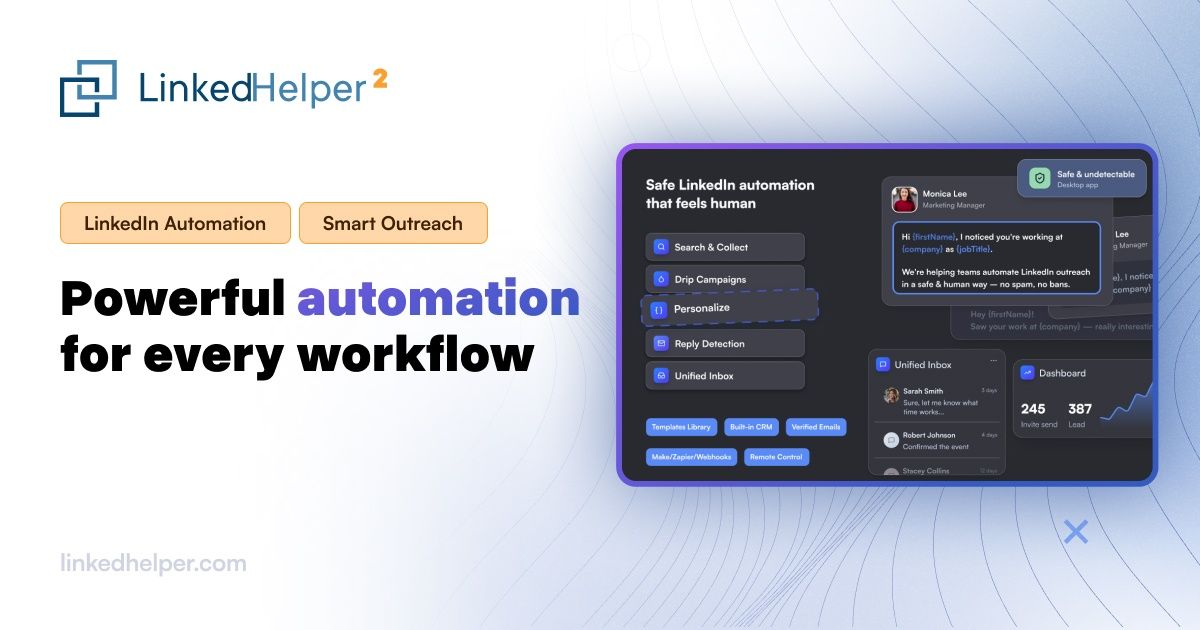
Linked Helper
Linked Helper is LinkedIn automation software that runs as a desktop app. It automates connection invites, follow-ups, profile visits and data export, and its built-in AI writes personalized messages and qualifies leads against an Ideal Customer Profile. The tool is aimed at sales and outreach teams that run lead generation on LinkedIn. Users can manage contacts in a native CRM, sort leads with custom tags, and build drip campaigns with reply detection. It works with free Basic and Premium LinkedIn accounts, and can process leads across LinkedIn, Sales Navigator, Recruiter and Talent. The site states that Linked Helper is a desktop app, not a Chrome extension, and that no code is injected into the LinkedIn page. It includes smart daily limits, rolling 24-hour caps, work hours, randomized delays, and a dedicated IP per profile. A 14-day free trial is offered.
View Linked Helper →Feature Comparison
Sim
- •270+ integrations
- •Every major LLM support
- •Self-hosting (Docker/Kubernetes)
- •Central governance and control
- •Permission groups and spend limits
Linked Helper
- •AI-personalized connection invites and follow-up messages
- •ICP detection that filters leads before outreach
- •Built-in CRM with custom tags and advanced search
- •Drip campaigns with built-in reply detection
- •Smart daily limits, randomized delays, and dedicated IP per profile
- •Works with free Basic and Premium LinkedIn accounts
At a glance
| Sim | Linked Helper | |
|---|---|---|
| Category | Automation | Automation |
| Pricing | Contact for Pricing | Free Trial |
| Community Rating | No reviews | No reviews |
| Upvotes on Stremit | 89 | 46 |
| Website | sim.ai ↗ | linkedhelper.com ↗ |
Sim vs Linked Helper: Which is Better?
Choosing between Sim and Linked Helper depends on your specific needs. Both tools belong to the Automation category, making them direct competitors. Compare their pricing, features, and user reviews above to make the best choice for your workflow.
Visit the individual tool pages for more detailed information, community reviews, and feature breakdowns.
Frequently asked questions
What is the difference between Sim and Linked Helper?
Sim: Sim is an open-source AI workspace designed for companies to build, distribute, and govern AI agents across their entire organization. Teams can create and deploy agents using a visual canvas, conversational prompts, or… Linked Helper: Linked Helper is LinkedIn automation software that runs as a desktop app. It automates connection invites, follow-ups, profile visits and data export, and its built-in AI writes personalized messages and qualifies leads…
Is Sim free?
Sim is listed as Contact for Pricing on Stremit. Check the tool's site for current plans.
Is Linked Helper free?
Linked Helper is listed as Free Trial on Stremit. Check the tool's site for current plans.
Are Sim and Linked Helper competitors?
Yes — both are Automation tools on Stremit, so people often compare them before choosing.